 Radbin
The short answer: use Photoshop's own AI for quick fills, removals and upscales on a selection; an AI plugin when you want another model or a one-click tool for a job like skin or upscaling; and an AI agent, Claude or ChatGPT connected through MCP, when you want a whole edit or a design done from a description, in layers you can change.
Full disclosure: I make Radbin, which is both a plugin and the connector for AI agents, so I've marked it wherever it appears. Every guide linked below shows real results.
The three ways, compared
| Photoshop's own AI | AI plugins | AI agents through MCP | |
|---|---|---|---|
| What it is | Adobe's features, in the menus and tools | Panels that add other models and one-click tools | Claude, ChatGPT or Gemini using Photoshop's tools for you |
| You give it | A selection and a short prompt | A click, a selection or a prompt | A description of the whole job |
| Best for | Fills, removals, upscales, relighting | Specialist jobs: skin, upscaling, image models | Whole edits, designs, batches |
| Cost | Generative credits from your plan | Each plugin's own price | Your AI app's plan, plus credits for AI models |
1. Photoshop's own AI
Photoshop 2027, version 28.0, came out on 10 November 2026. Its AI features: Generative Fill and Expand, with partner models from Google and Black Forest Labs; the Remove tool, now with Remove related elements; Generative Upscale; Relight; and Generative Restyle. Denoise and Camera Raw's Remove Blemishes are AI too, and free. Since the summer's 27.10 update, an AI Assisted mode lets you describe an edit in words, and Adobe's AI Assistant, powered by its Creative Agent, is in the Photoshop beta app.
The generative ones use generative credits. My test of each, with what it cost: Photoshop 2027 new features, and every feature's price: Photoshop generative credits explained.
2. AI plugins
Plugins bring in what Adobe doesn't have: other image models such as Nano Banana, GPT Image and FLUX, specialist upscalers, and one-click tools for skin, restoring and relighting. Ten of them compared on what each does best and what a result costs, two of them mine: the best AI plugins for Photoshop. Which image model to pick for which job: which AI image model is best.
3. AI agents: Claude, ChatGPT and Gemini
The newest way. An AI agent connected to Photoshop through MCP looks at your photo, plans the edit and does it with Photoshop's own tools, in named layers, while you watch. You ask in plain words: “retouch this portrait, keep it natural”, or “make a poster from this photo”.
- How to connect Claude to Photoshop: free plan, step by step.
- How to connect ChatGPT to Photoshop: a paid plan, and Adobe's own Photoshop app in ChatGPT.
- How to connect Gemini to Photoshop: the three ways.
- Claude Code and Photoshop: batches from a folder.
- Photoshop MCP servers, compared: Adobe's, open source and Radbin.
- The prompts that worked, word for word.
Guides by job
Each one compares the ways to do it, Photoshop's own and AI, on real photos:
- Retouch skin and keep the texture
- Upscale an image
- Upscale a low-res portrait to 4K
- Remove objects
- Fix a blurry photo
- Restore old photos
- Relight a photo
- Day to night
- Rim light, and the halo
- A professional headshot from a selfie
- A portrait on black or white
- Nano Banana 2.1 in Photoshop
Design jobs
An AI agent in Photoshop designs as well as it edits: pages, posters and thumbnails, in live type and shapes you can change.
- Web design: a portfolio homepage ChatGPT built in Photoshop.
- Posters and flyers: a phone photo into a Christmas poster.
- YouTube thumbnails: a 3D world, a cartoon me and a badge.
- Virtual staging: an empty office, furnished for day and evening.
- Business cards: front, back and a mockup, in under 5 minutes.
- Brochures: a tri-fold, outside and inside.
- Catalogs: a furniture catalog cover and spread, with AI photos that match.
- Mobile app screens: two screens in SF Pro, about 100 layers.
- Product labels: an orange juice label on an AI-made bottle, and a honey jar label.
- Automation: actions, batch and AI agents.
What's coming
Adobe has announced its own way for outside agents to work in Photoshop files, which it calls local MCP integrations. They start as a private beta in early 2027. Its AI Assistant is in the Photoshop beta app now. Until those arrive for everyone, MCP connectors such as Radbin are how Claude and ChatGPT work in Photoshop.
Connect your AI app to Photoshop, free
Radbin gives Claude, ChatGPT and other AI apps Photoshop's own tools and a playbook of how a professional edits. Connecting is free, and a free account adds 40 credits for Radbin's AI models.
Watch Radbin on YouTube
Real tests and tutorials, inside Photoshop and Premiere. See the whole channel.
 21:44Photoshop 2027 new features vs Radbin
 19:57Claude Opus 5.5 edits my video in Premiere Pro
 16:20GPT Image 2.6 in Photoshop: images, vectors and GIFs
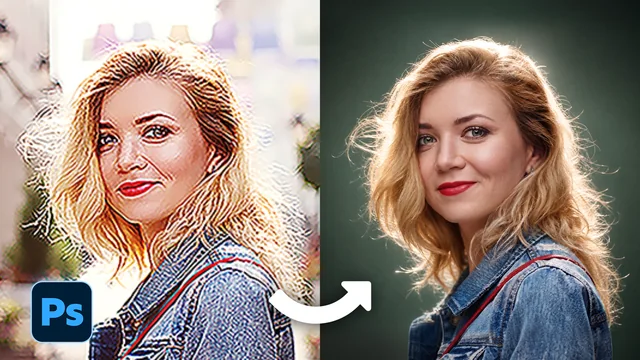 7:37Upscale a low res portrait to 4K in Photoshop
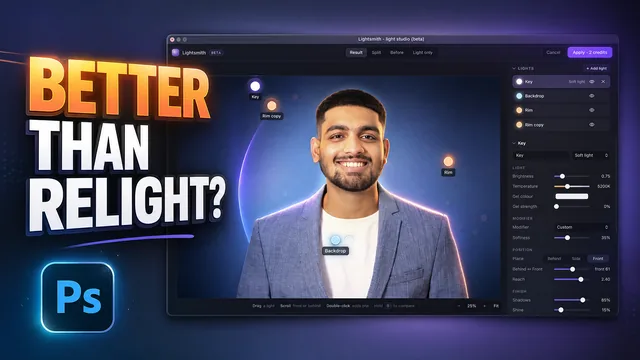 19:25Relight any photo in Photoshop with AI
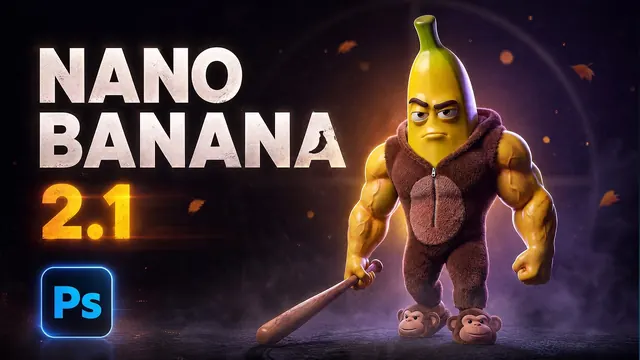 20:03Nano Banana 2.1 vs GPT Image 2 and FLUX 3: ten tests
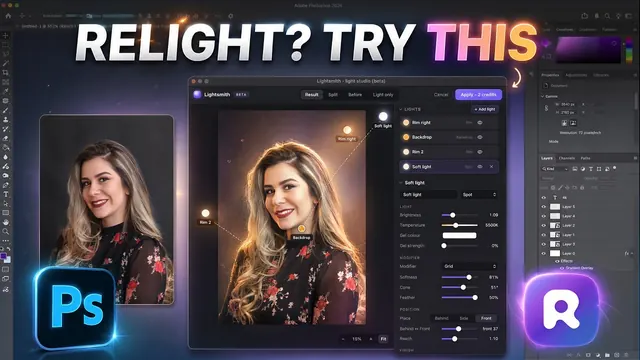 14:31Photoshop Relight vs Radbin Lightsmith
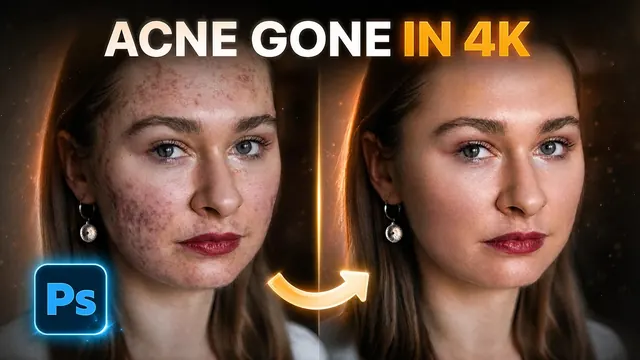 10:24Retouch skin without losing the texture
 9:28Every Radbin tool in 9 minutes
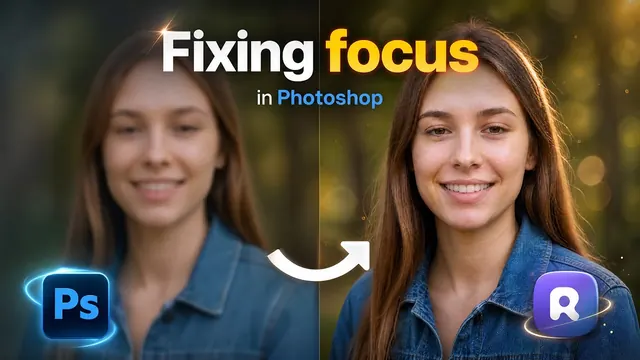 9:50Fix the focus of any photo after it was taken
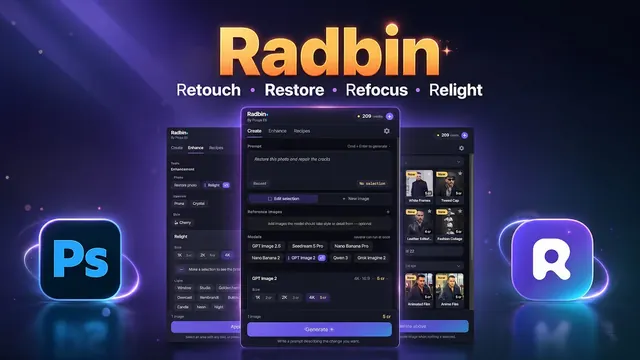 1:43Radbin changes only what you ask