 Radbin
Restore. Relight.
Refocus. Retouch.
One click, inside Photoshop.
The best AI image models, as named tools on a Photoshop panel. No prompts, no API keys. Every result lands as a layer.
Cancel anytime · Charged only for results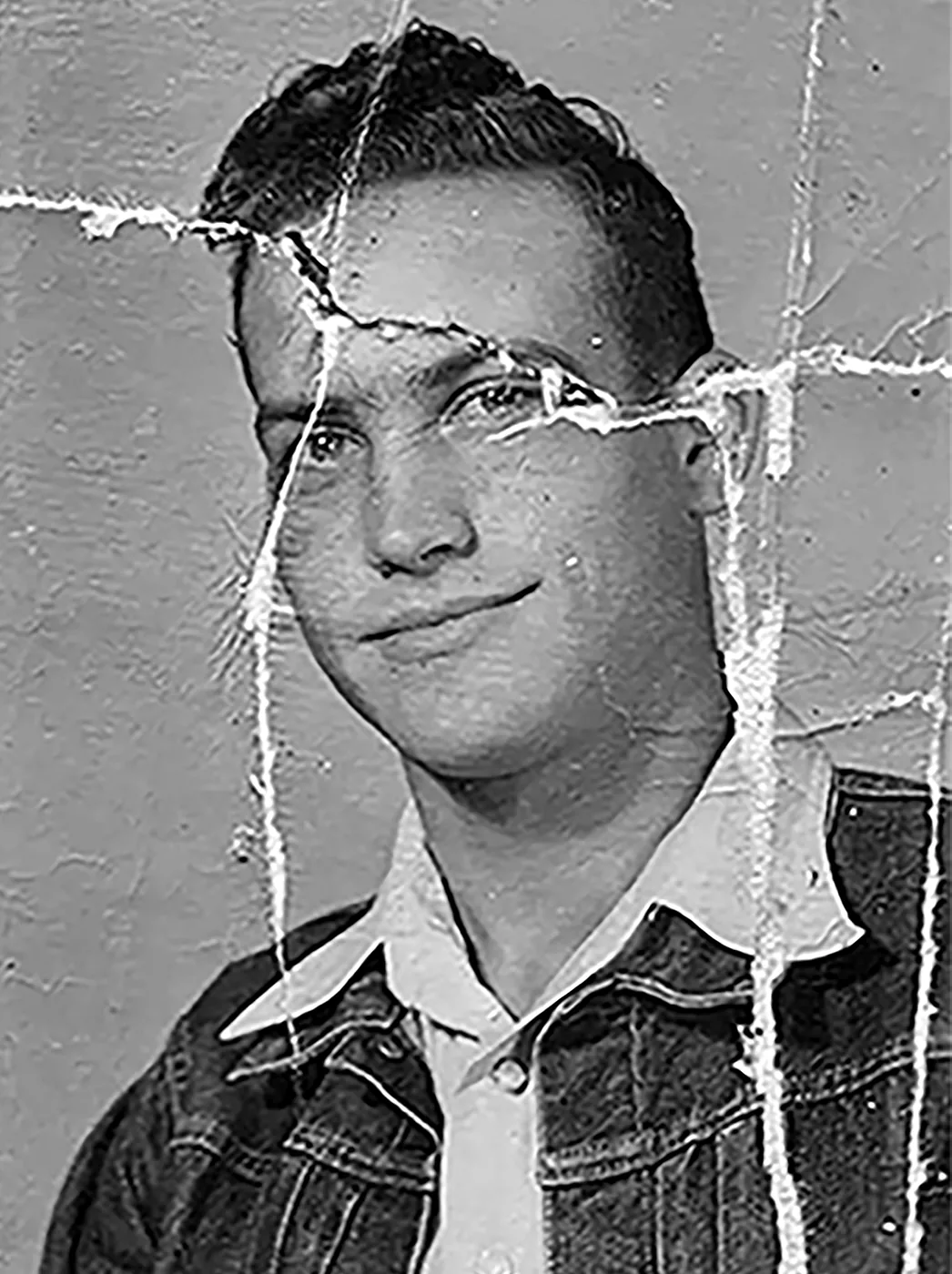
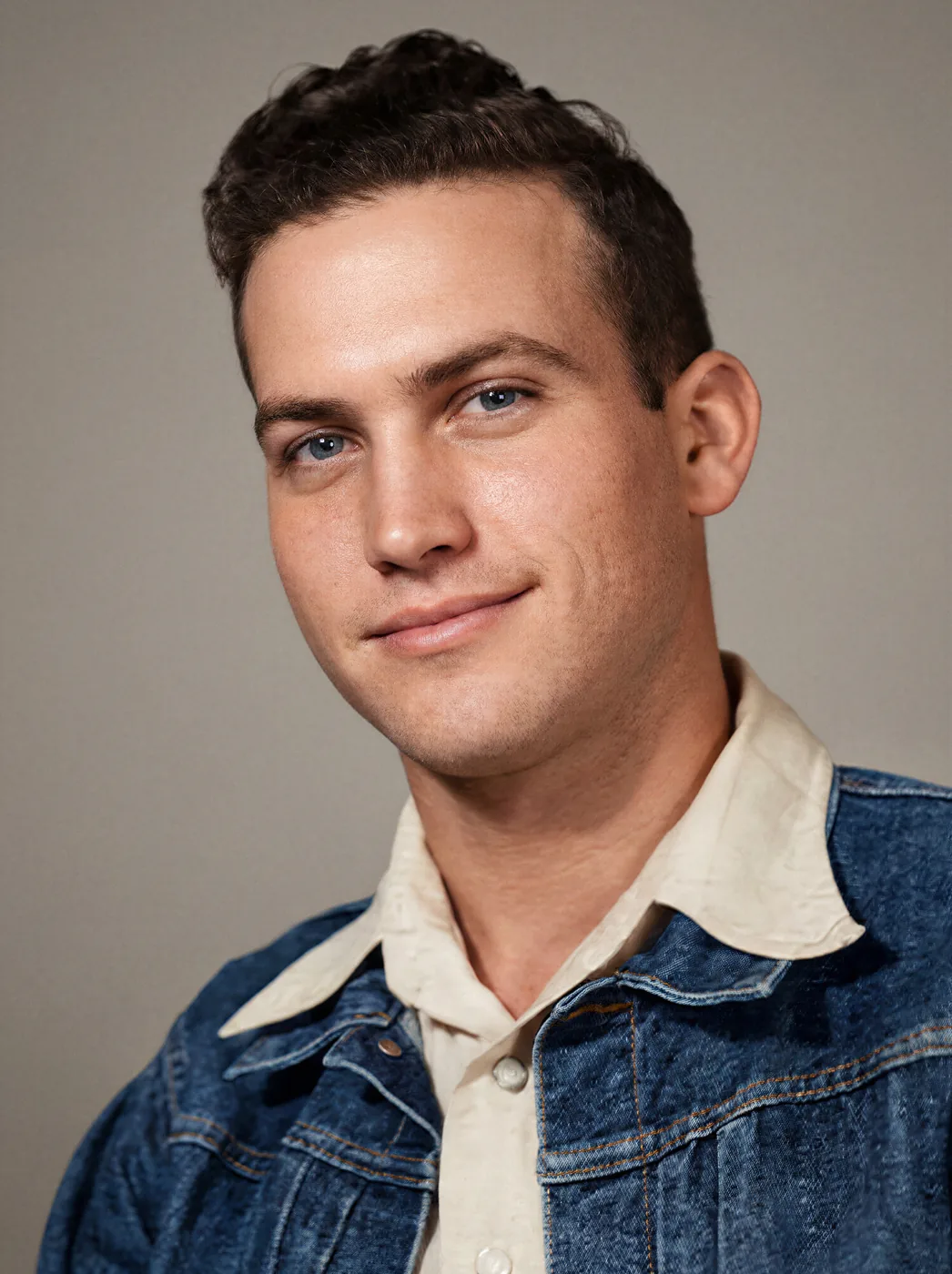 BeforeAfter
- Nano Banana 2.1
- FLUX 3
- GPT Image 2.5
- Nano Banana Pro
- Seedream 5 Pro
Your photos in Photoshop. Your videos in Premiere.
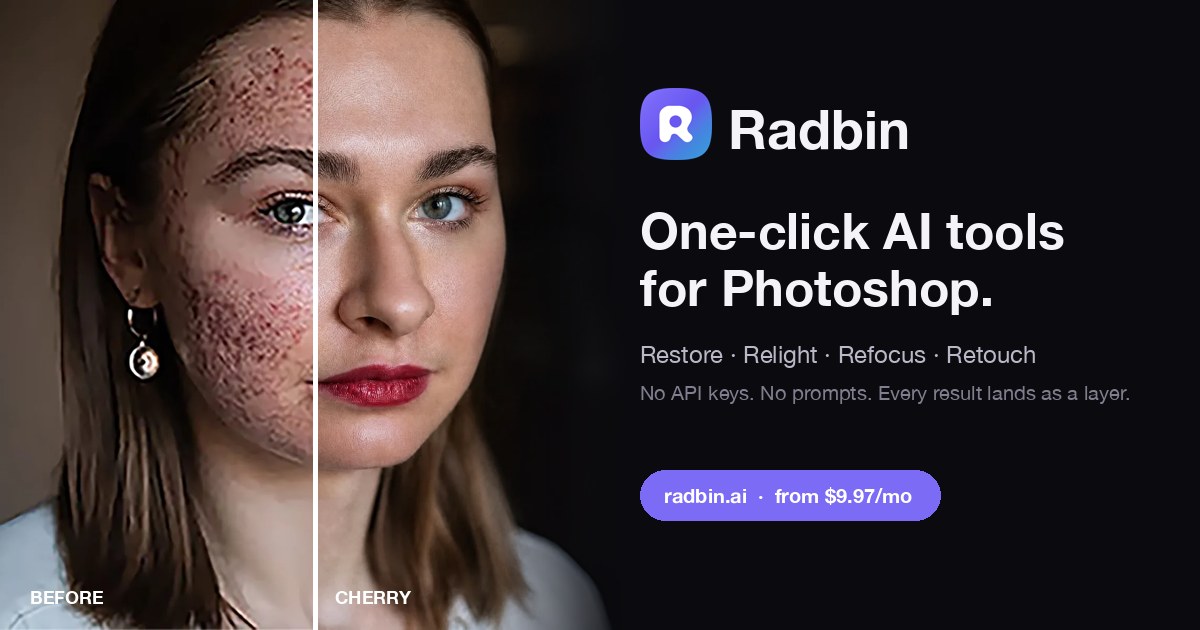
Restore, relight, retouch.
14 one-click tools, 48 recipes and eleven image models. Every result lands as a layer.
See the tools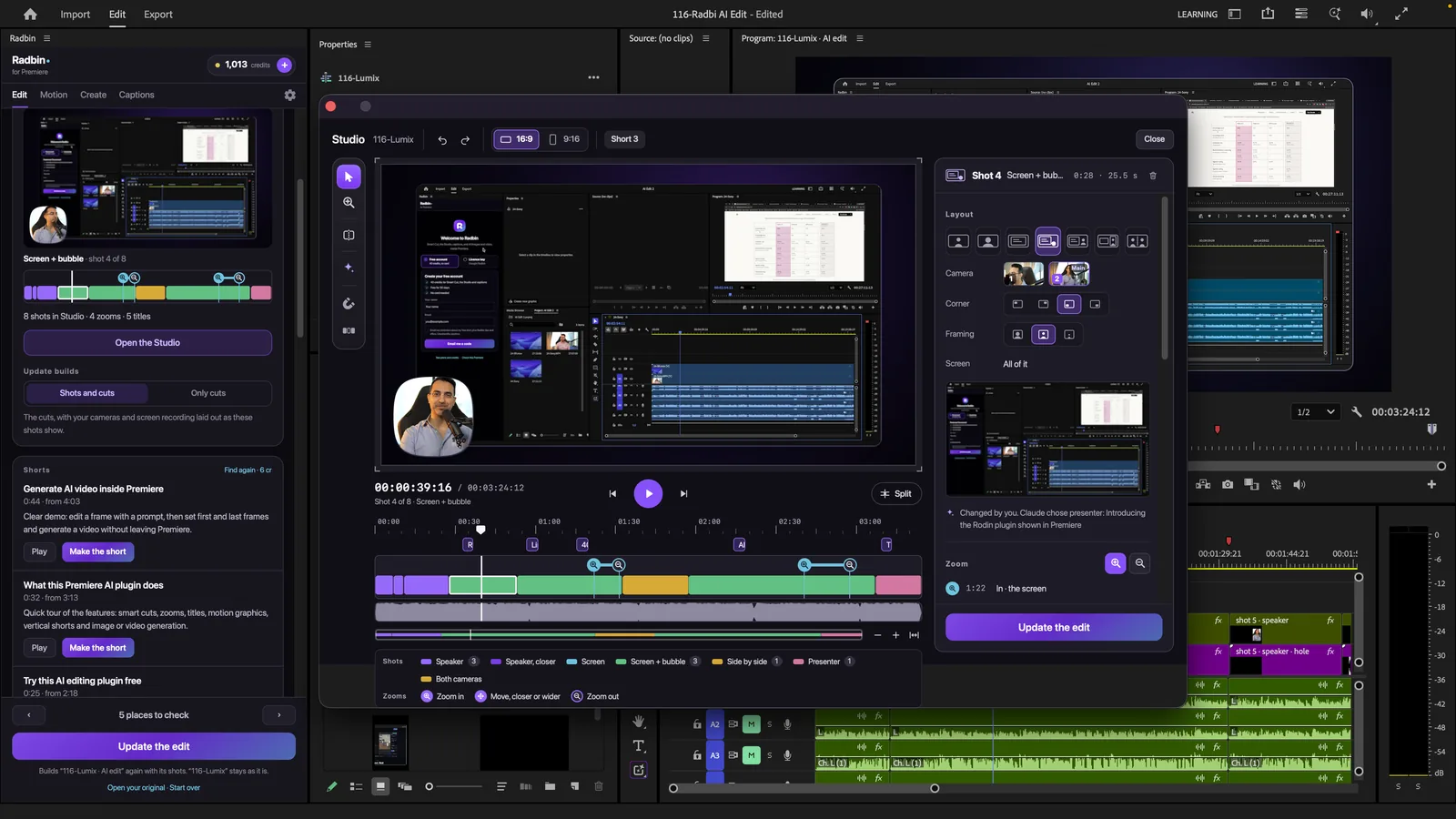
Your video, edited by AI.
Retakes and long pauses out. Shots, zooms, titles and captions in. Try it free with 40 credits.
See Radbin for PremiereOne key, one balance, both apps. Already have Radbin? Premiere is included.
Fixed. Not replaced.
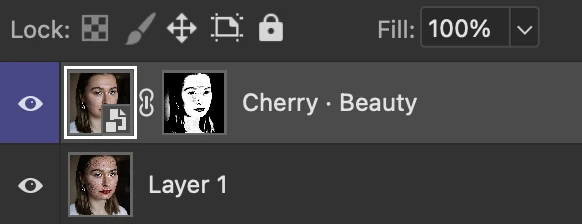
Most AI hands you a different picture. Radbin changes only what you asked for and leaves the rest of your photo alone.
Select. Click. It lands as a layer.
14 tools. 11 models. 48 looks. One panel.
Named tools for one click. The best generators for when you want to type. New ones arrive on our side.
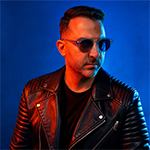

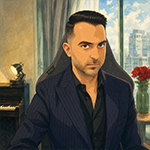

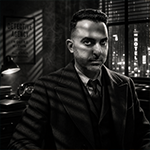


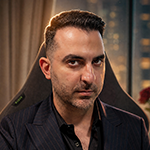
Four kinds of damage. One click each.
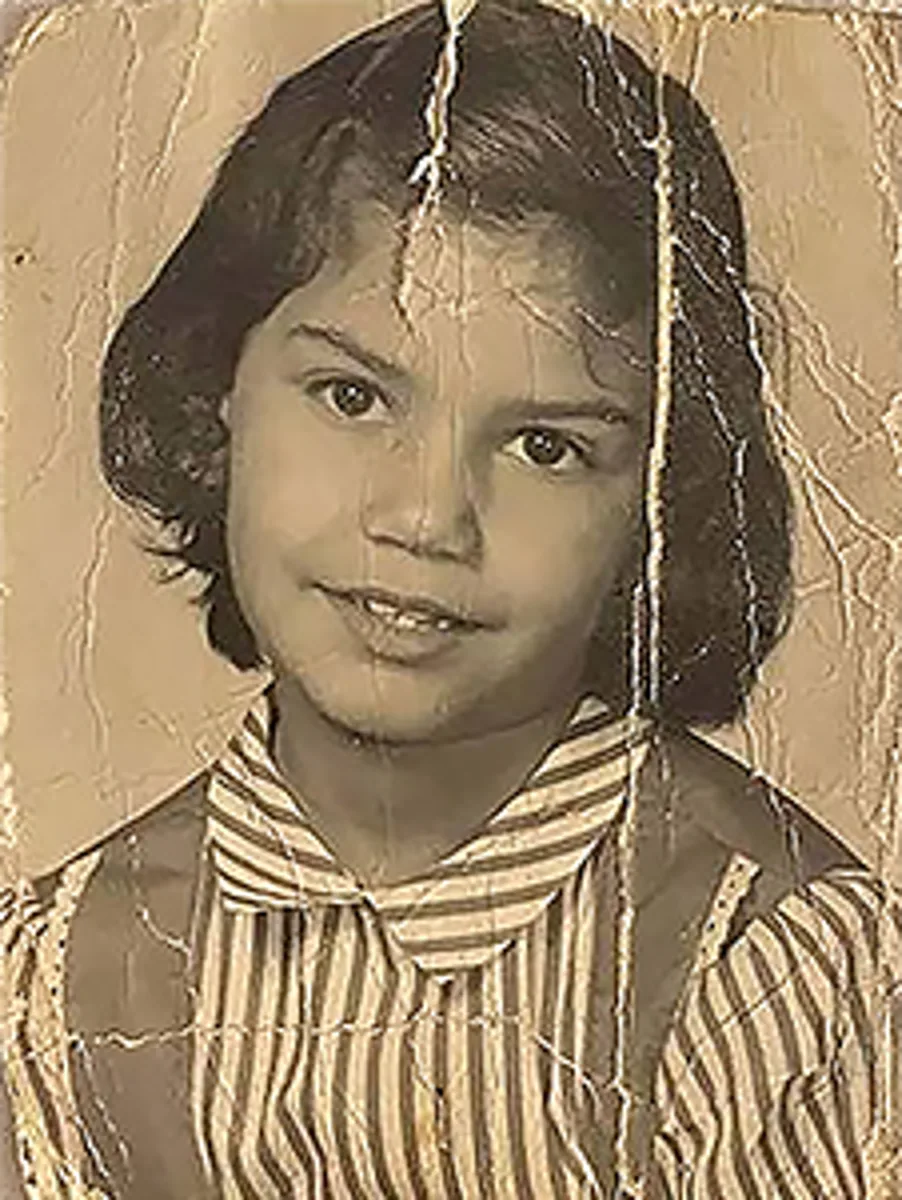
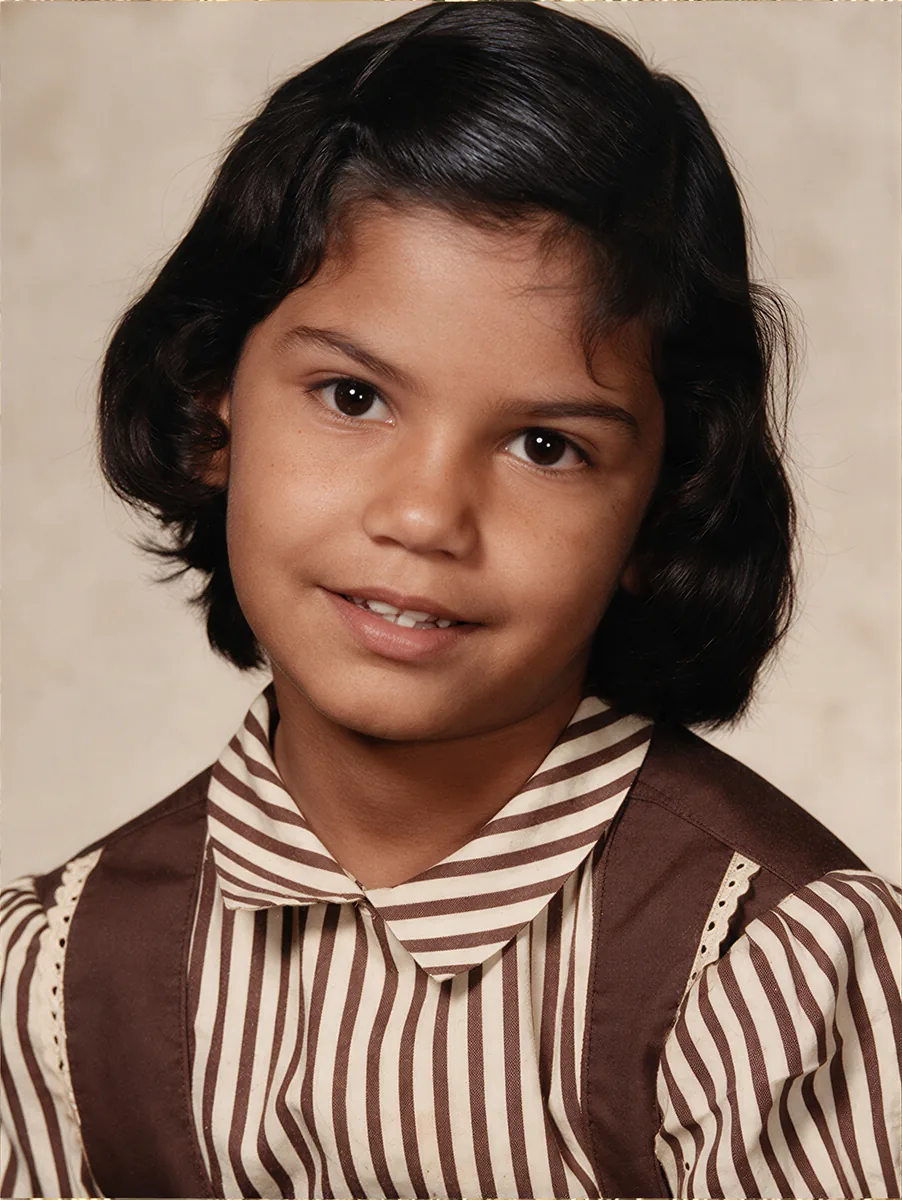 BeforeAfter
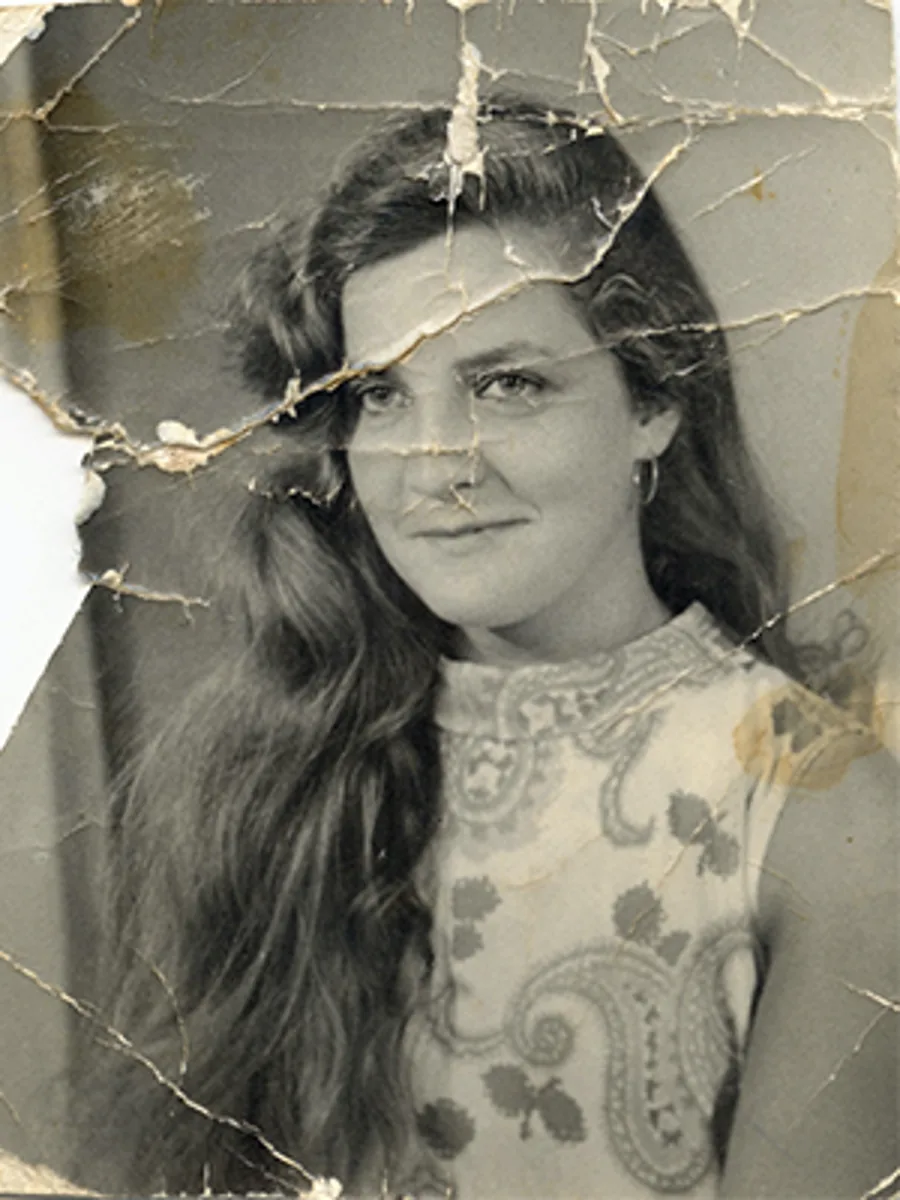
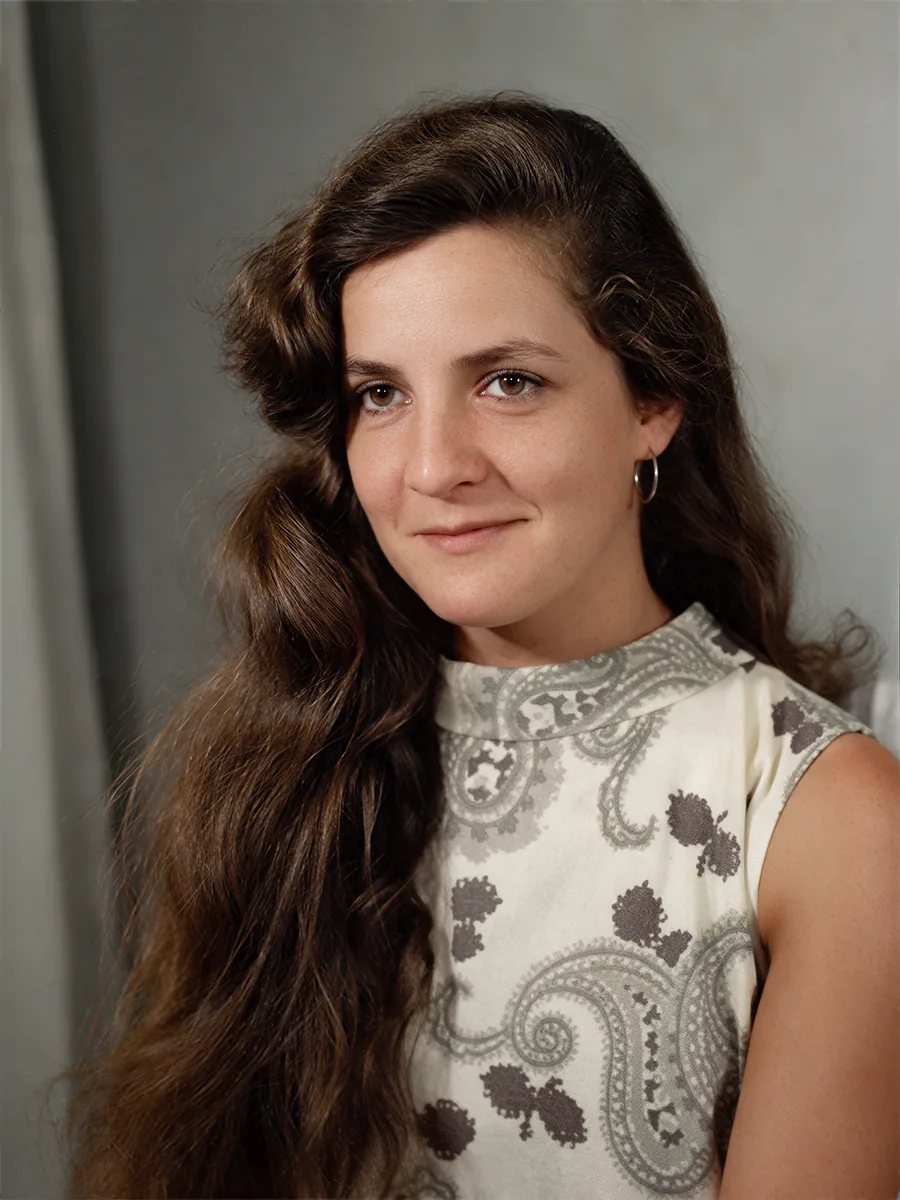 BeforeAfter
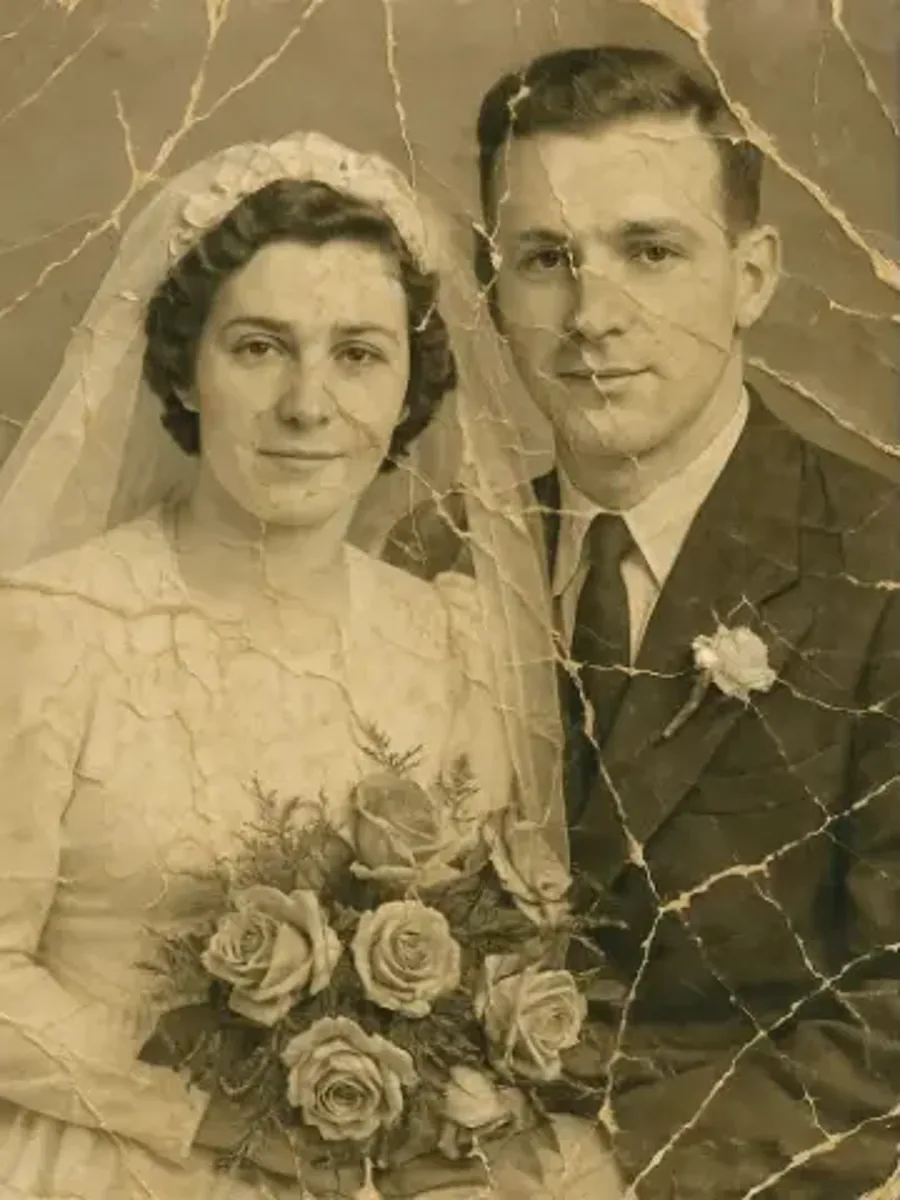
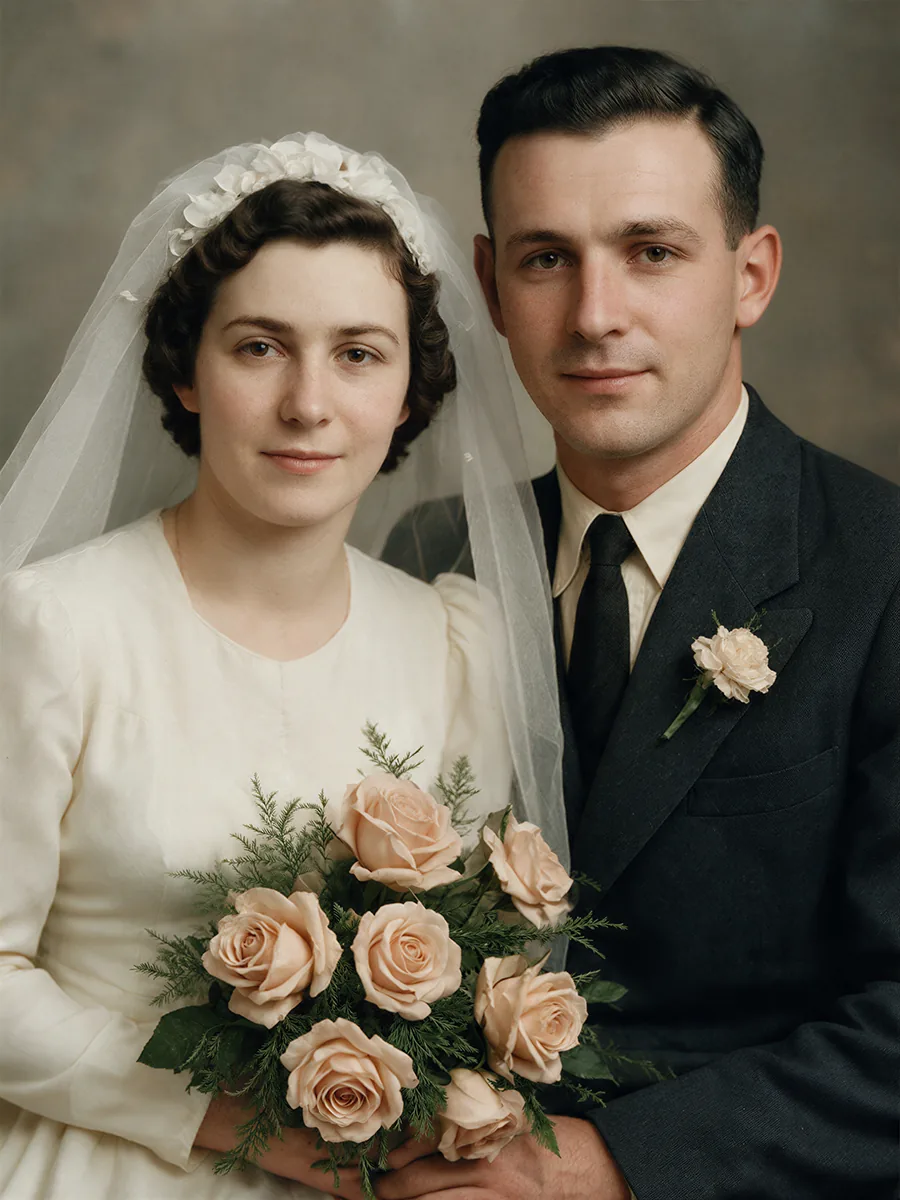 BeforeAfter
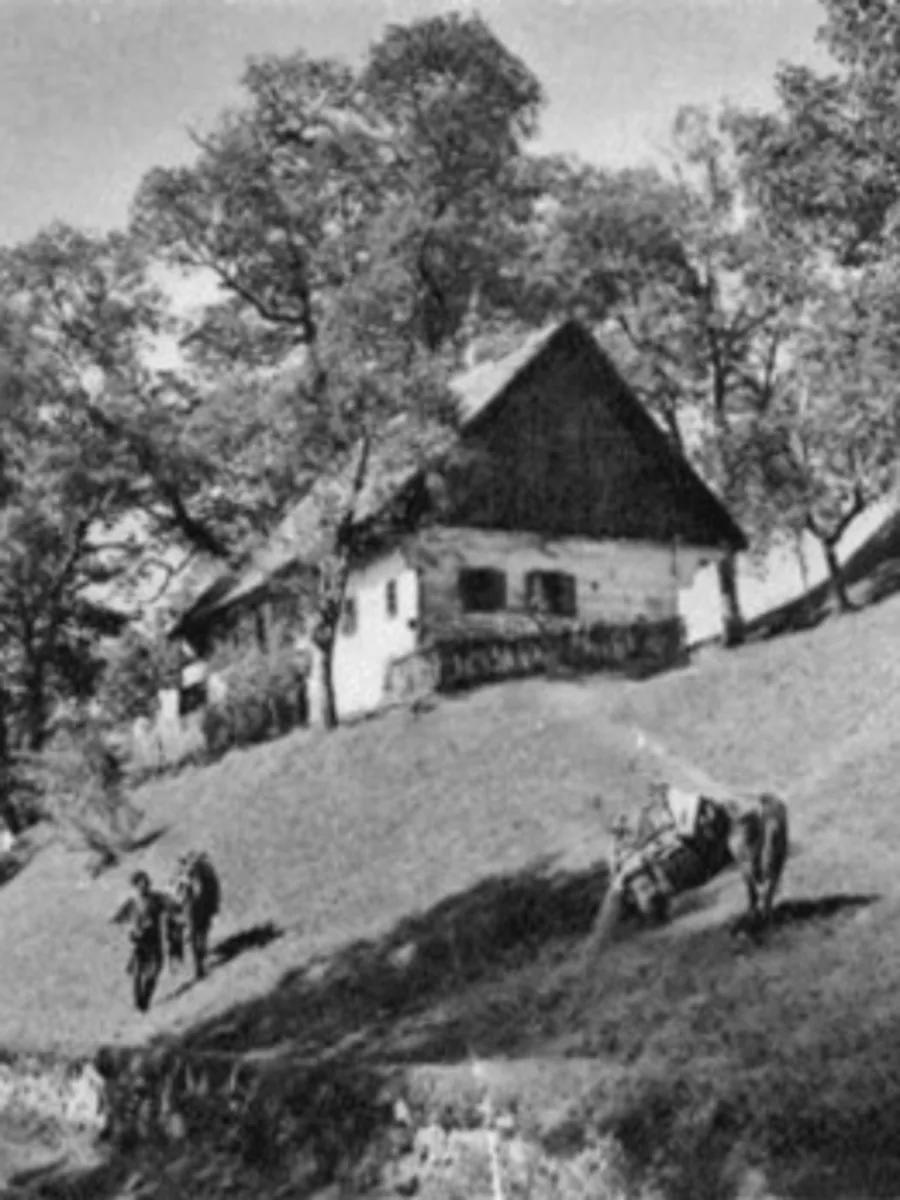
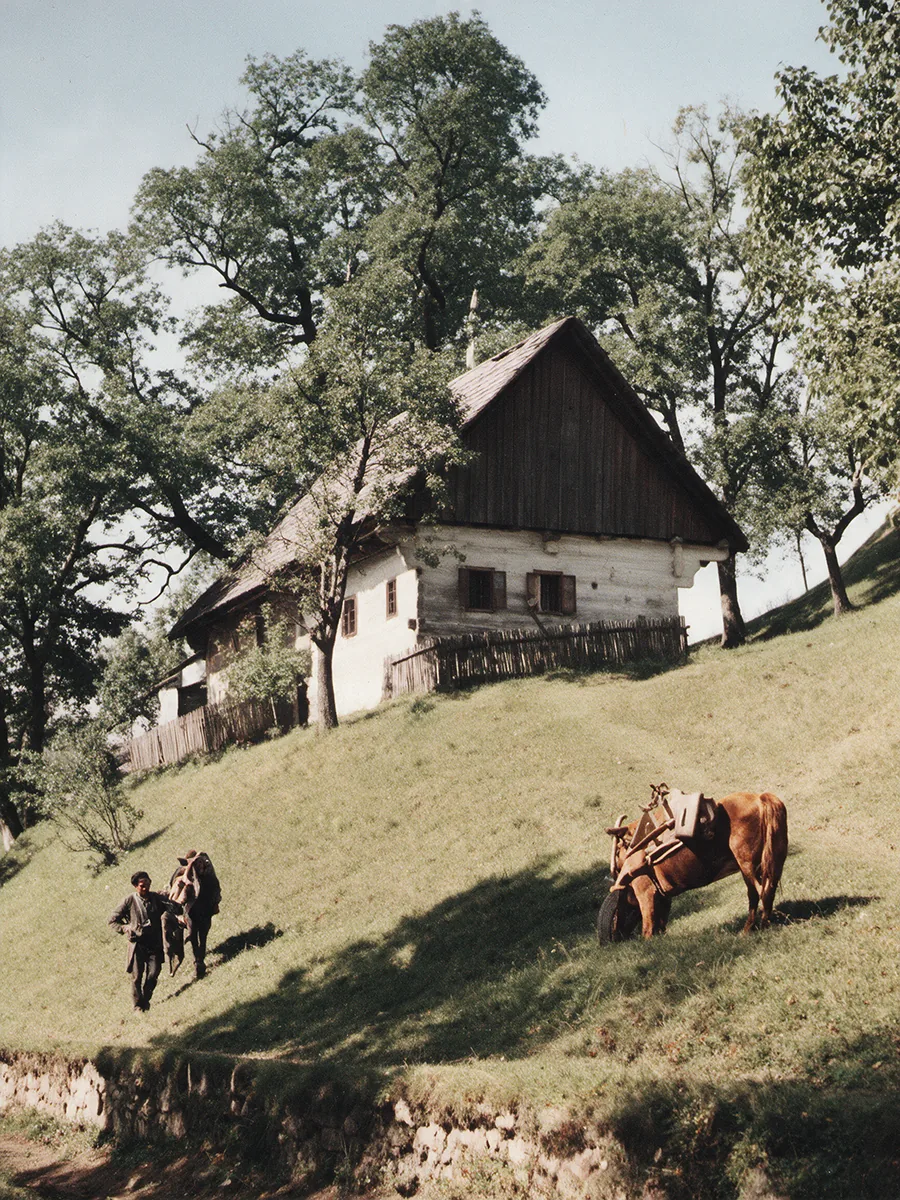 BeforeAfter
Real results, 4 credits each. Drag any handle.
Decide the focus after the shot.
Click what should be sharp. The rest falls off the way a real lens would, and your subject keeps its own pixels.
- 1Select the subject
- 2Set the focus point
- 3Pick the blur, or a lens and an aperture





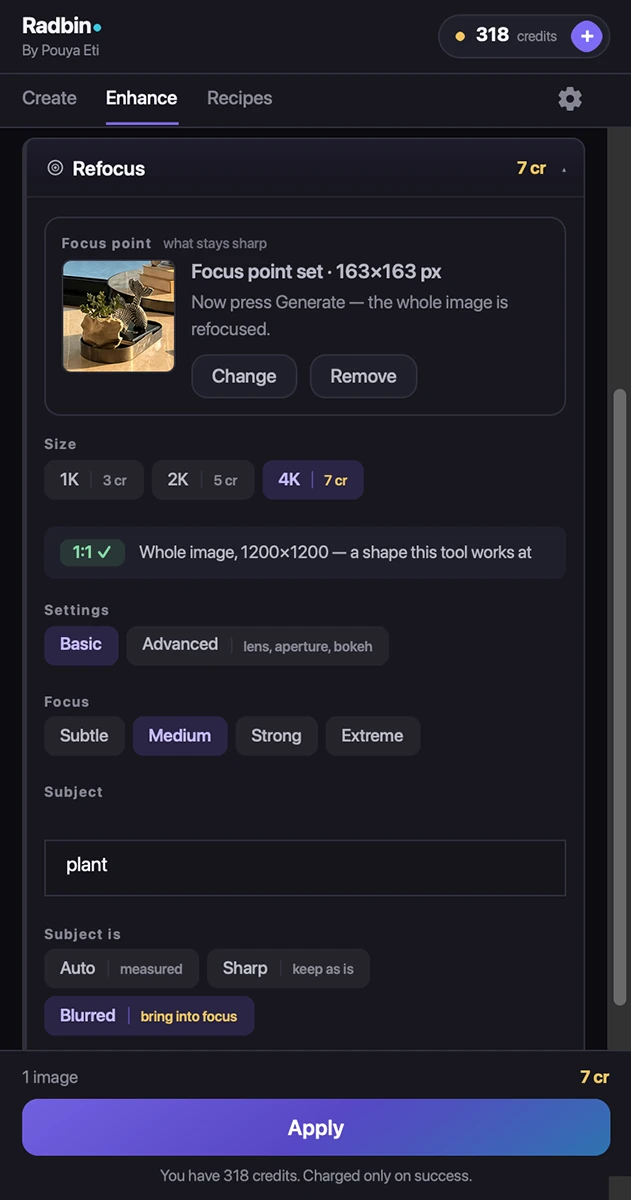
Real results. Click a spot on the photo.
Light the room again. Nothing moves.
Pick a light. The whole scene is lit again, shadows and all, and everything in it stays exactly where it was.
- 1Choose a light: sun, window, studio, night and eight more
- 2Say where it comes from, how warm, how strong
- 3Your photo's own detail stays: wood, fabric, skin
New: place the lights yourself. Lightsmith is a live light studio on the same tab. Drag studio lights round your photo and watch the light move. Free to try, 2 credits to apply.
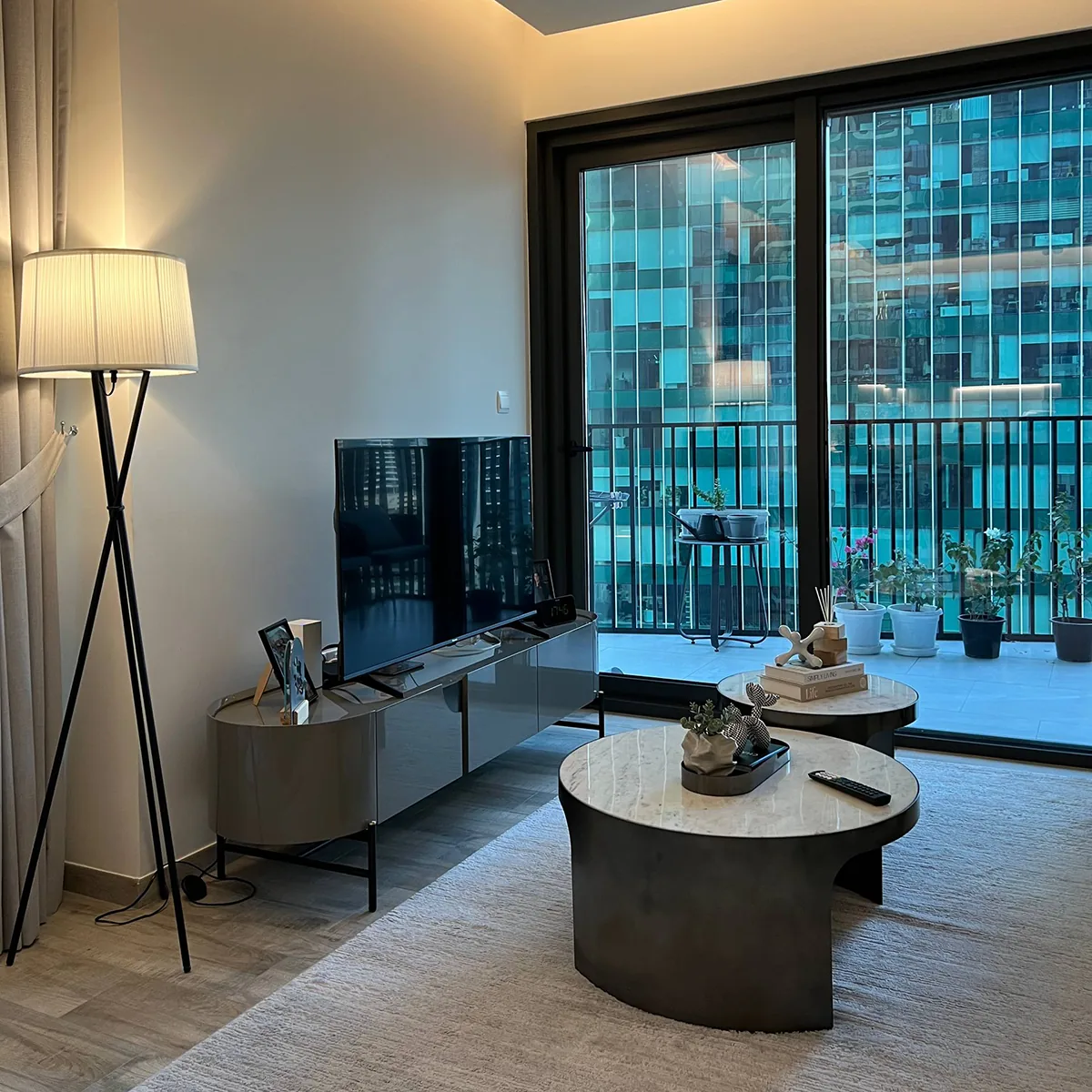
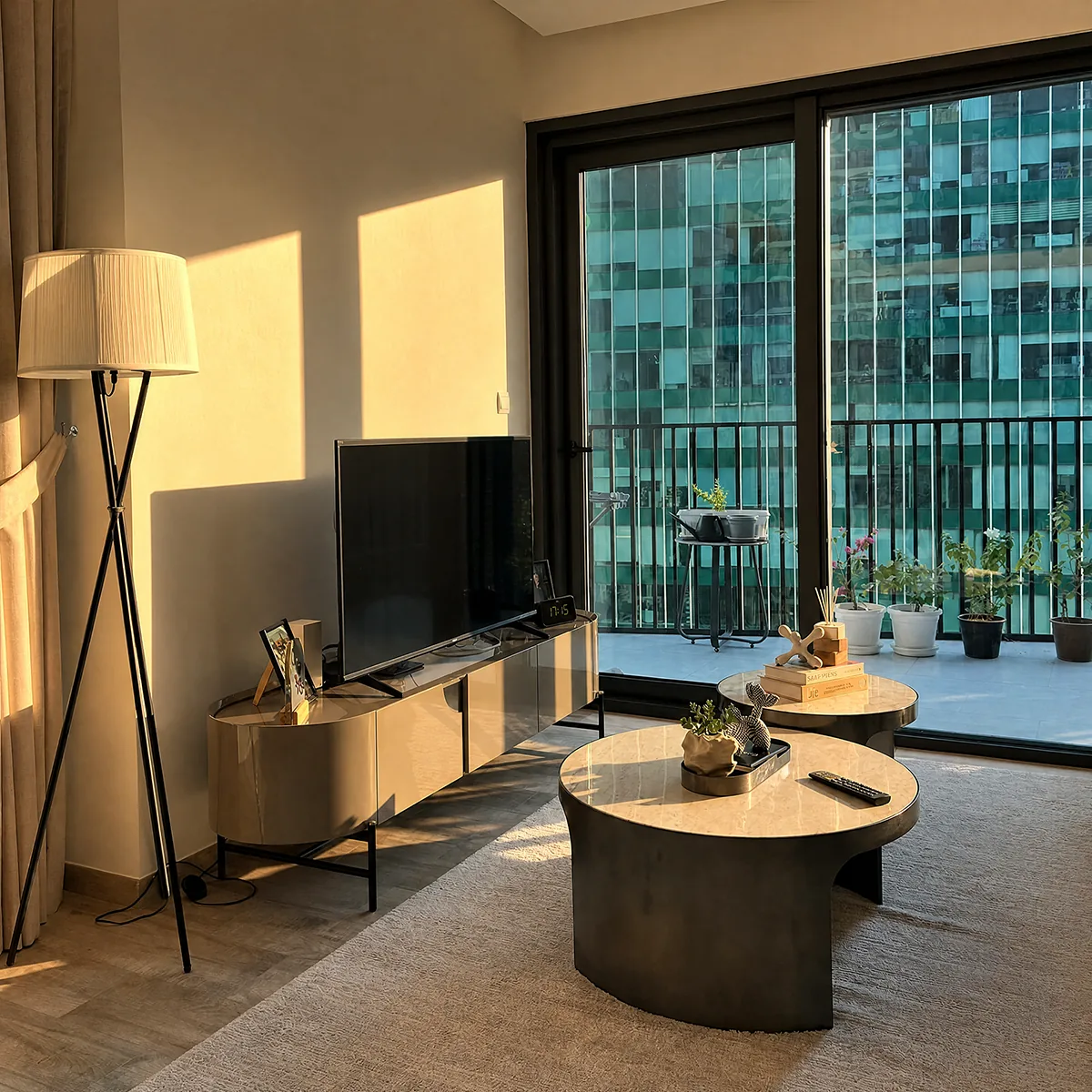
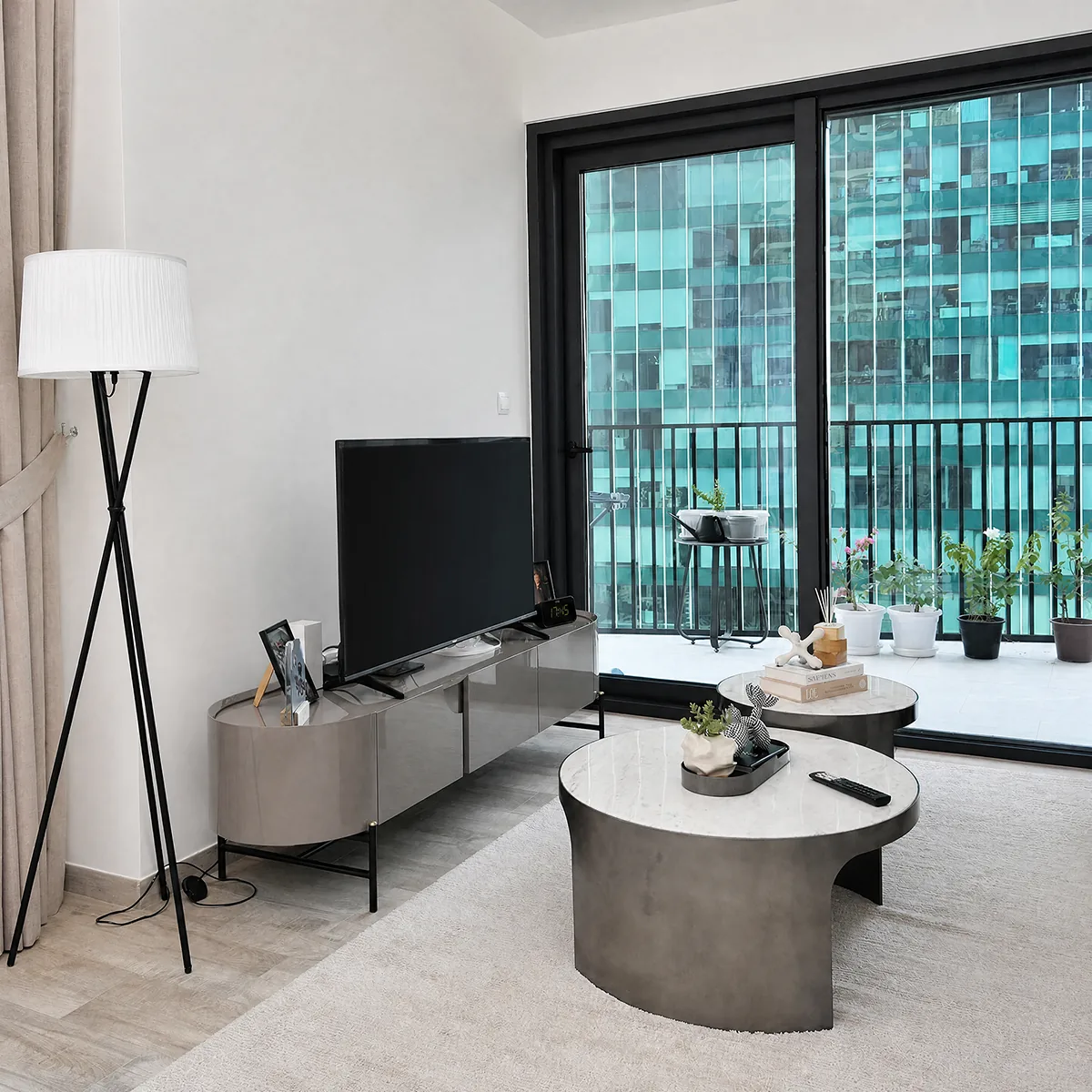
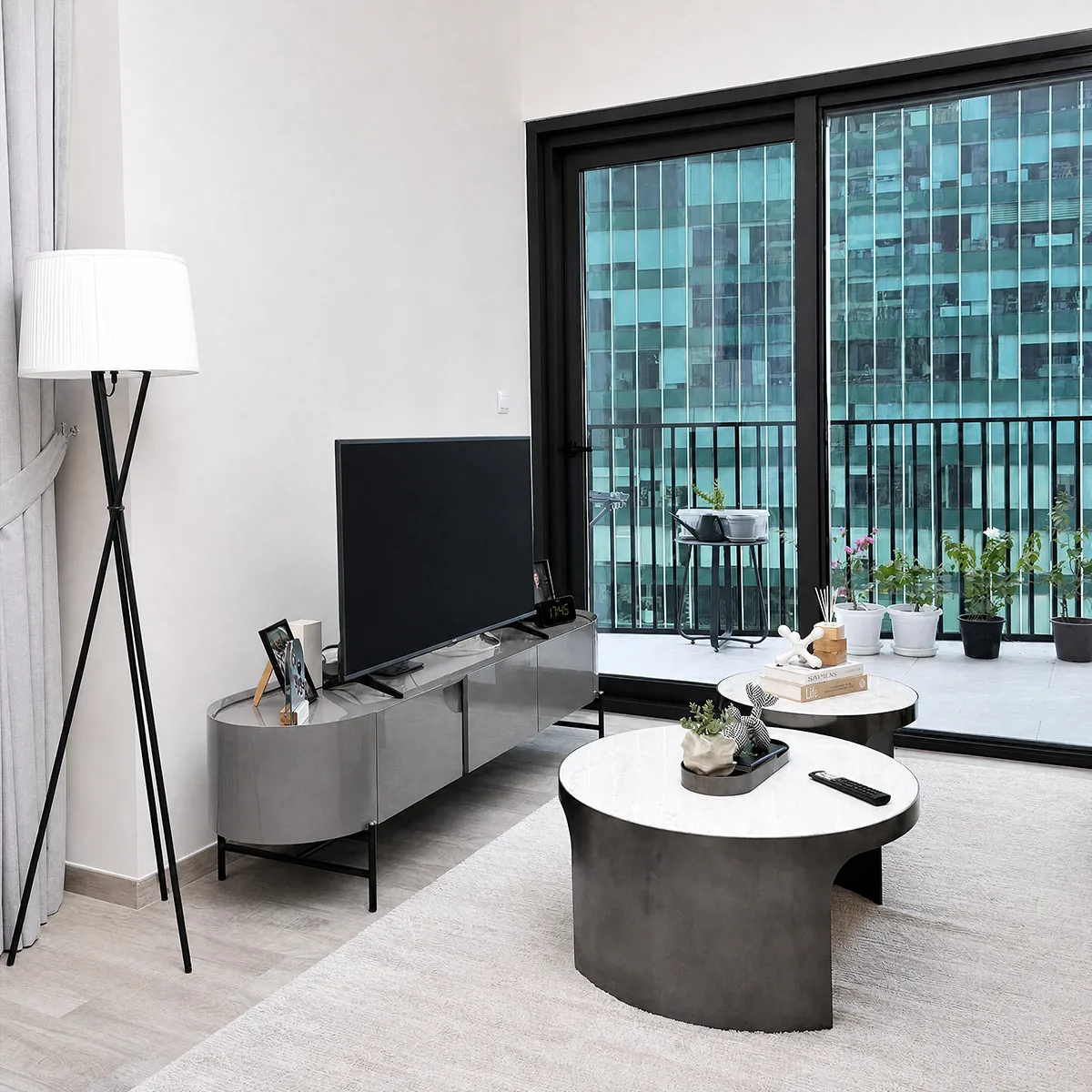
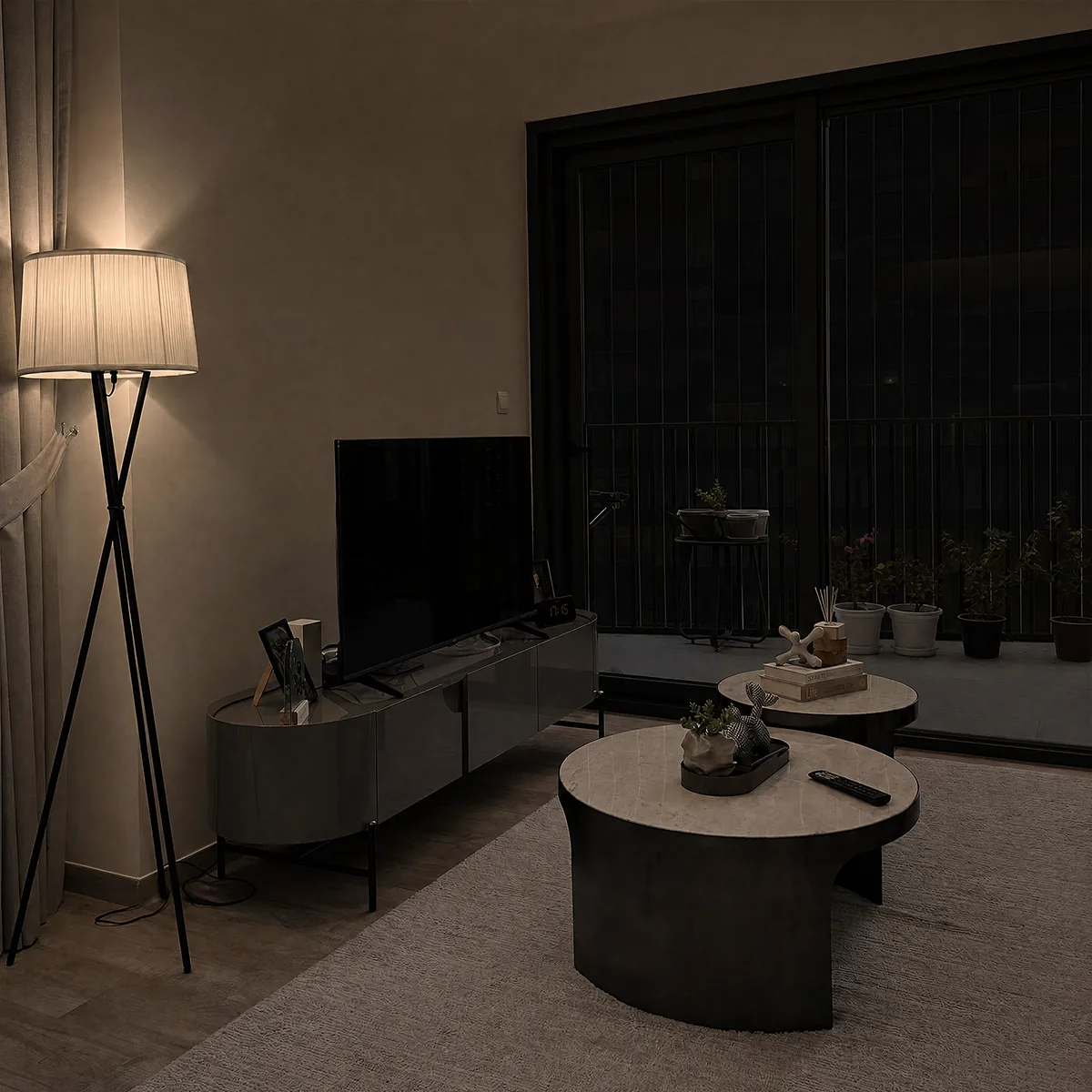
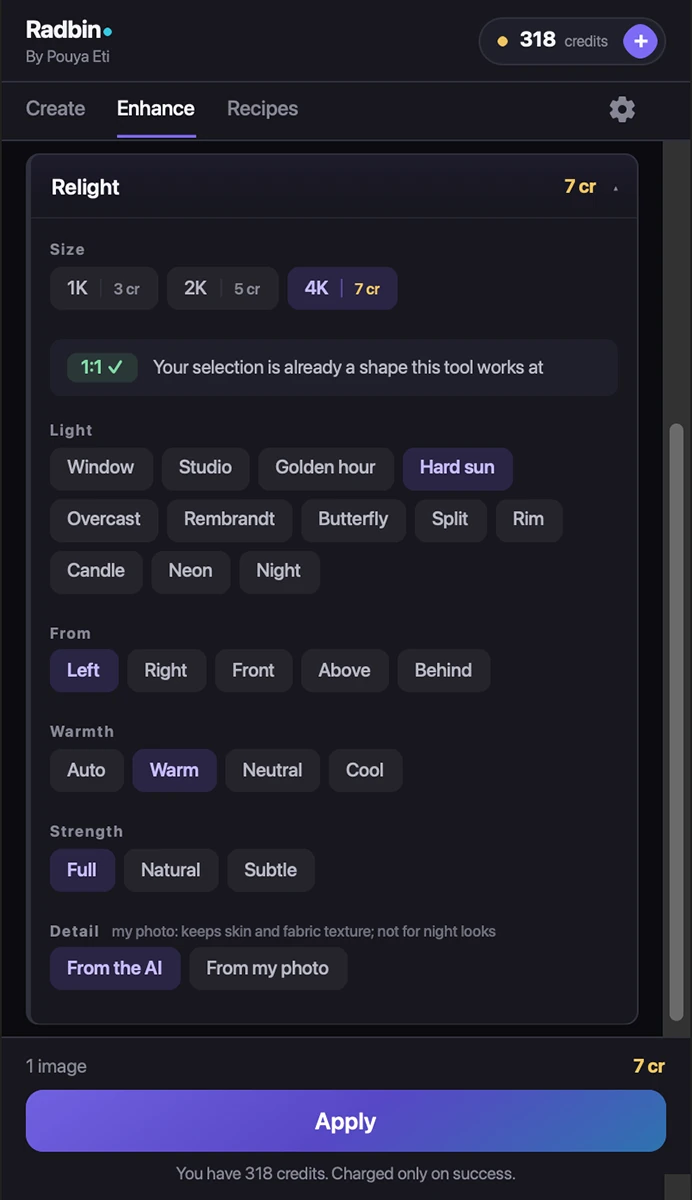
Real results. Pick a light.
Skin retouching that keeps the skin.
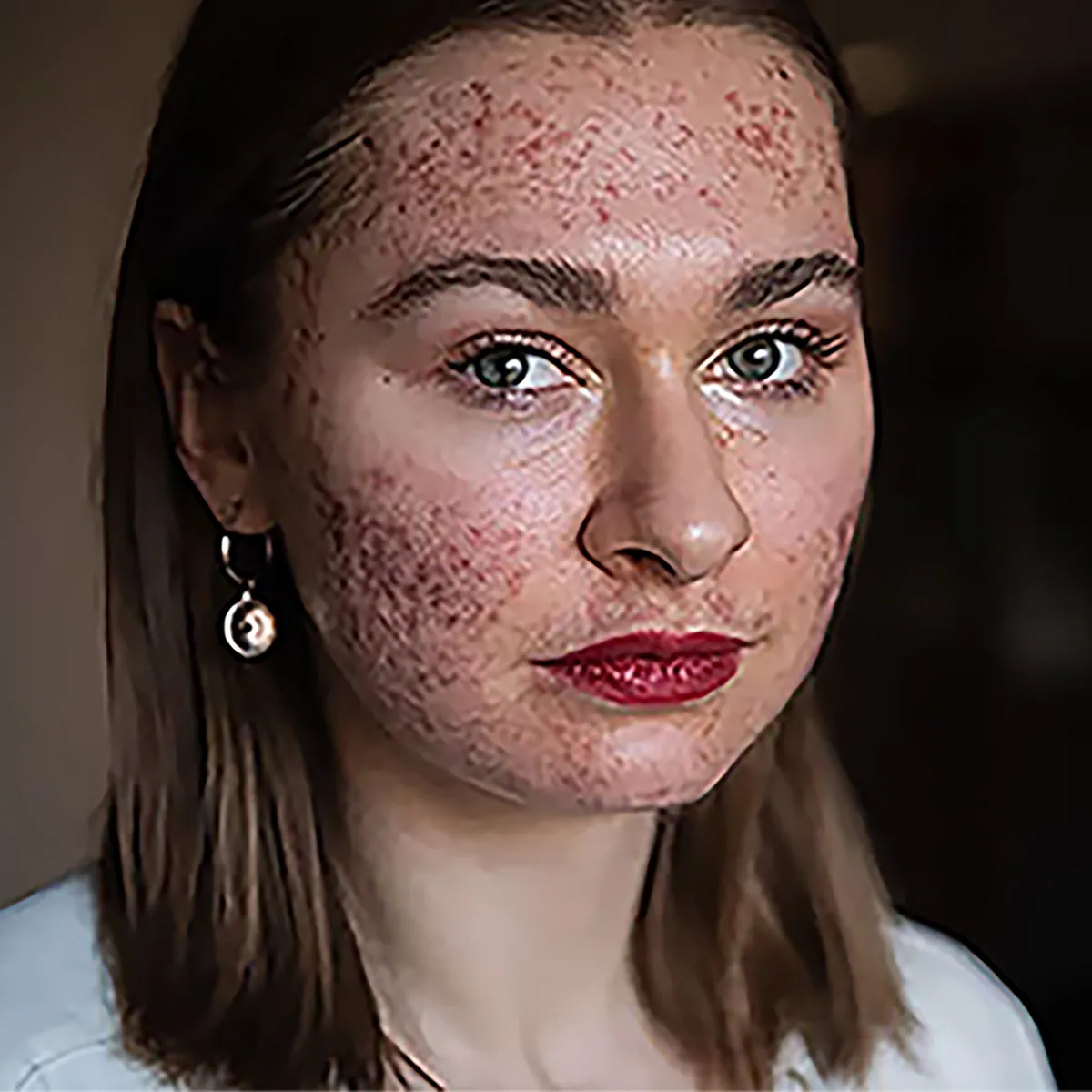
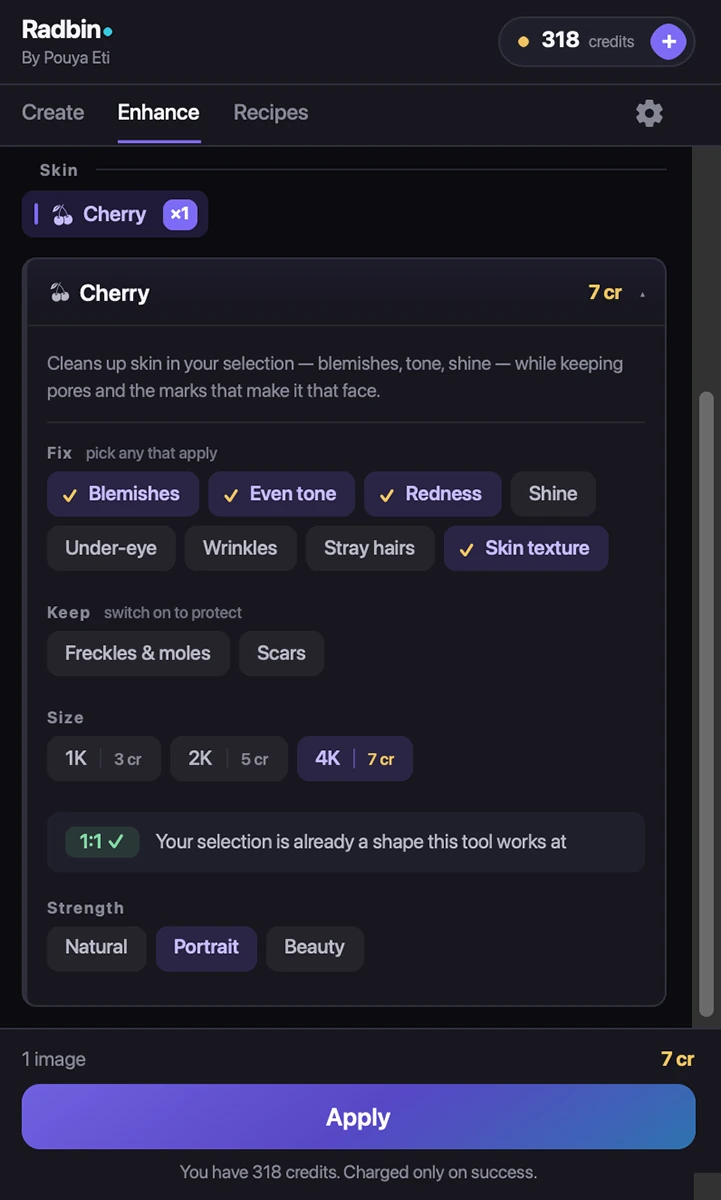
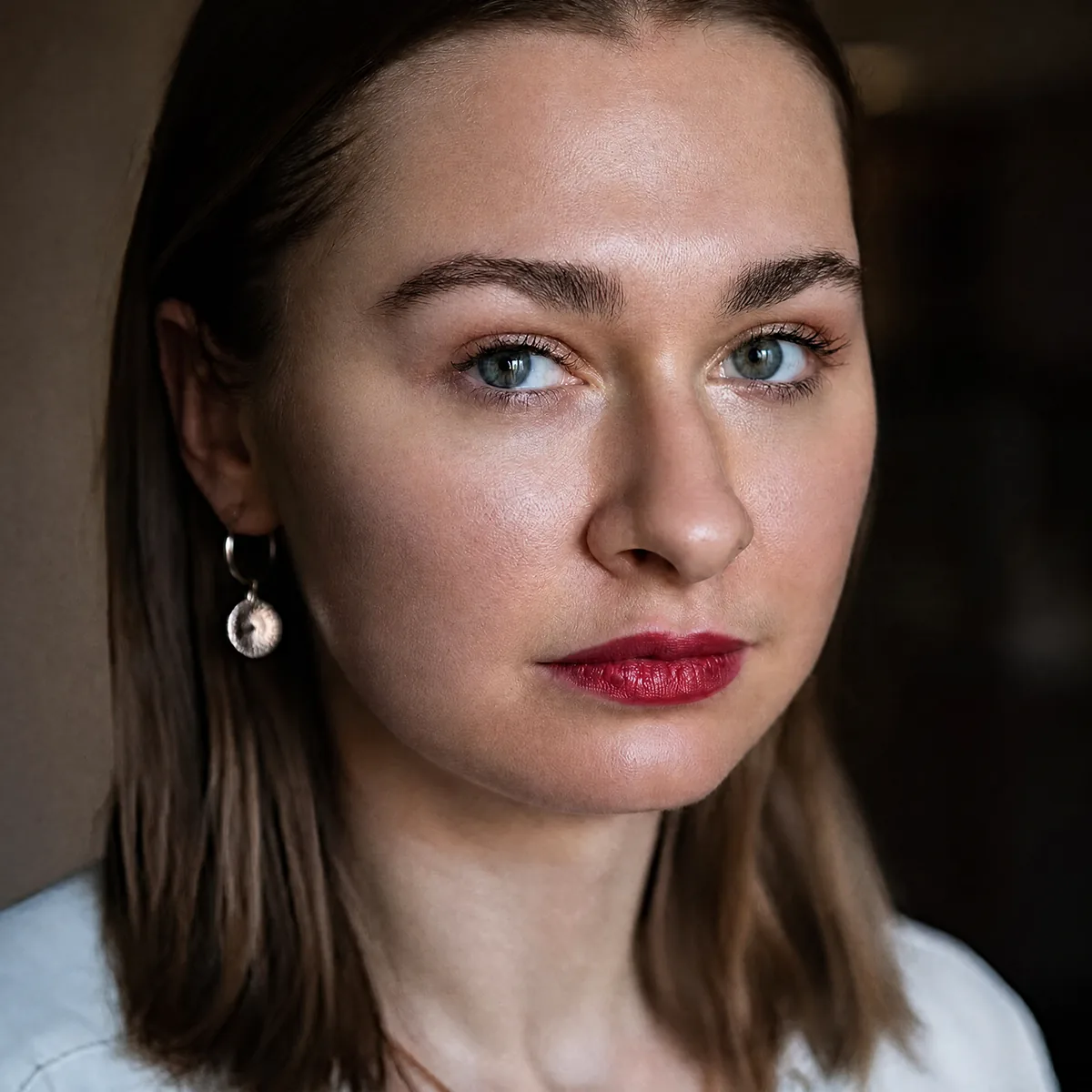
Tick what to fix and what to keep. Cherry clears what you ticked, keeps pores and freckles, and never touches hair, eyes or background.
BeforeCherry
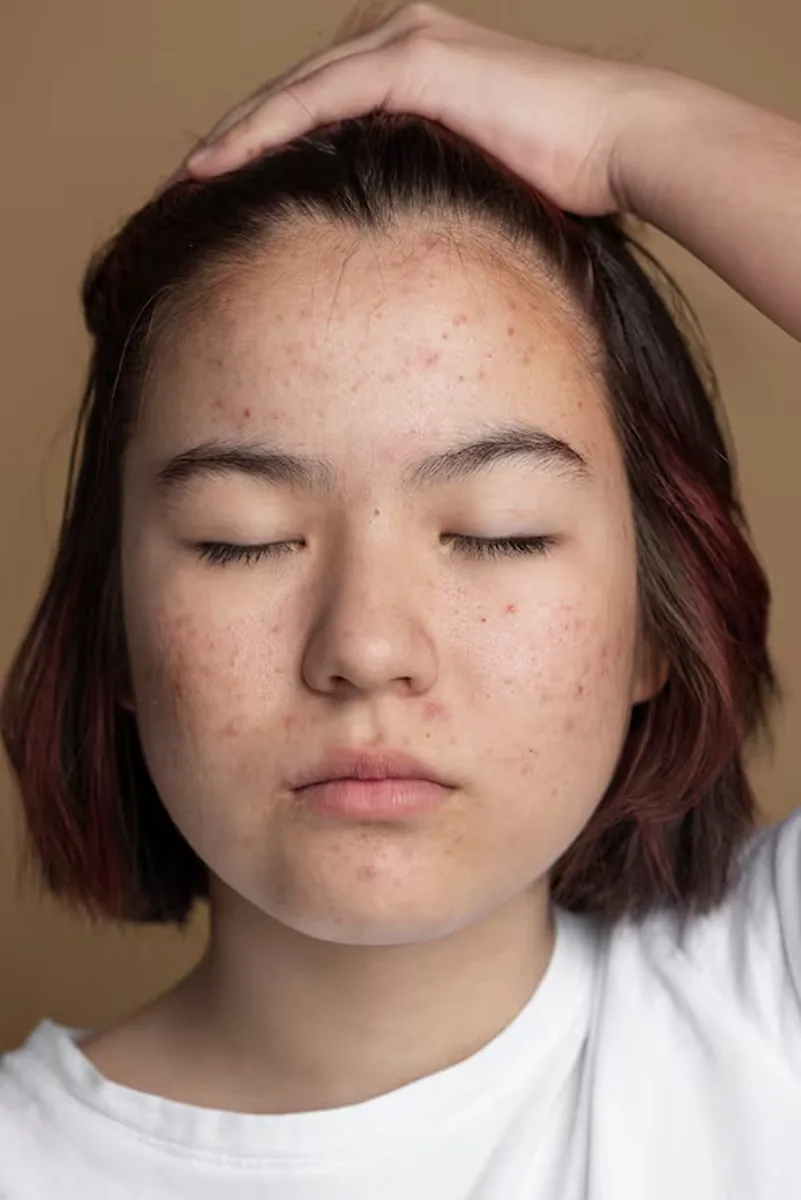
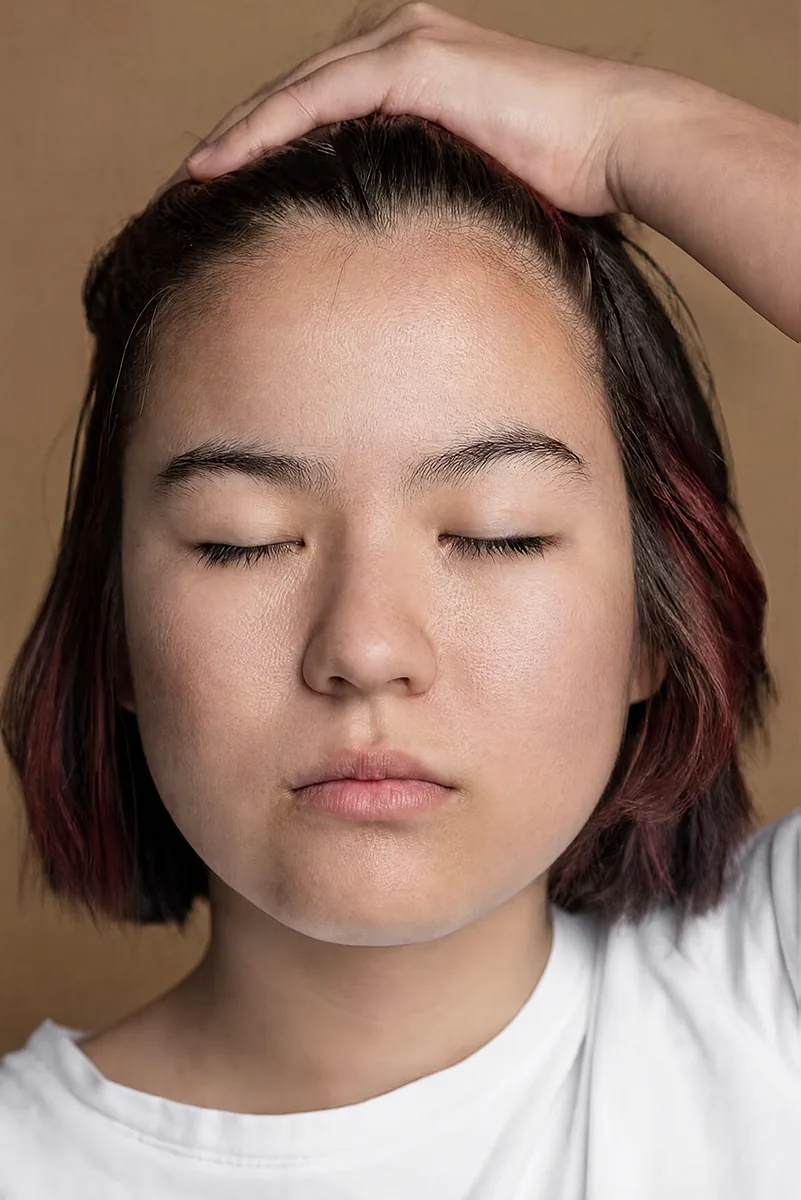 BeforeCherry
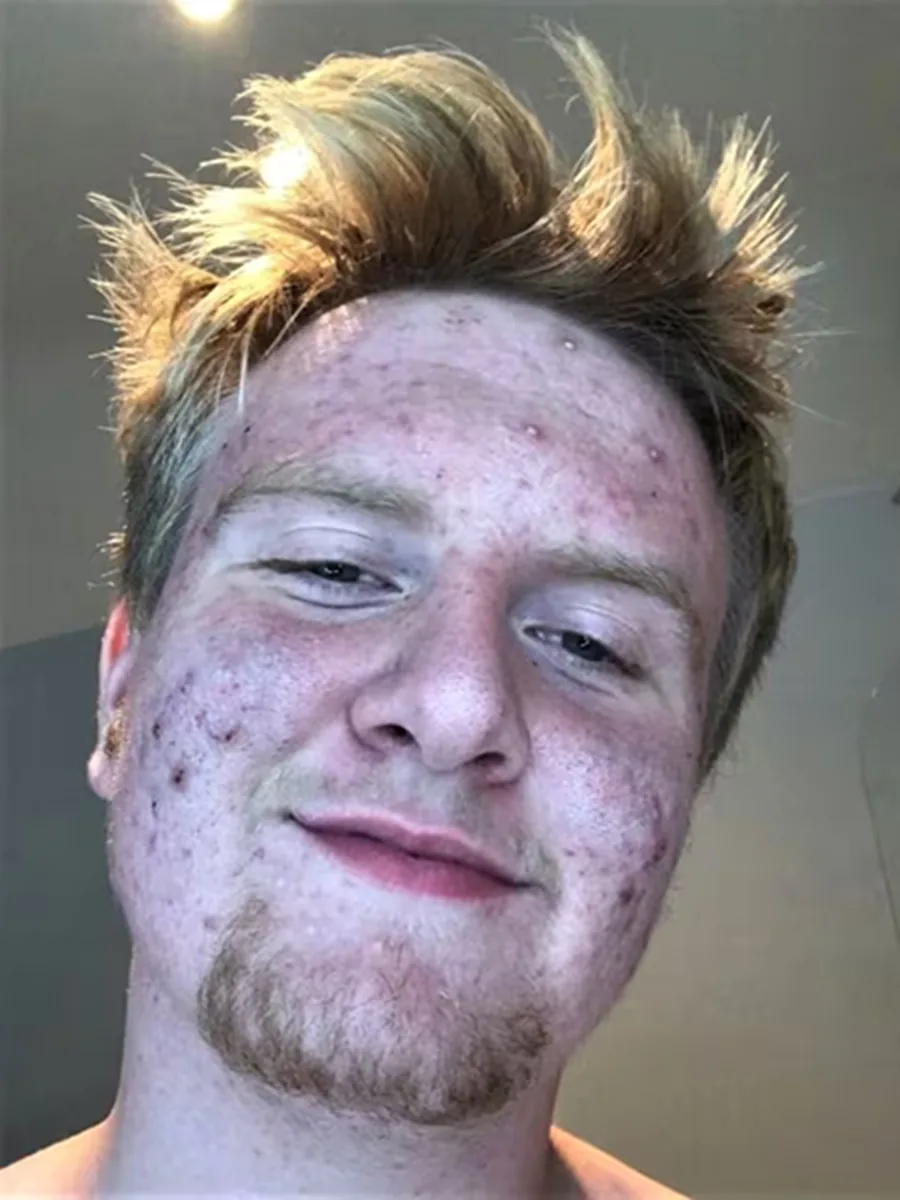
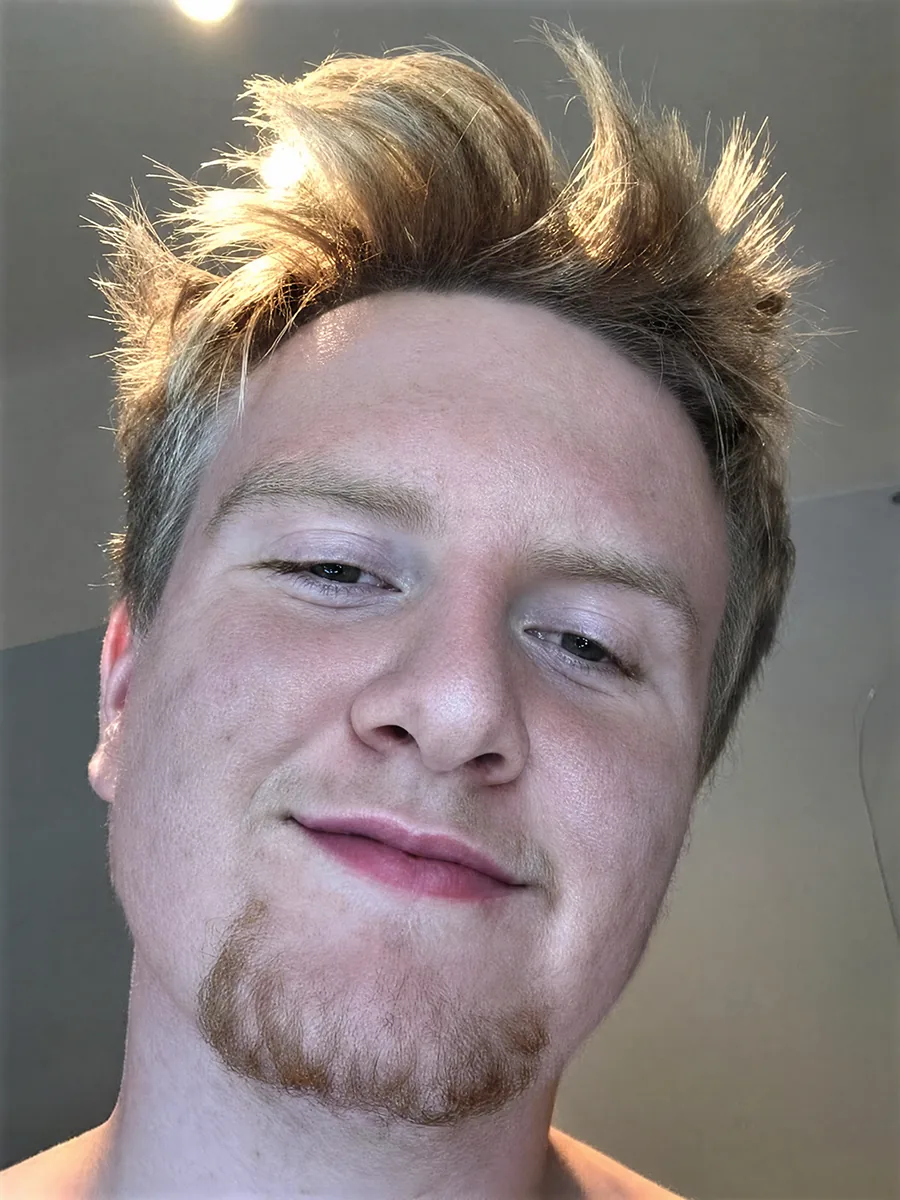 BeforeCherry
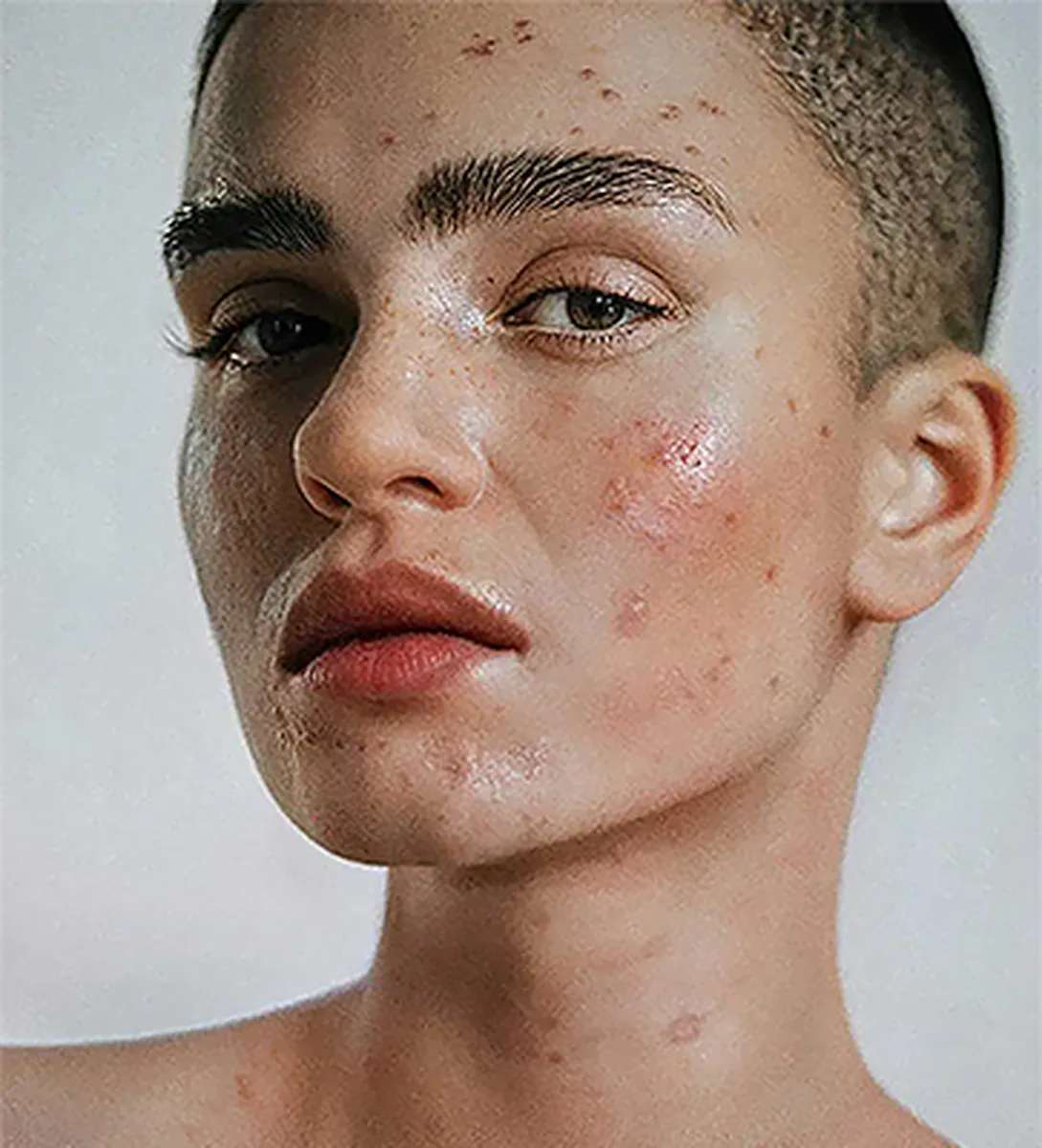
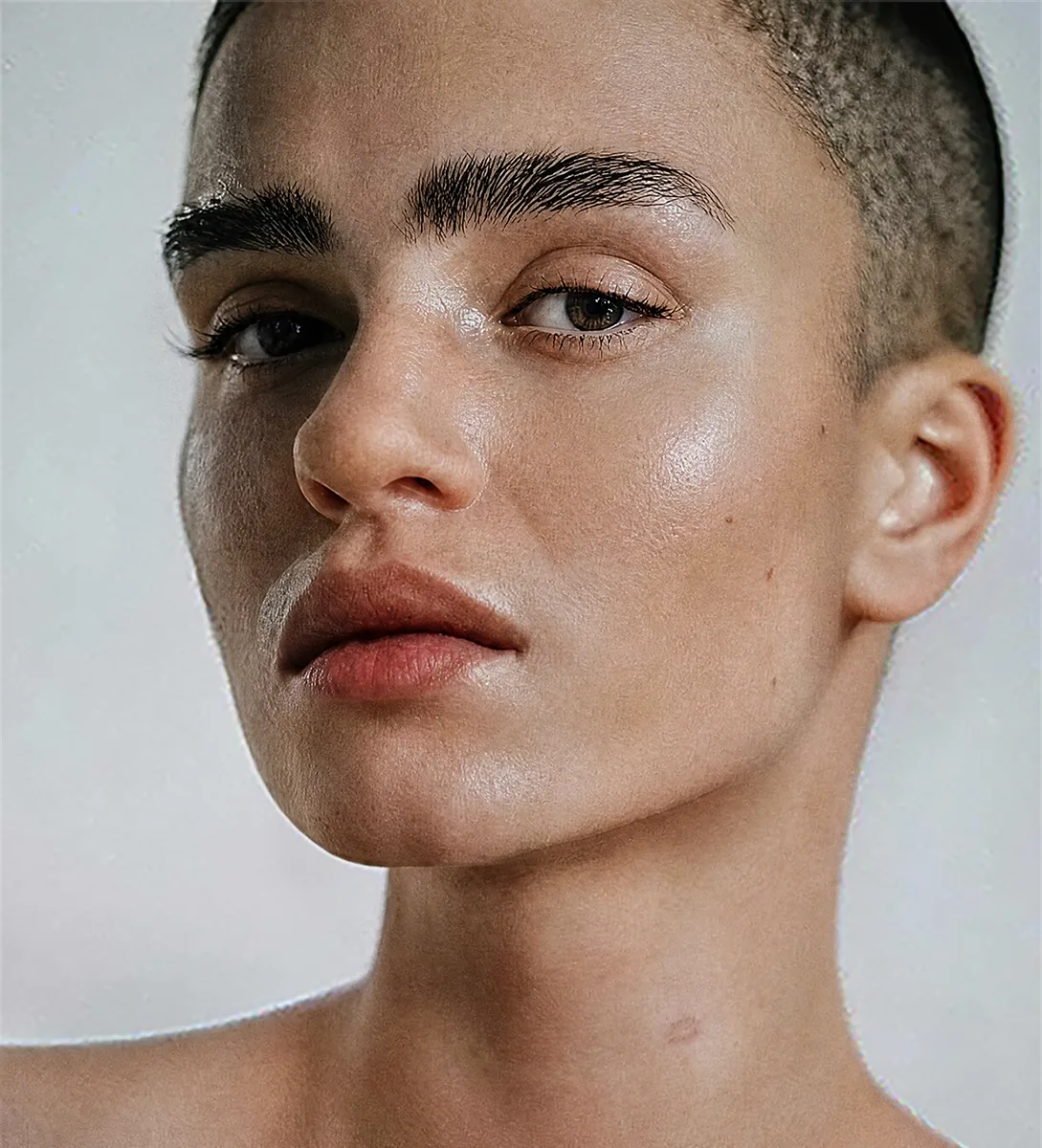 BeforeCherry
Real results, 5 credits each. Drag any handle.
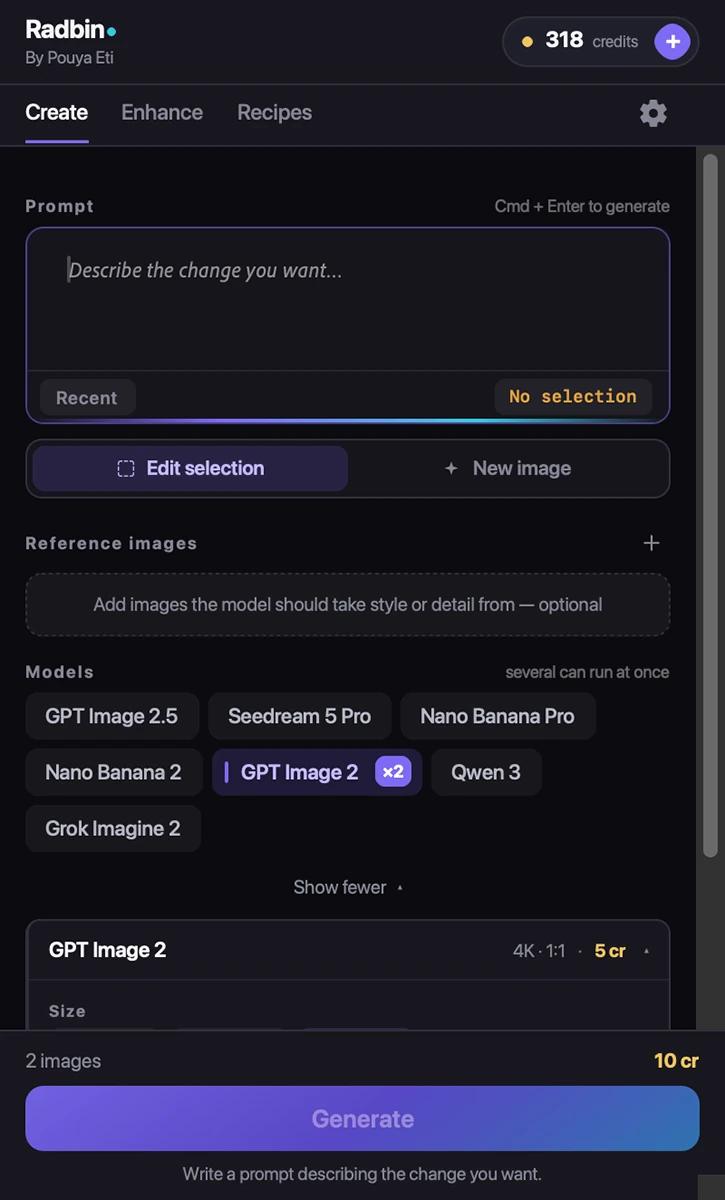
Three tabs. Nothing you do not need.
Create when you want to type. Enhance for the named tools. Recipes for one-click looks. This is the real panel.
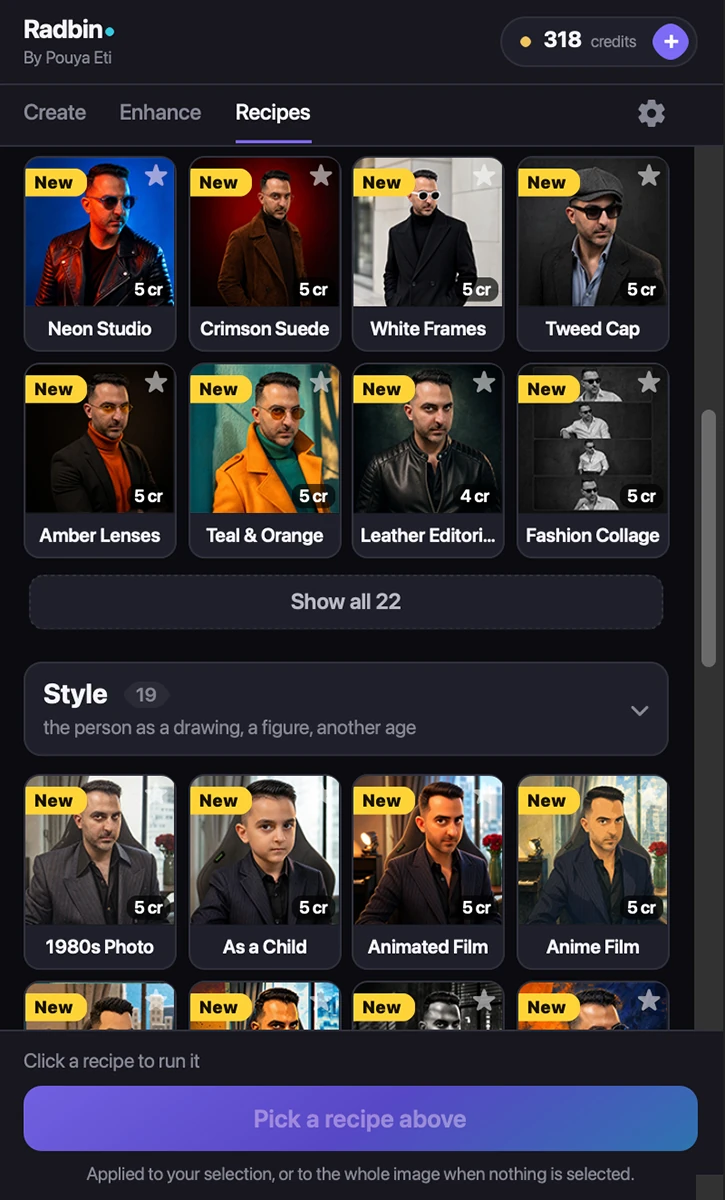
48 looks. One click each. New ones every month.
A prompt, a model and its settings, tuned once and given a name. Click it and your portrait becomes the look.
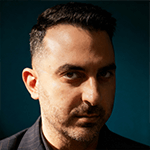
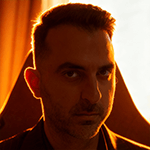
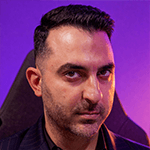
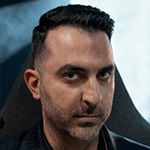
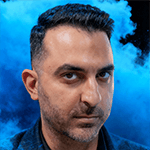
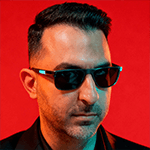
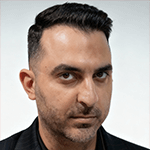


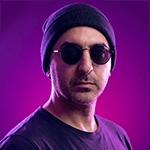
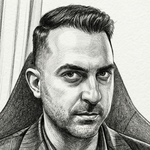
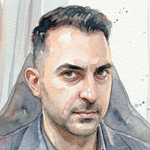
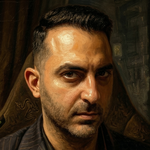




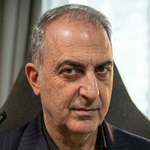
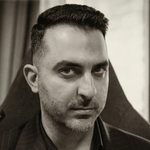
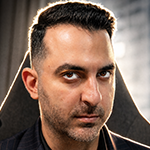
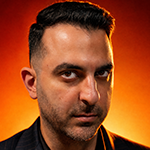
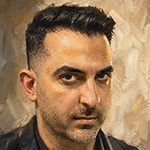





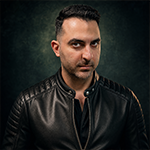
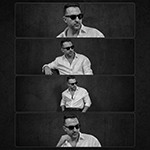
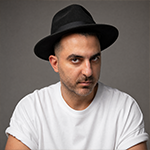
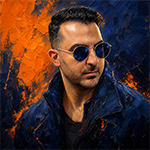
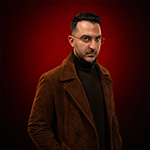

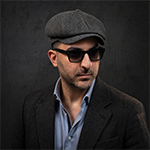
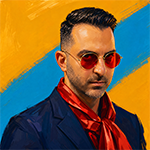
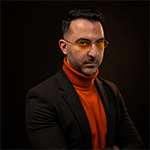


5 credits each. The prompts stay with us, so they keep getting better.
Not features. Finished work.
What people actually take away in the first week.
- The photo your family thought was lost, printed and framed.
- Client-ready skin in under a minute, texture intact.
- Studio light on a photo taken by a window.
- A month of thumbnails from one portrait.
- Your face as an oil painting, a sticker pack, an emoji set.
- Hours back every week. No exporting, no tab-switching.
Credits refill every month. New tools arrive by themselves. Founding members get 50% more →
1,800+ Photoshop editors already run the tools behind Radbin.
Radbin is built on Eti Image, the maker's first plugin: 2,400+ copies sold since September 2025, the same restore and retouch pipelines, now with no API keys.
I am genuinely in awe of some of the results. I've edited very old photos from my wife's side. Each and every time, she says, ‘Oh my god!’ Thank you for a remarkable plugin.
“I am BLOWN AWAY with the results. I would need a Hollywood budget to build the sets and hire human actors to fulfil my client's expectations.”
“This tool is awesome. I used it to restore my grandparents' wedding photos from the 1940s.”
“I work as a volunteer for a local museum and we are using it to repair, restore and generally fix old images. We are thrilled with the results.”
“Compared to the AI features in Adobe Photoshop, which are both expensive and difficult to use, your plugin is much more user-friendly and affordable.”
Real comments from Eti Image's YouTube channel, names as posted. Radbin quotes will replace them as they come in.
Every tool on every plan. Pick how much you make.
The only difference between plans is credits. For scale: a retoucher charges $25 or more for one photo; Pro is about 150 results a month for $29.
every month
- Every tool, every recipe, every model
- Photoshop and Premiere, one key
- No API keys, nothing else to set up
- Run 4 jobs at the same time
- Use it on 3 computers
every month
- Every tool, every recipe, every model
- Room for 4K on your best work
- Run 8 jobs at once, 4 more queued
- New tools and recipes reach you first
- Use it on 3 computers
every month
- Every tool, every recipe, every model
- 4K on everything, all month
- Run 12 jobs at once, 8 more queued
- The lowest price per credit
- Use it on 3 computers
Pro at the Pro price, with 1,125 credits a month instead of 750. Yours for as long as you stay.
Why: the first members tell us what to build next, and that is worth more than the extra credits. When the last seat goes, the offer goes with it. Members keep it for life.
One credit is one credit on every tool; a typical 2K result is 4–5 credits, a 1K image from a prompt 2–3. Run out mid-month? Top-up packs from $12 last 90 days and are spent after your monthly credits. See what each tool costs → Prices in USD. Purchases are not refundable, but a failed job always returns its credits and you can cancel in two clicks. Refund policy.
Compare the plans in detail
| Starter | Pro | Max | |
|---|---|---|---|
| Credits every month | 200 | 750 | 2,000 |
| Typical results a month | ≈ 40 | ≈ 150 | ≈ 400 |
| Or AI Edit in Premiere, a month | ≈ 50 min | ≈ 3 hours | ≈ 8 hours |
| Requests at once | 4 | 8 + 4 waiting | 12 + 8 waiting |
| Yearly price (2 months free) | $99 | $290 | $690 |
| Every tool, every recipe, every model | ✓ | ✓ | ✓ |
| Computers per licence | 3 | 3 | 3 |
| Top-up packs | ✓ | ✓ | ✓ |
| Founding seat available | — | ✓ 1,125 cr/mo | — |
Everything people ask before they click.
What is Radbin?
Does Radbin work in Premiere Pro?
Do I need my own API keys or AI accounts?
Which Photoshop versions and computers?
What does a credit buy?
What if a generation fails?
Do unused credits roll over?
Where do my photos go?
Can I cancel?
How is this different from Photoshop's own AI?
Your next restoration takes one click.
Pick a plan, paste the key from your email into the panel, and the first result is on your canvas in under a minute.
Cancel anytime · Credits refill monthly · Failed jobs refund themselves