

Radbin for Photoshop · Cherry

Skin retouching that keeps the skin.

Tick what to fix and what to keep. Cherry clears what you ticked, keeps pores and freckles, and never touches hair, eyes or background.

Masked to skinTexture keptFix and keep chipsFrom 3 credits

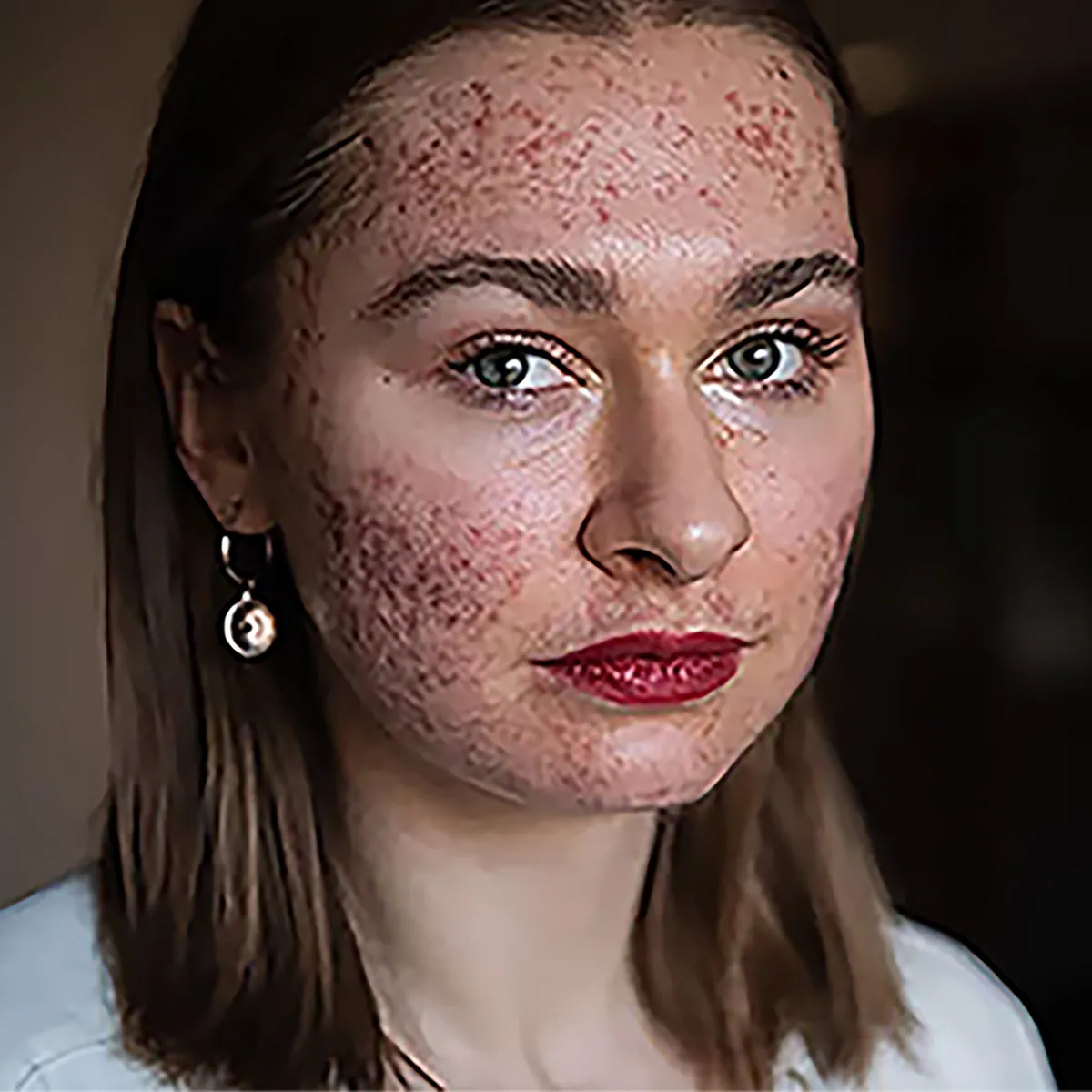
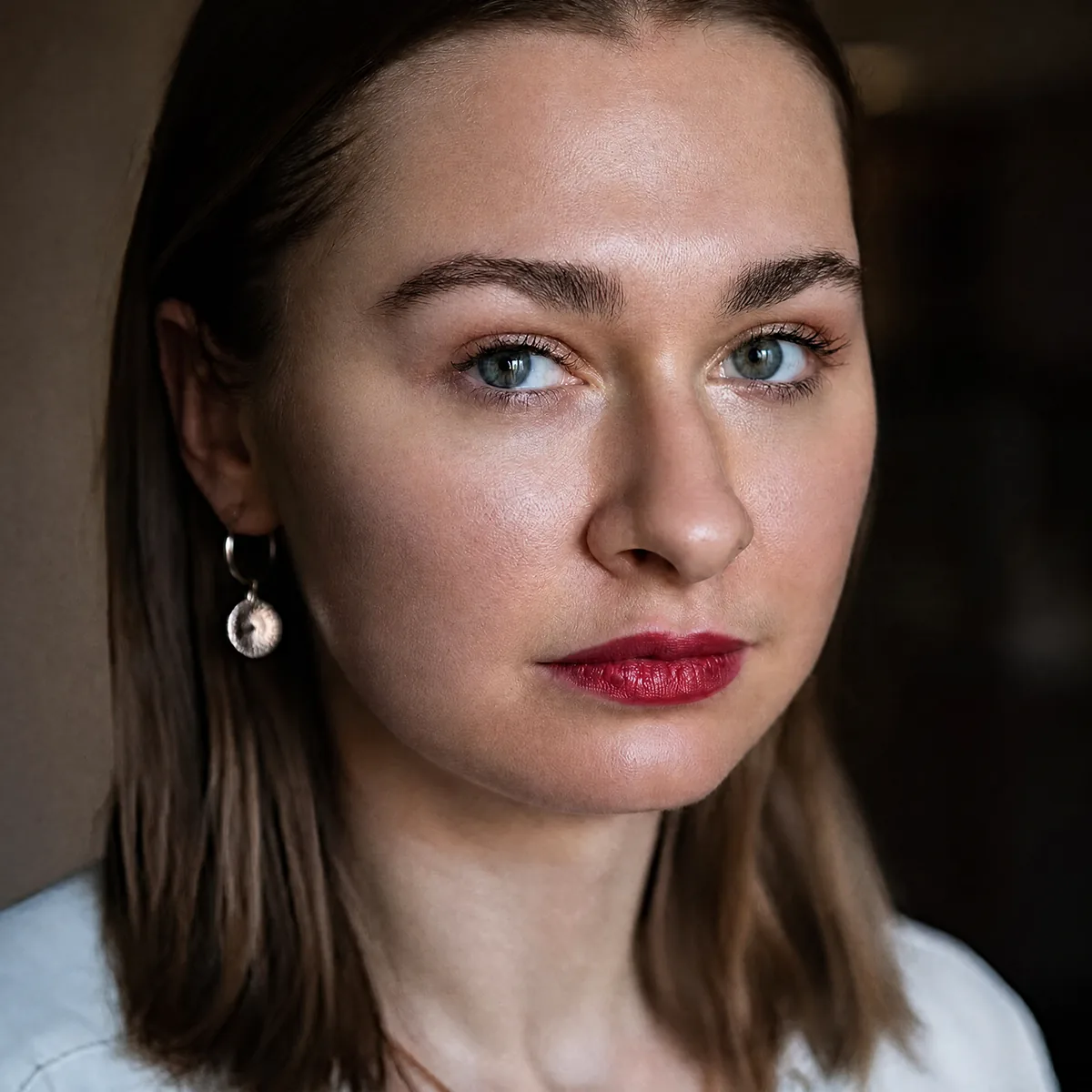
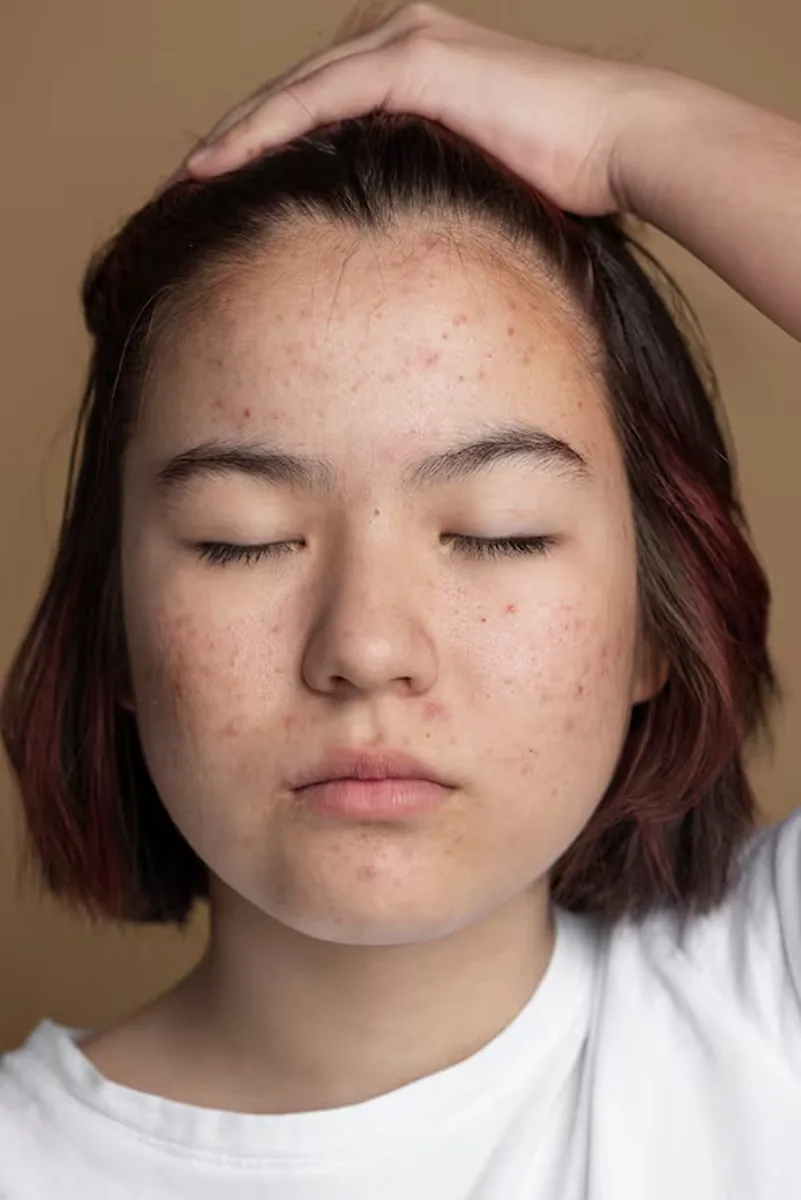
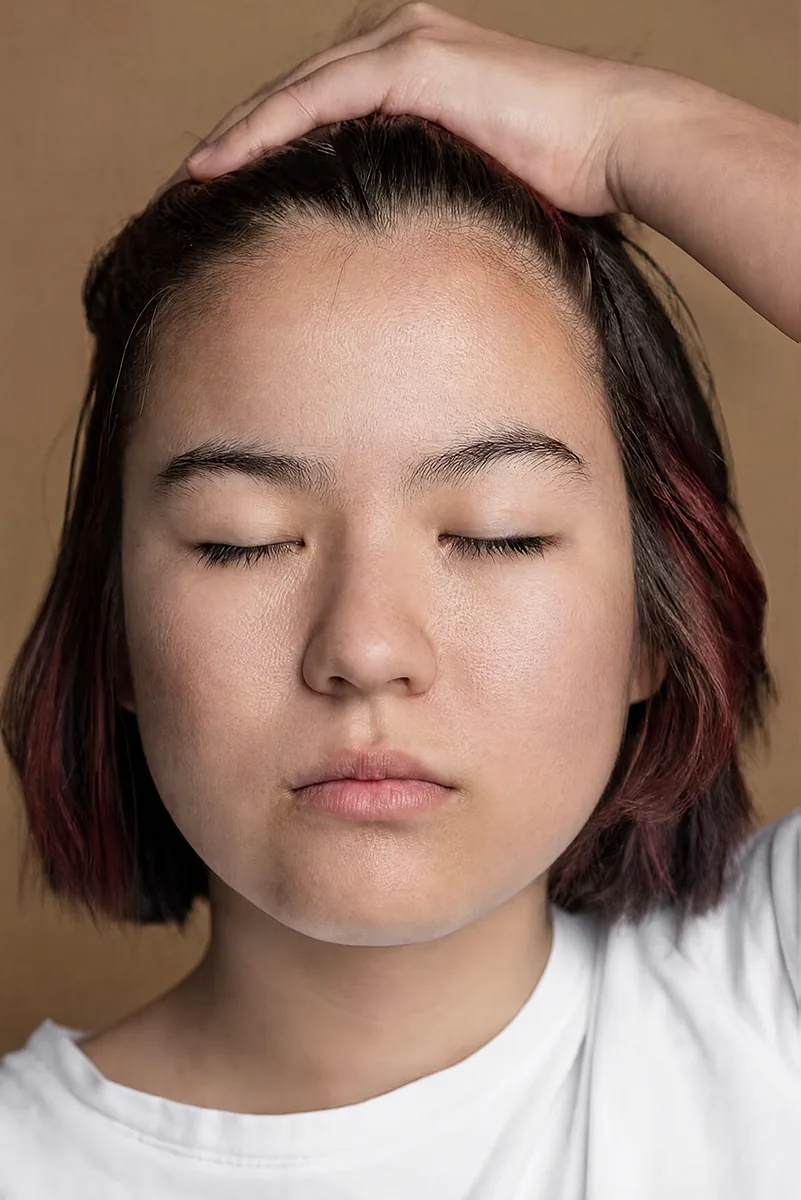
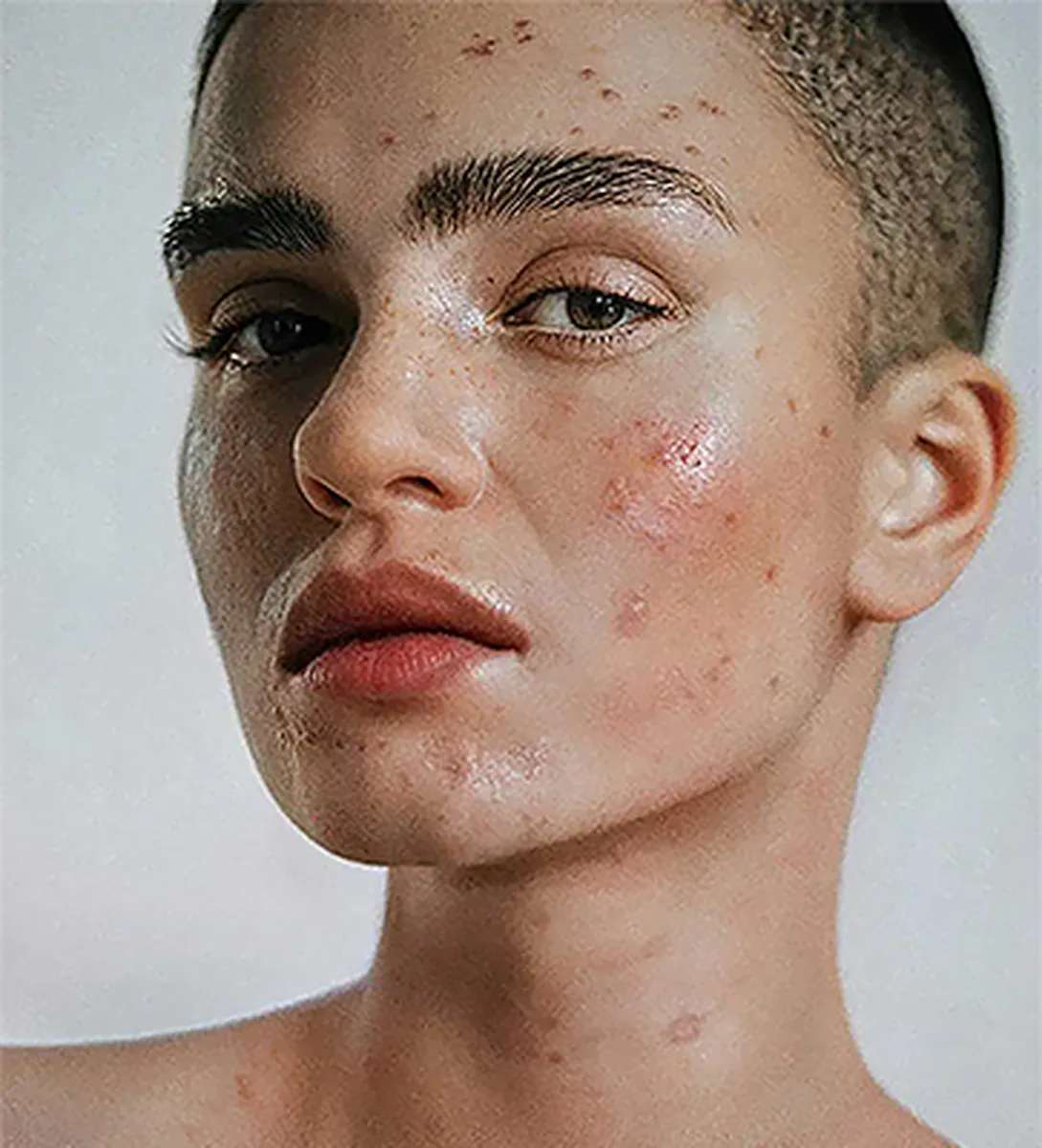
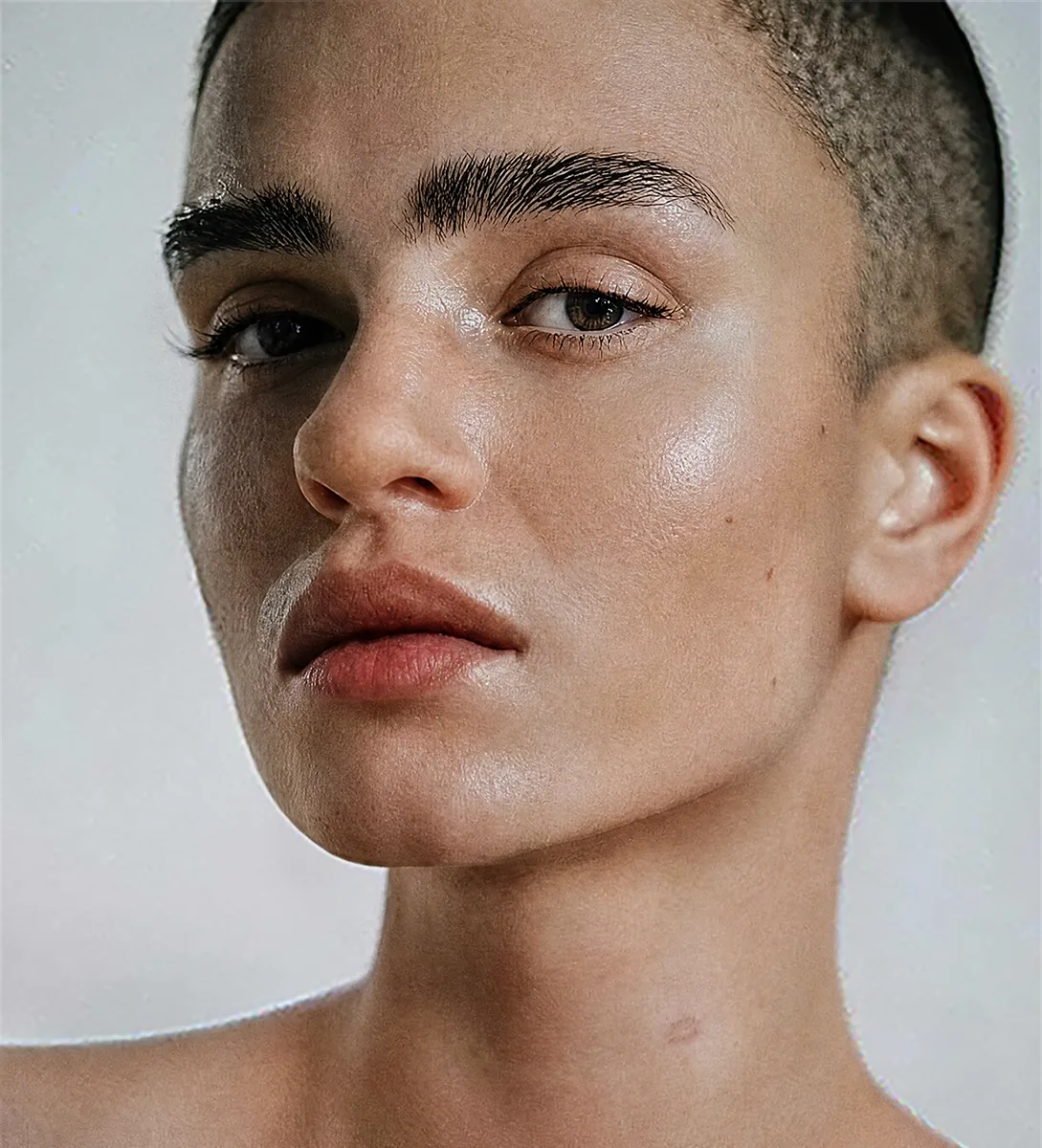
Real results, 5 credits each. Drag any handle.

What Cherry does

Cherry is Radbin's AI skin retouching tool for Adobe Photoshop. You tick what to fix (blemishes, even tone, redness, shine, under-eye, wrinkles, stray hairs, skin texture) and what to keep (freckles and moles, scars), then choose a strength: Natural, Portrait or Beauty. Radbin runs the retouch, masks the result to the skin itself, and blends it back as a layer, so hair, eyes, teeth and background are the original pixels and the retouch can be lowered with the layer's opacity. Pores and fine texture are preserved rather than smoothed away, which is what separates it from a skin-smoothing filter. Cherry costs 3, 5 or 7 credits at 1K, 2K or 4K.

How it works

  1. 1Select the face or skin area, or nothing to let Cherry find the skin
  2. 2On the Enhance tab choose Cherry, tick what to fix and what to keep, pick a strength
  3. 3Click Apply. The retouch lands as a layer masked to the skin; lower its opacity for a lighter touch

What it costs

SizeCredits
1K3 cr
2K5 cr
4K7 cr

One credit is one credit on every tool. A failed job refunds itself, and the exact cost shows on the button before you click. How credits work.

Get Radbin · from $9.97/mo Every tool on every plan · Cancel anytime
Questions

Cherry, answered.

Will the skin look plastic?
No. Cherry keeps pores, freckles and the marks that make a face that face, and only clears what you ticked. The four portraits on this page are unretouched results; drag the handles.
Does it change the face shape or identity?
No. Cherry does not reshape features. It works on skin tone and surface only, and the mask keeps everything else untouched.
Can I keep freckles and moles?
Yes. Tick them under Keep and they survive the retouch. Scars have their own Keep chip.
How is this different from Photoshop's Skin Smoothing filter?
A smoothing filter blurs the skin and destroys texture. Cherry removes specific problems with a current image model and keeps the texture, then masks the result to skin automatically.

Updated 21 September 2026 · By Pouya Eti

Not open yet

Radbin opens Monday 28 September.

At 11:00 New York time. Leave your email and get the link 5 minutes early.

You will also get our launch emails. Unsubscribe anytime.