Radbin for Photoshop · Restore photo

Restore an old photo in one click, inside Photoshop.

Tears, creases, fading, a black-and-white print. Tick what is wrong with it, click Apply, and the repaired photo lands as a new layer over the original.

4 credits at 2KNo promptLands as a layerOriginal untouched

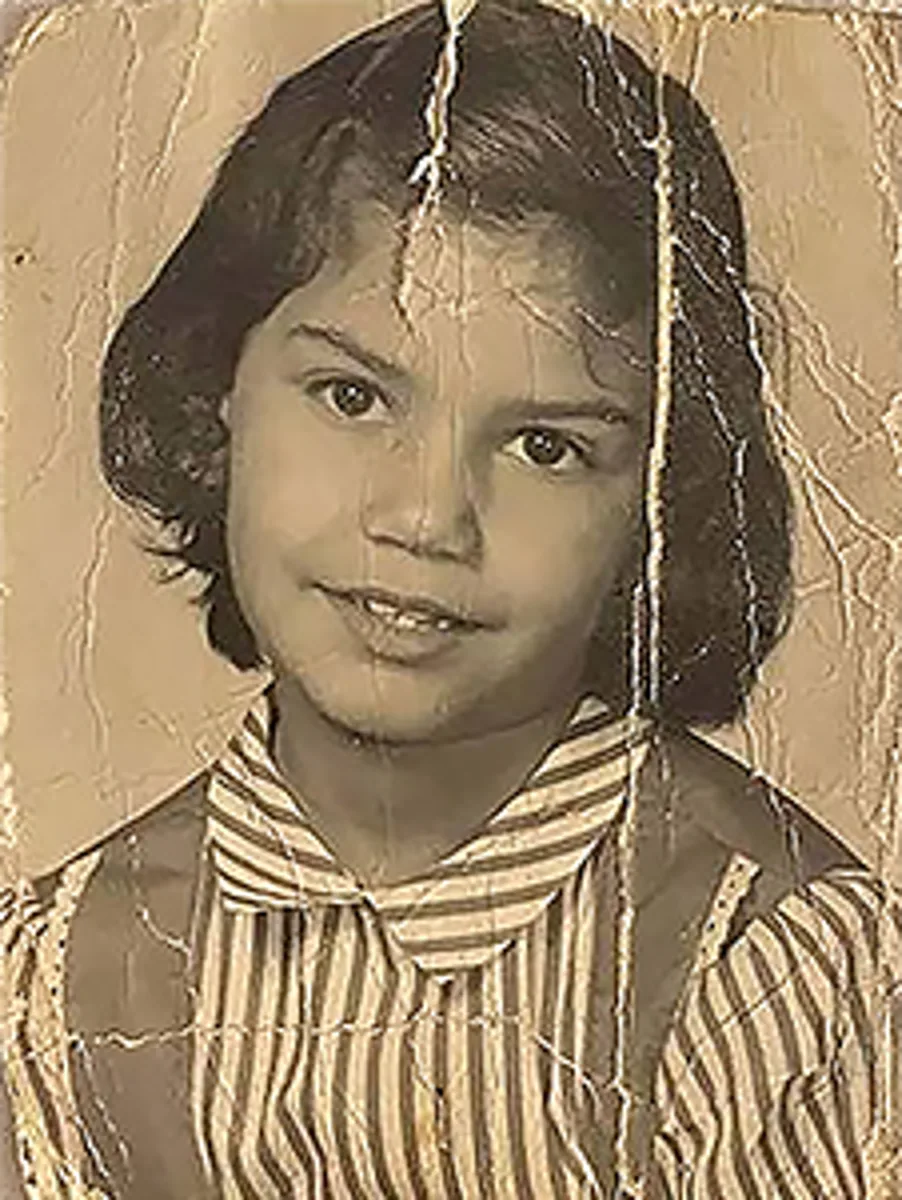
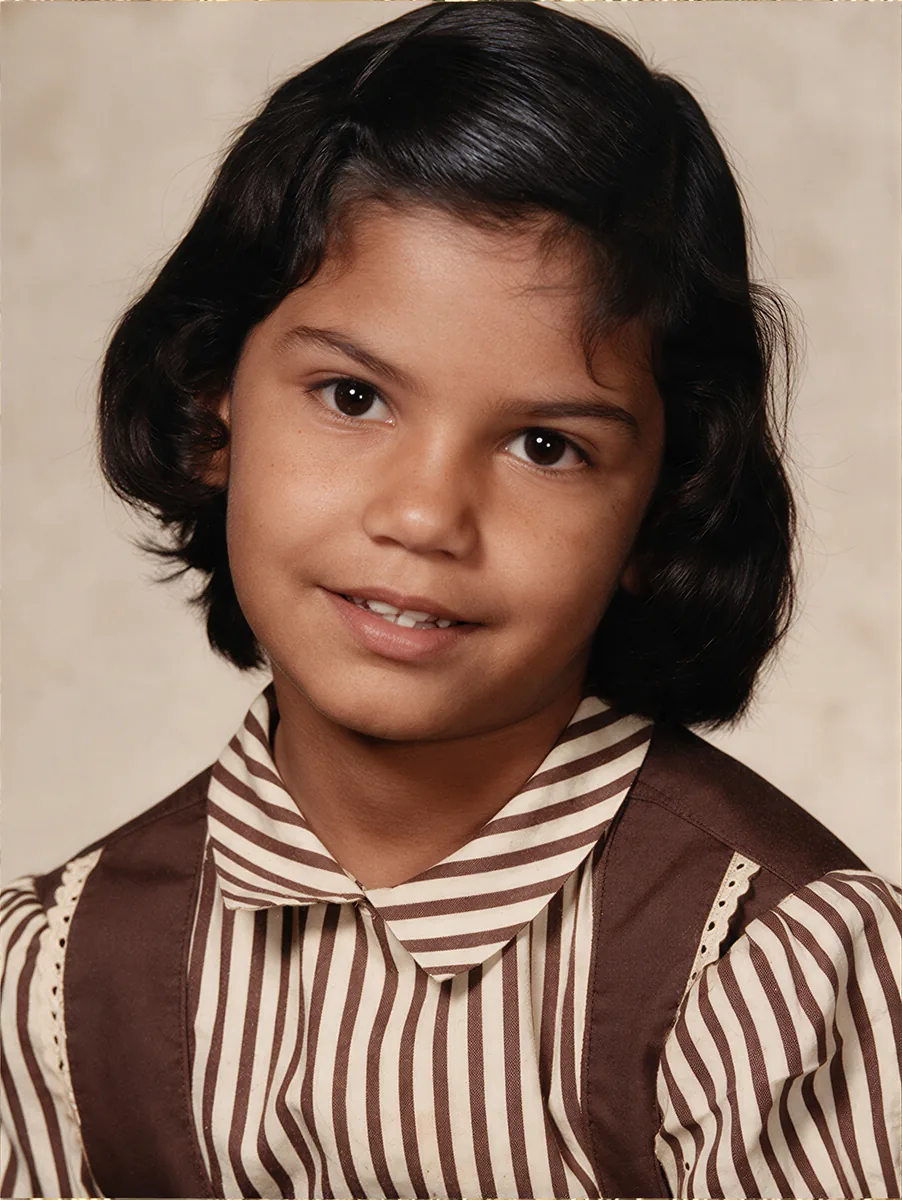
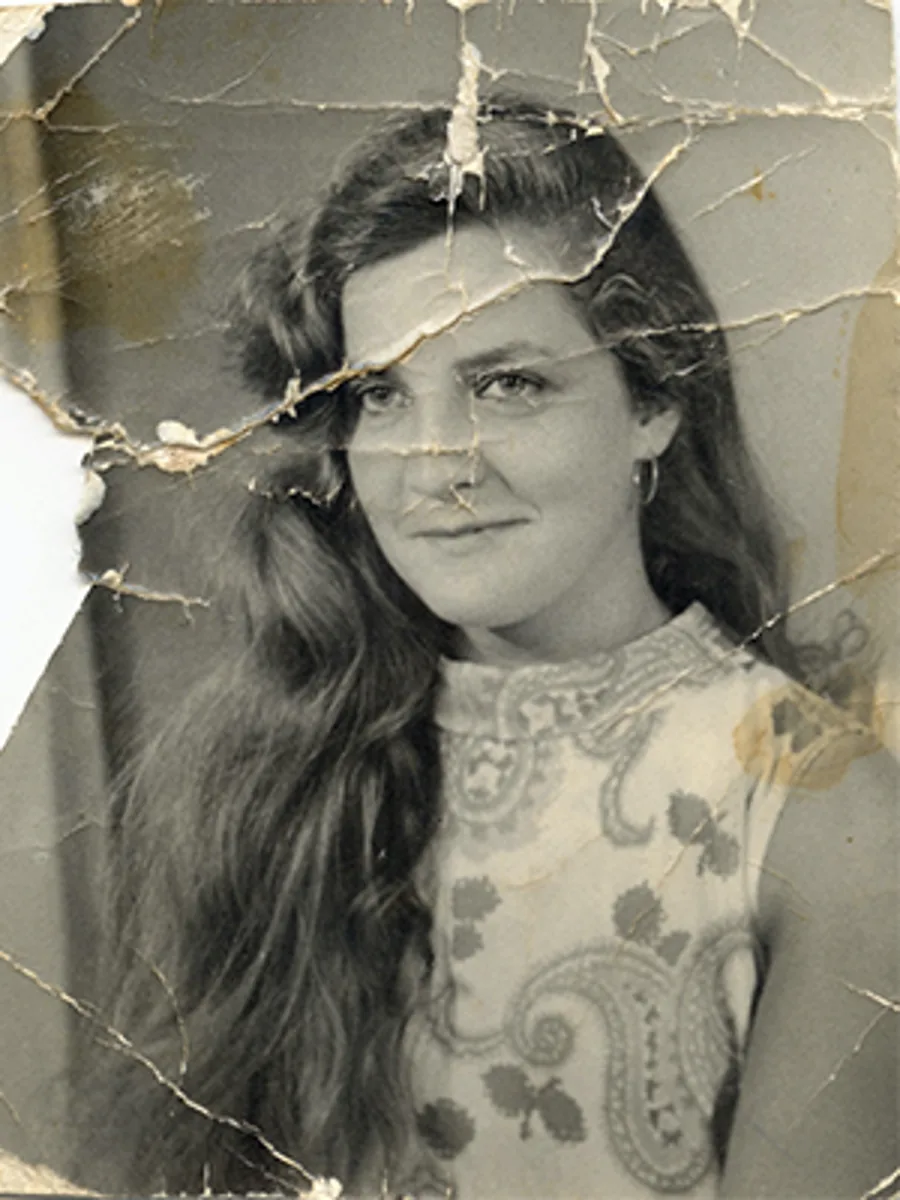
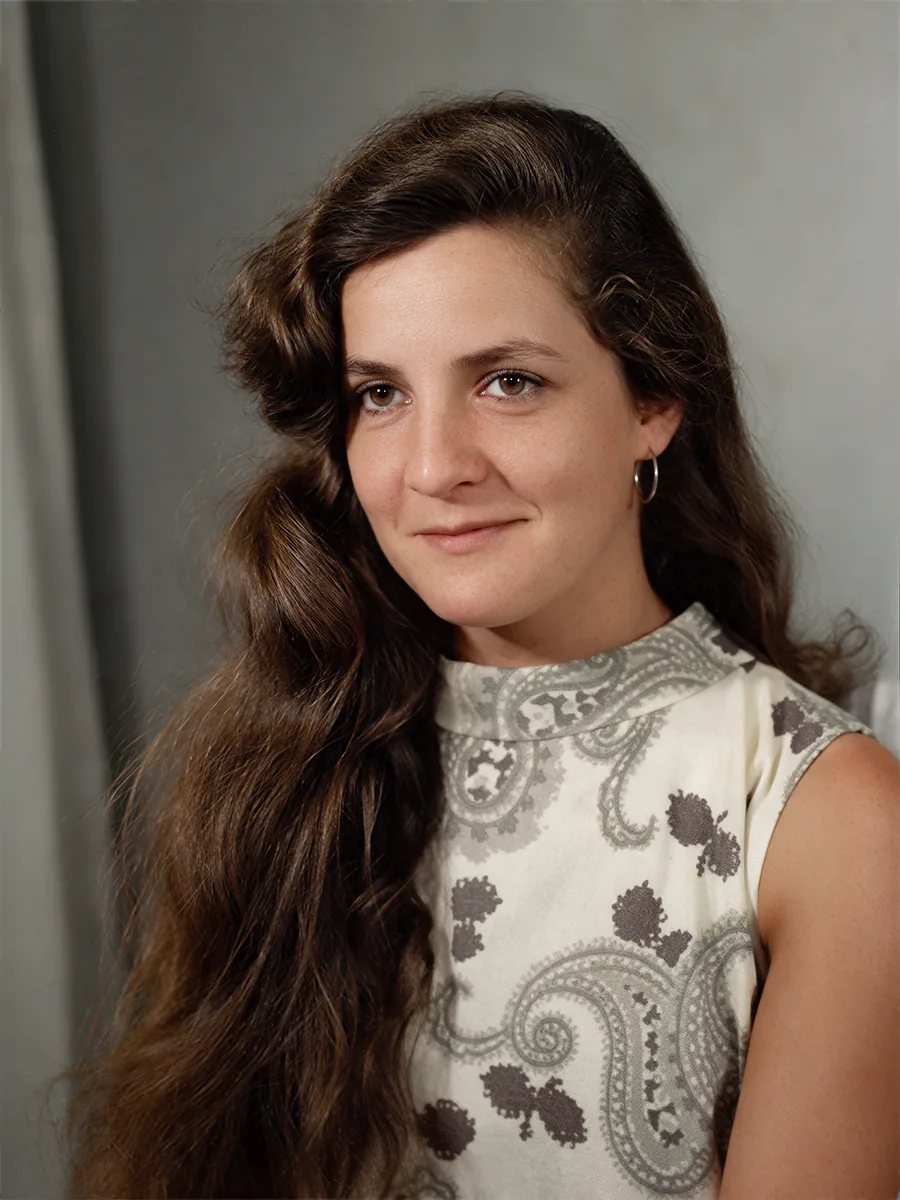
Real results, 4 credits each. Drag any handle.

What Restore photo does

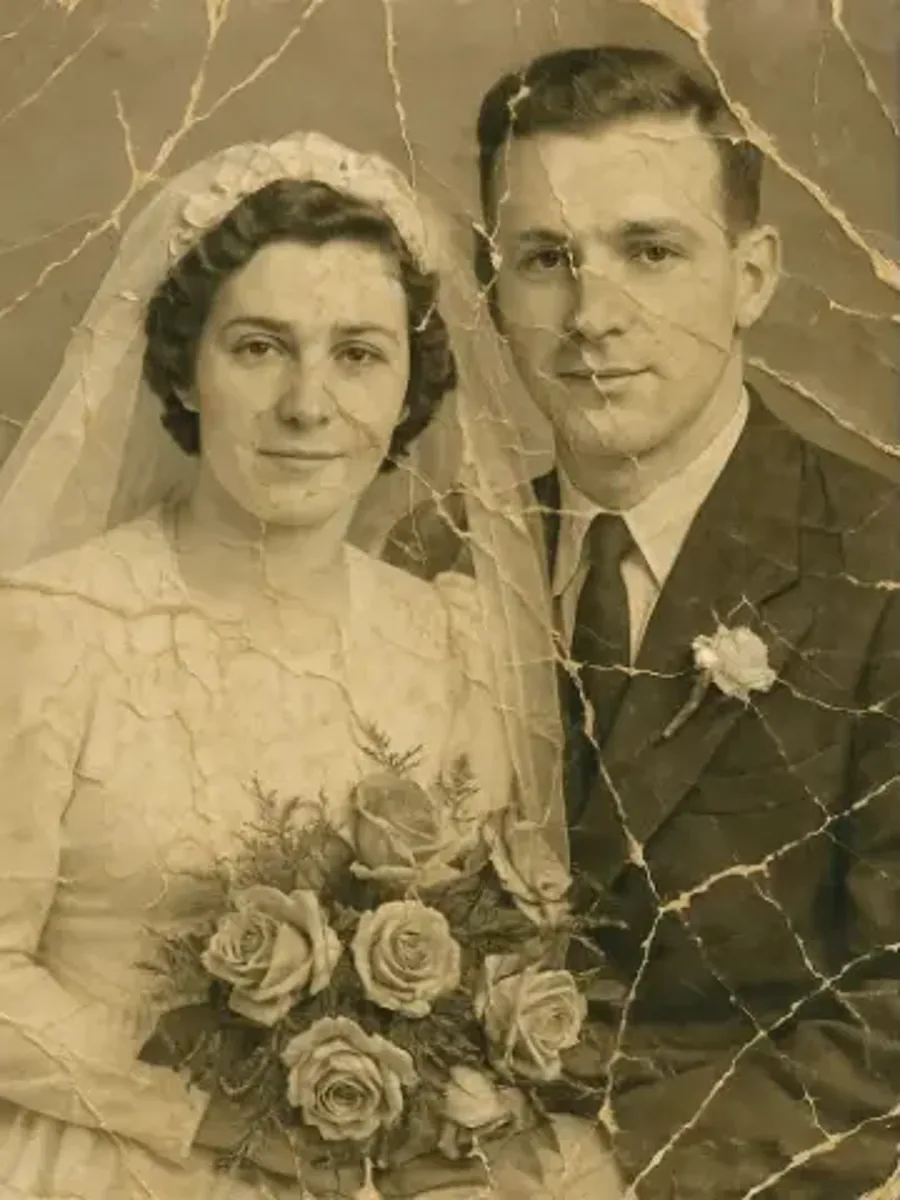
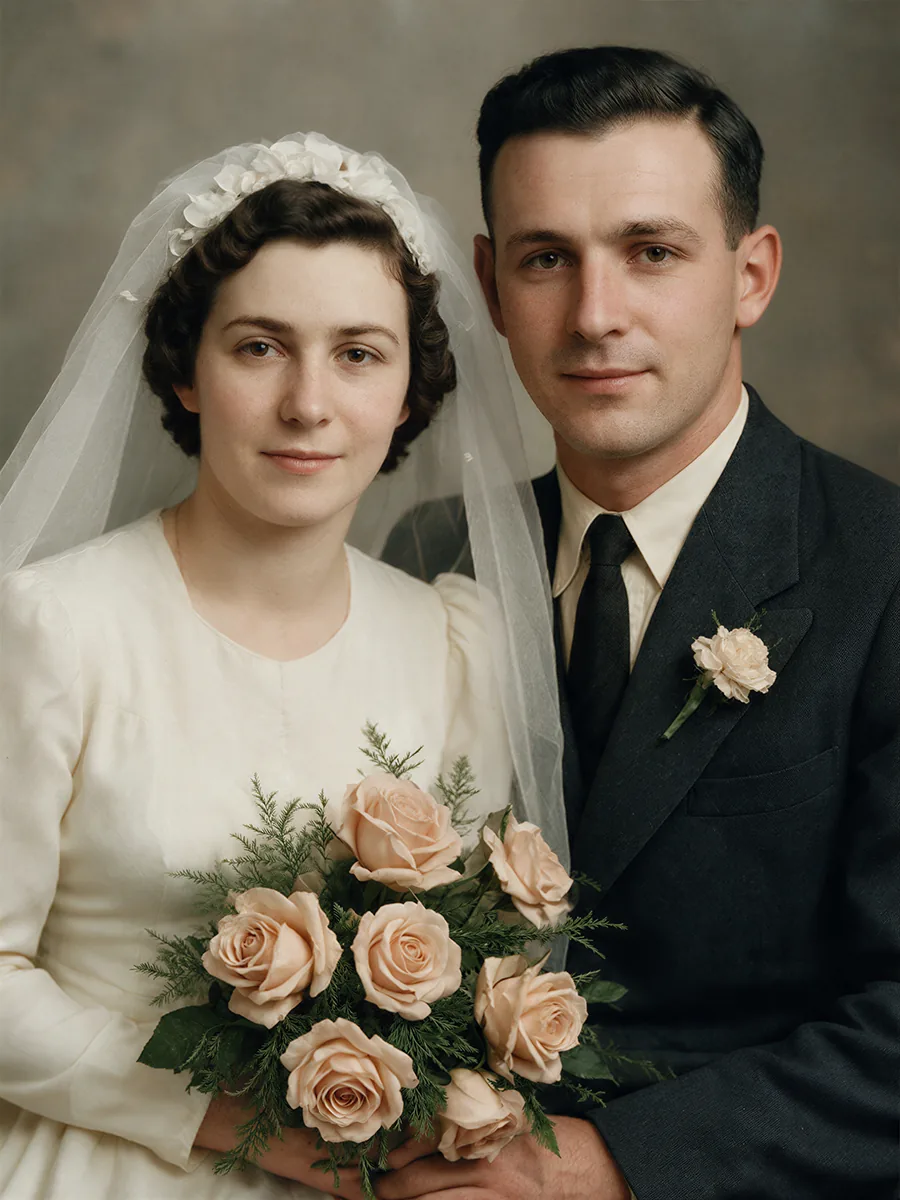
Restore photo is Radbin's photo restoration tool for Adobe Photoshop. It repairs physical damage (tears, cracks, creases), removes fading and grain, rebuilds faces, and colourises black-and-white or sepia prints. There is no prompt to write: you tick the problems the photo has, and Radbin runs the model with a restoration prompt tuned for that combination. The result is placed as a masked, named layer in your open document, so the original is never touched. One restoration costs 4 credits at 2K.

How it works

  1. 1Open the photo in Photoshop and make a selection, or none to restore the whole image
  2. 2On the Enhance tab choose Restore photo and tick what is wrong: tears, colour, faces, grain, fading
  3. 3Click Apply. In about 40 seconds the restored photo lands as a new layer

What it costs

SizeCredits
2K (typical print scan)4 cr

One credit is one credit on every tool. A failed job refunds itself, and the exact cost shows on the button before you click. How credits work.

Get Radbin · from $9.97/mo Every tool on every plan · Cancel anytime
Questions

Restore photo, answered.

Does it change the person's face?
It rebuilds damaged areas of the face but keeps the identity: the same features, age and expression. Tick Faces only when the face itself is damaged; leave it off for a clean face on a torn print.
Can it colourise a black-and-white photo?
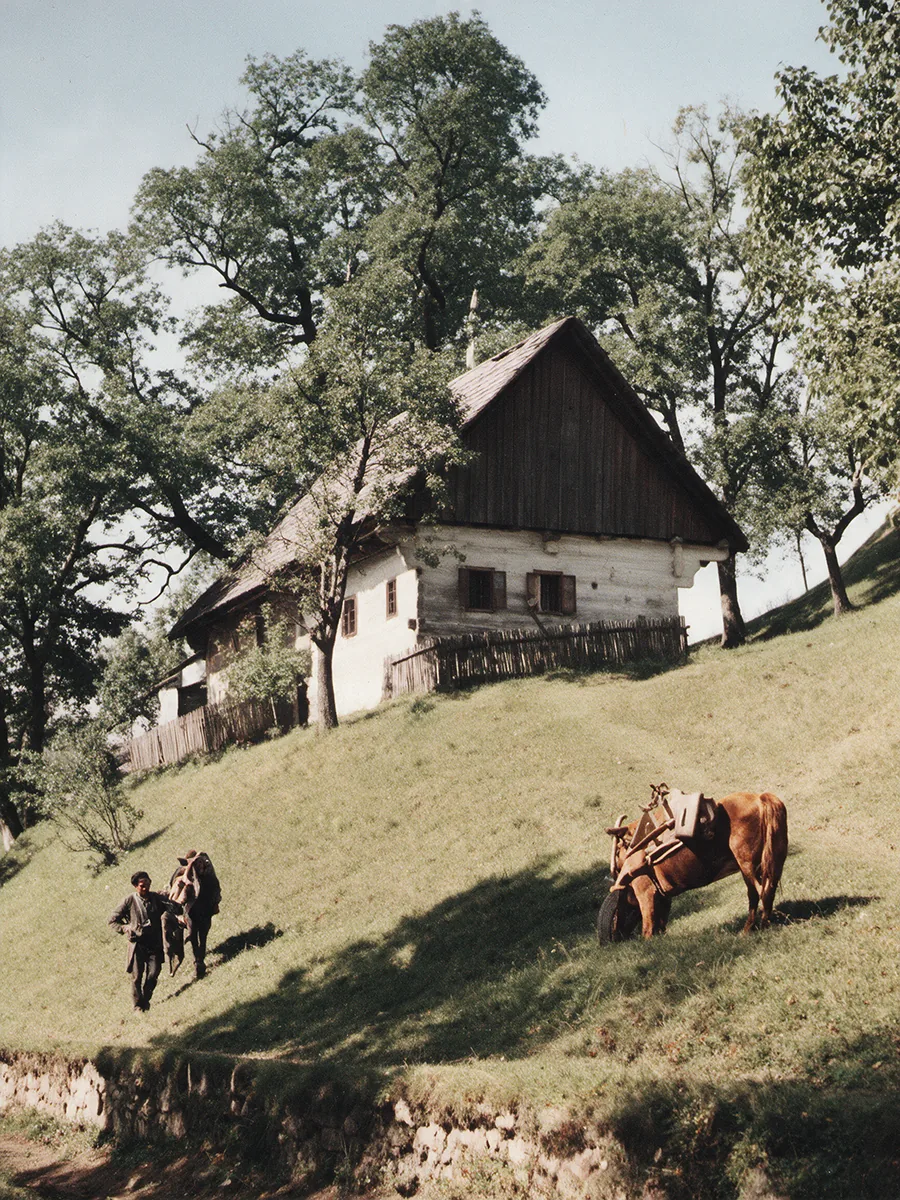
Yes. Tick Colourise and the print comes back in natural colour. Combine it with the damage fixes in one run.
What resolution does it work at?
Restore photo works at 2K, which suits scanned prints. For larger output, run Upscale on the result afterwards.
How long does it take?
Typically 30 to 60 seconds per photo. The panel shows progress and the result places itself when it is done.
Where do the four example photos come from?
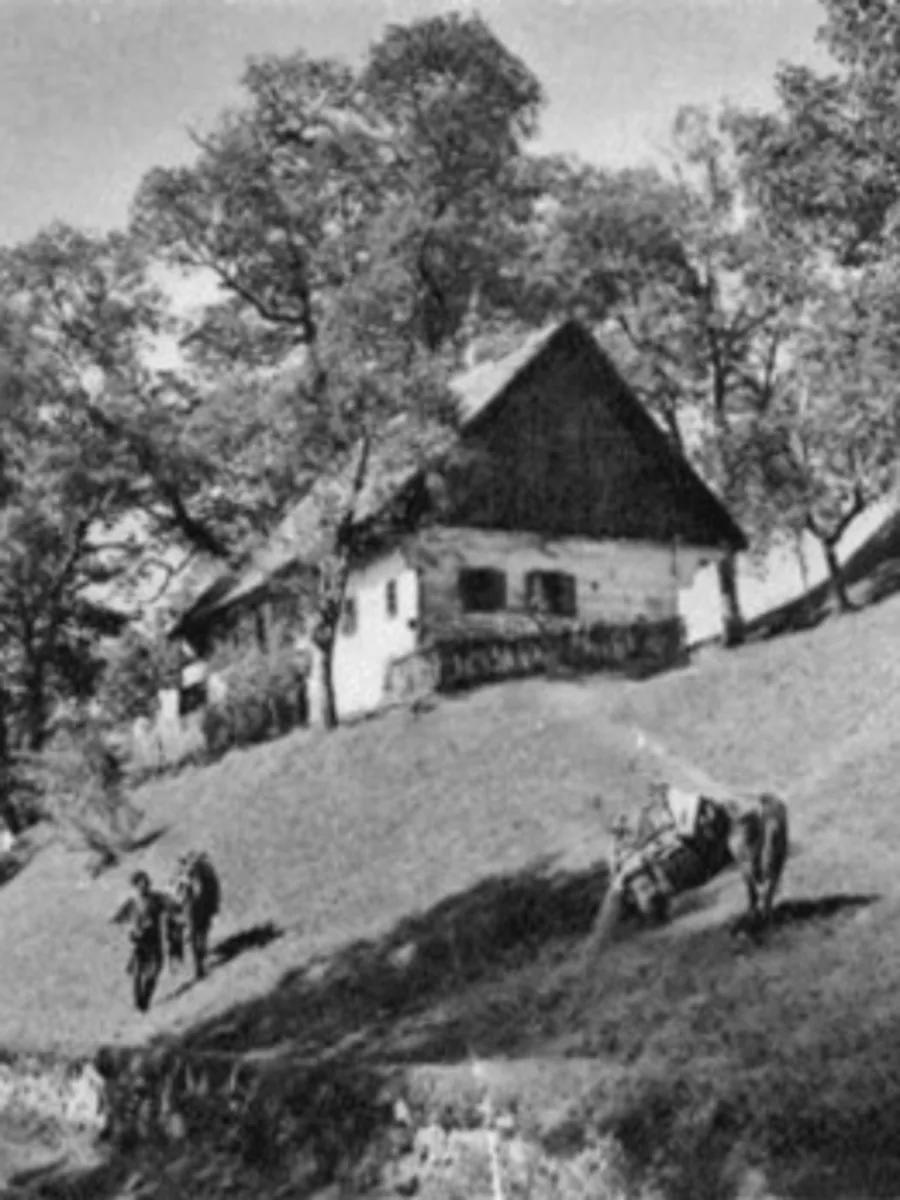
They are real runs from the plugin: a creased and faded child portrait, a torn print, a 1940s sepia wedding photo and a black-and-white farmhouse. Nothing was retouched afterwards.

Updated 21 September 2026 · By Pouya Eti

Not open yet

Radbin opens Monday 28 September.

At 11:00 New York time. Leave your email and get the link 5 minutes early.

You will also get our launch emails. Unsubscribe anytime.