Radbin for Photoshop · Relight

Light the room again. Nothing moves.

Pick a light and Radbin relights the whole scene, shadows and all. Every object, every face stays exactly where it was.

12 lightsDirection, warmth, strengthFrom 3 creditsWorks on people
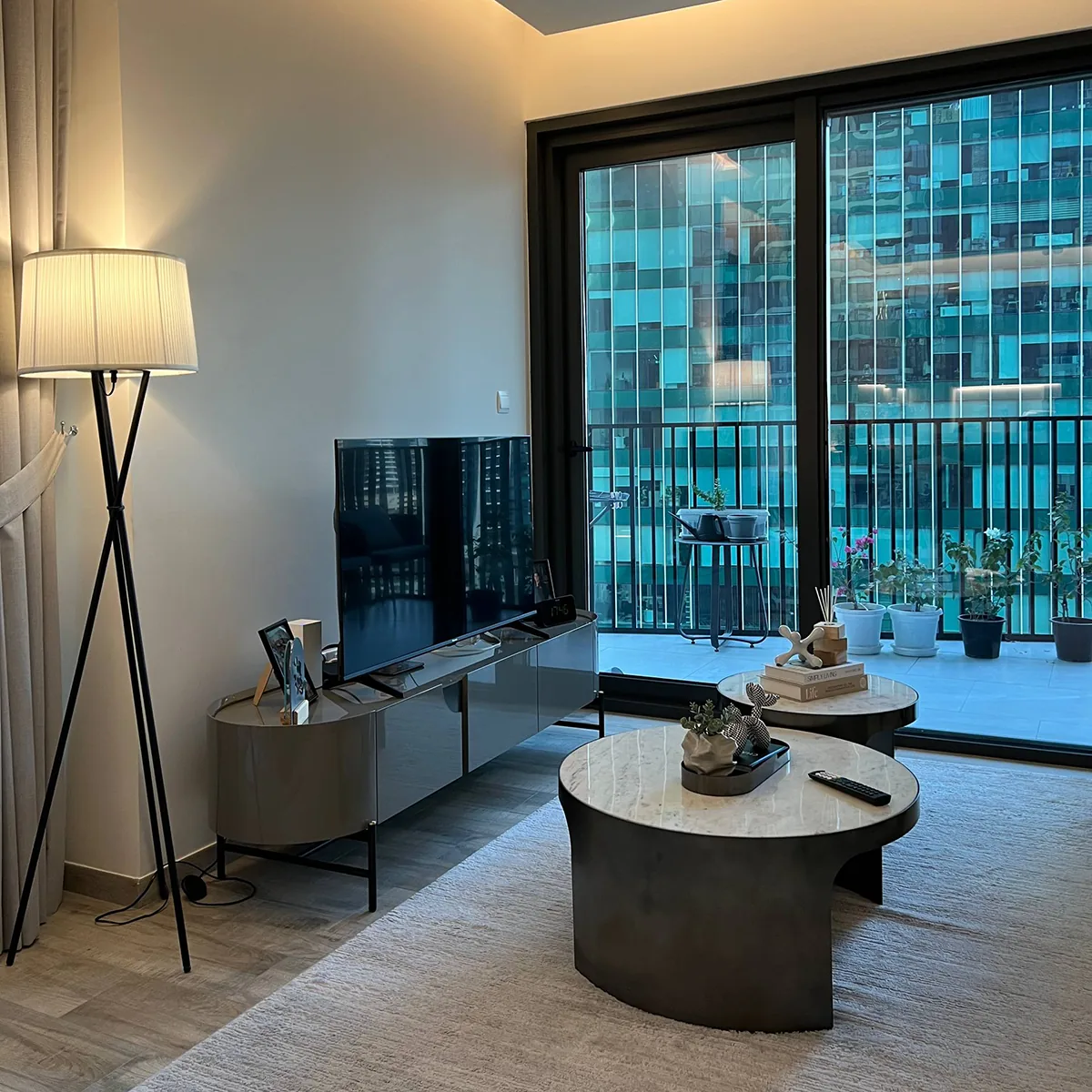
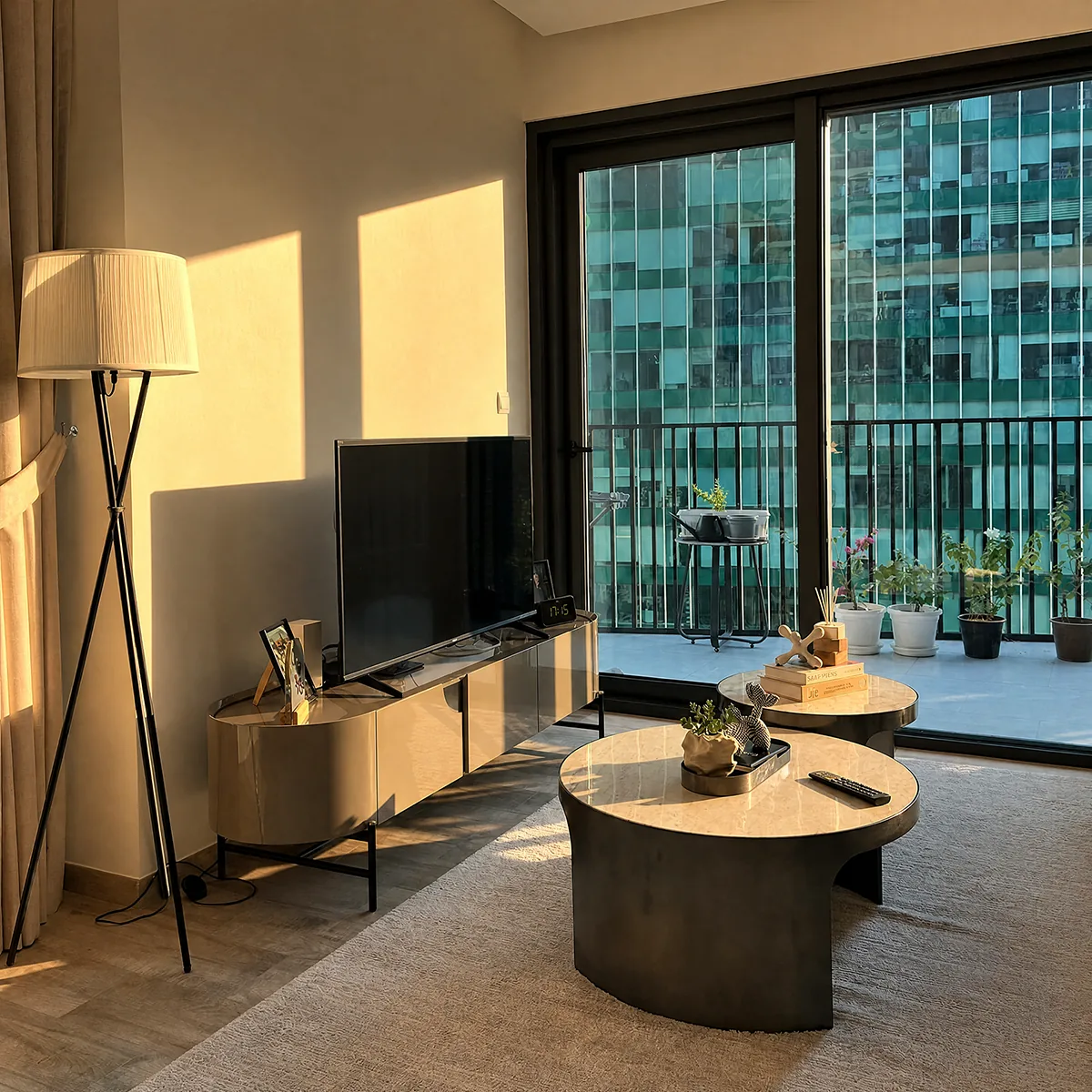
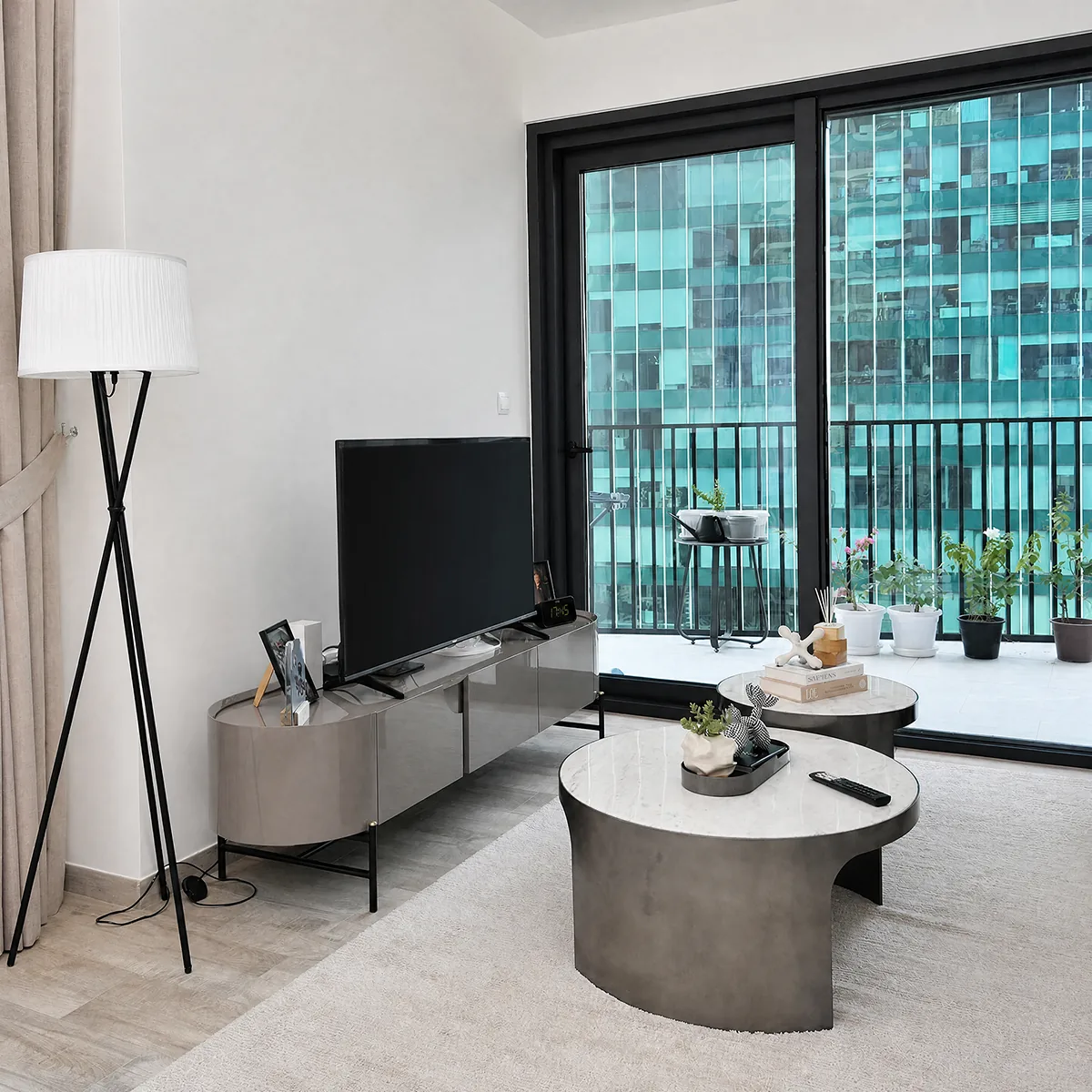
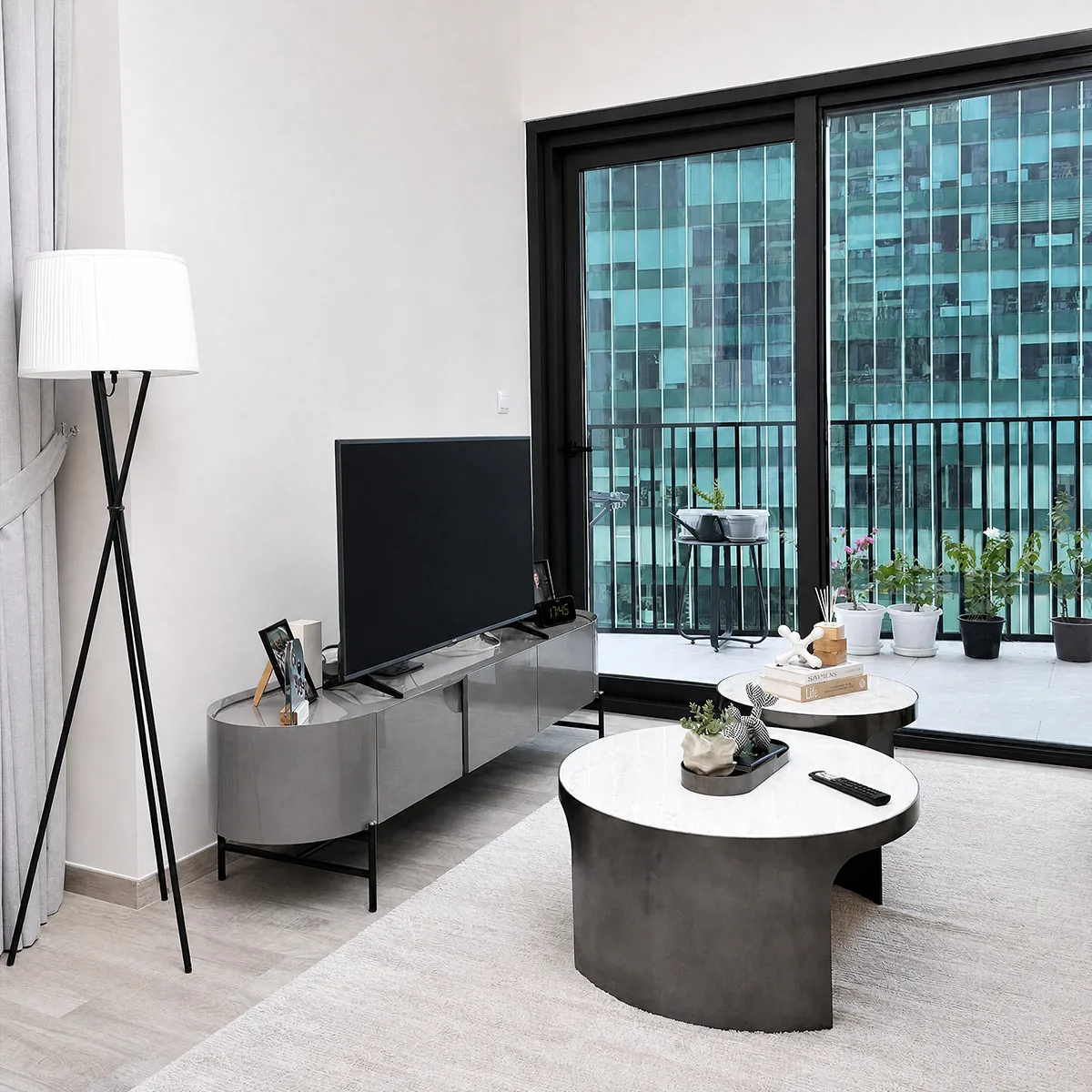
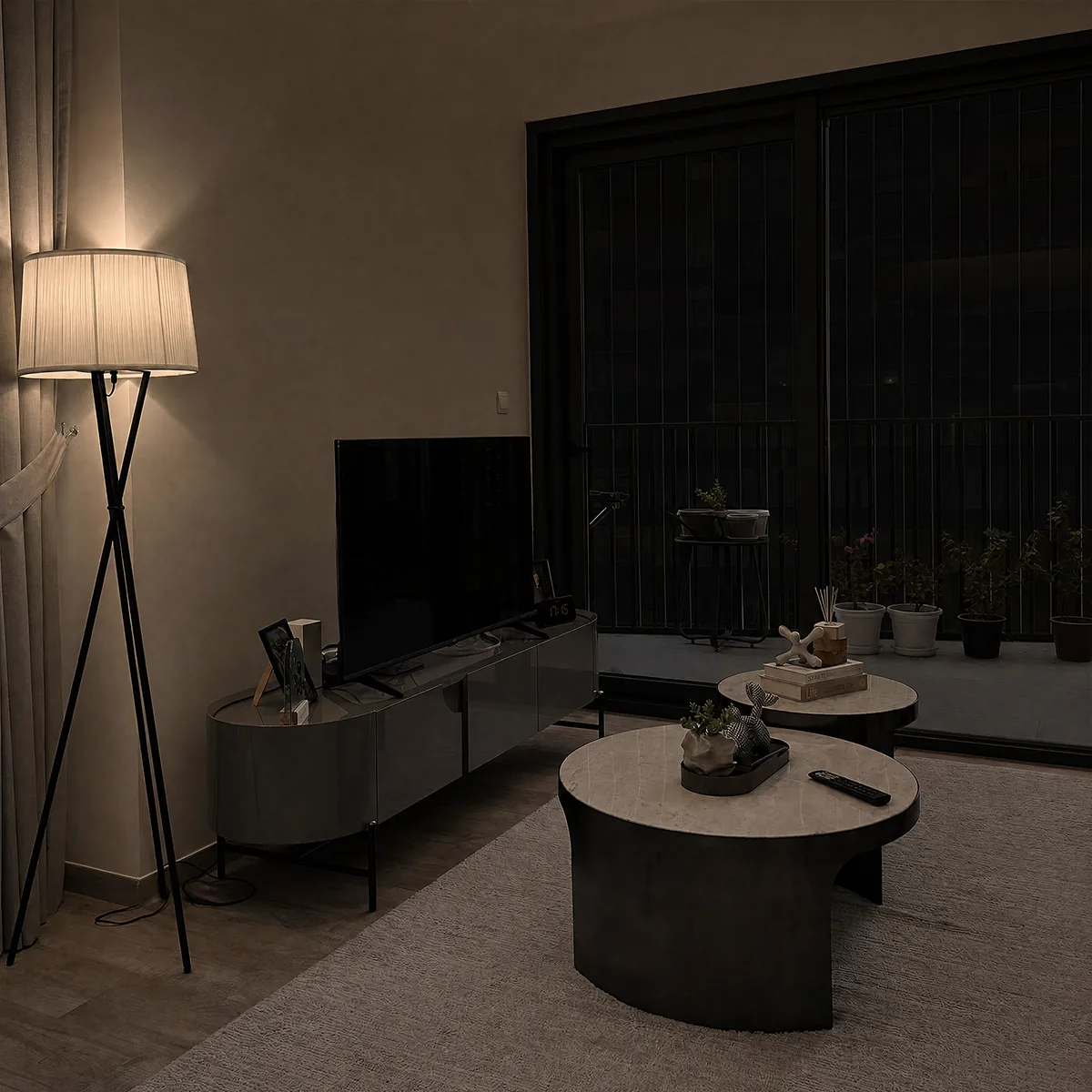
A living room relit by Radbin — As shotA living room relit by Radbin — Hard sunA living room relit by Radbin — WindowA living room relit by Radbin — StudioA living room relit by Radbin — Night
one photo · four lights

Real results. Pick a light.

What Relight does

Relight is Radbin's AI relighting tool for Adobe Photoshop. It re-illuminates a photograph with one of twelve lights (Window, Studio, Golden hour, Hard sun, Overcast, Rembrandt, Butterfly, Split, Rim, Candle, Neon, Night), a direction (left, right, front, above, behind), a warmth and a strength. The engine rebuilds the illumination and the shadows it casts across the whole scene while keeping the composition, the people and the objects unchanged. A Detail option can take fine texture from your own photo rather than the AI's rendering, so wood, fabric and skin keep their grain. Relight costs 3, 5 or 7 credits at 1K, 2K or 4K.

How it works

  1. 1Select the area to relight, or nothing to relight the whole photo
  2. 2On the Enhance tab choose Relight, pick a light, and optionally where it comes from, how warm and how strong
  3. 3Click Apply. The relit photo lands as a new layer named after the light you chose

What it costs

SizeCredits
1K3 cr
2K5 cr
4K7 cr

One credit is one credit on every tool. A failed job refunds itself, and the exact cost shows on the button before you click. How credits work.

Get Radbin · from $9.97/mo Every tool on every plan · Cancel anytime
Questions

Relight, answered.

Does it move or redraw objects?
No. Relight changes the illumination and the shadows. Furniture, people and the layout stay where they are; the four interior results on this page are the same room under four lights.
Can I relight a portrait?
Yes. Golden hour or a studio key light on a portrait taken by a window is one of the most common uses. The face keeps its identity and texture.
What does the Detail option do?
By default the AI renders the fine detail. Set Detail to From my photo and Radbin keeps the original texture through a frequency-separation step, which suits fabric, wood and skin.
Which resolution should I pick?
2K is the default and enough for screen and most prints. 4K costs 7 credits and is worth it for large prints or when the photo is already 4K.

Updated 21 September 2026 · By Pouya Eti

Not open yet

Radbin opens Monday 28 September.

At 11:00 New York time. Leave your email and get the link 5 minutes early.

You will also get our launch emails. Unsubscribe anytime.