 Radbin
Ask Claude.
It edits in Photoshop.
Radbin connects your AI app to Photoshop. It looks at your photo, measures it, makes a plan and works like a retoucher, in real layers you can switch off. Photoshop's own tools are free.
Photoshop 2023 or newer · Mac and Windows · No card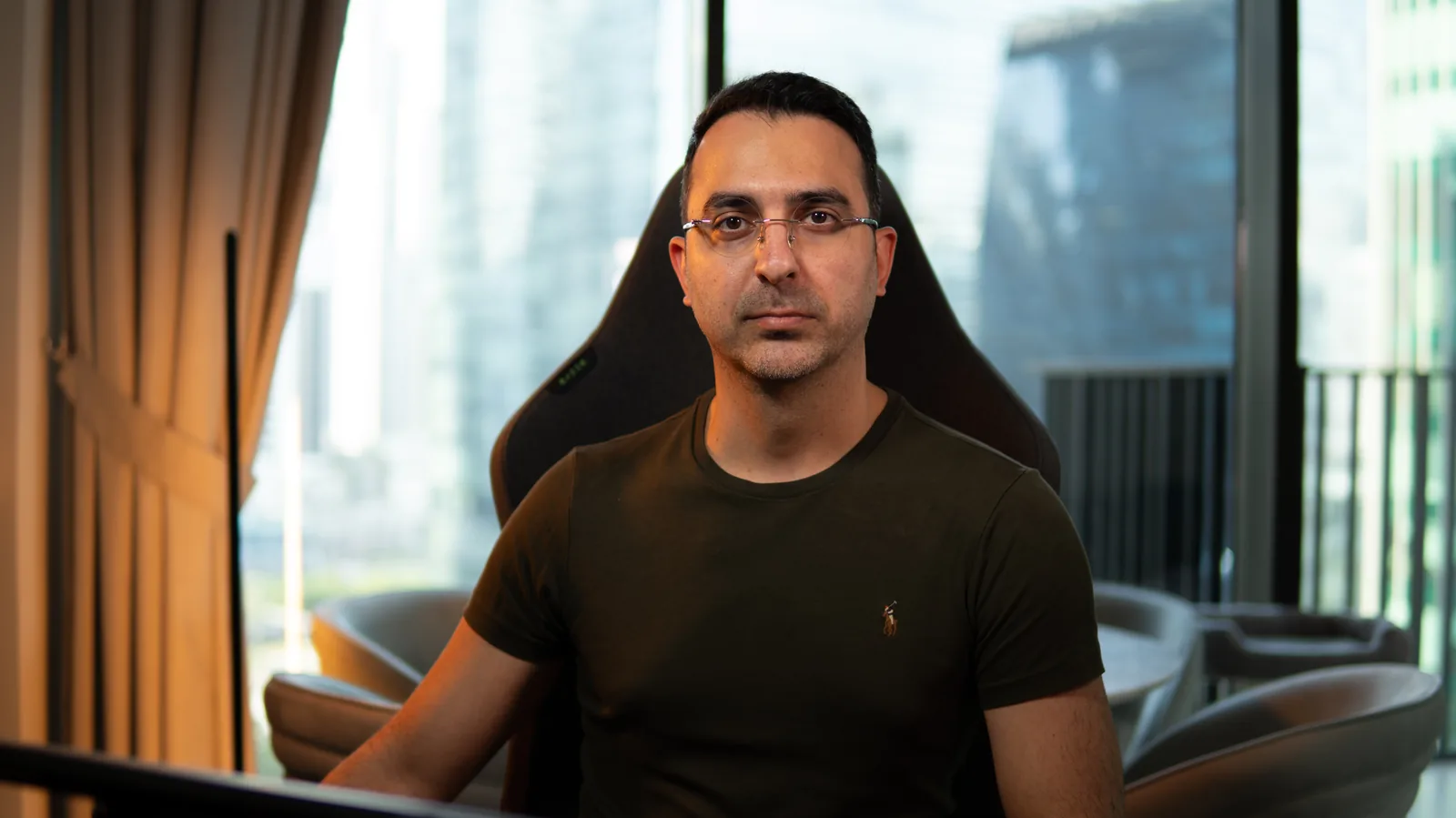
 The rawBy Claude
One photo in. A finished piece out.
Three of our own tests, each from a single photo and a request in plain words. Claude planned the steps and ran them in Photoshop through Radbin. Drag the line to compare.
 The photoBy Claude
 The photoBy Claude
 The photoBy Claude
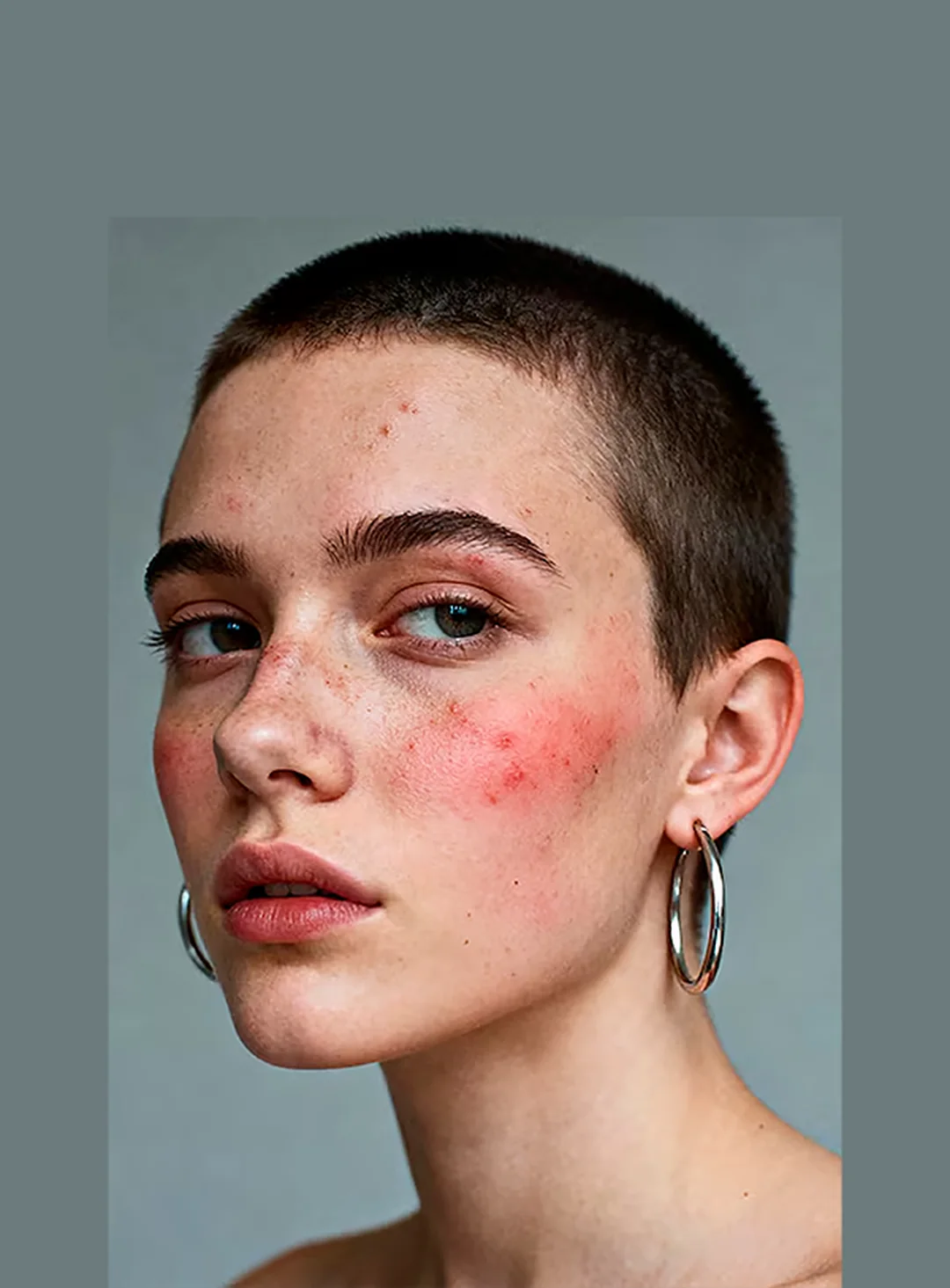
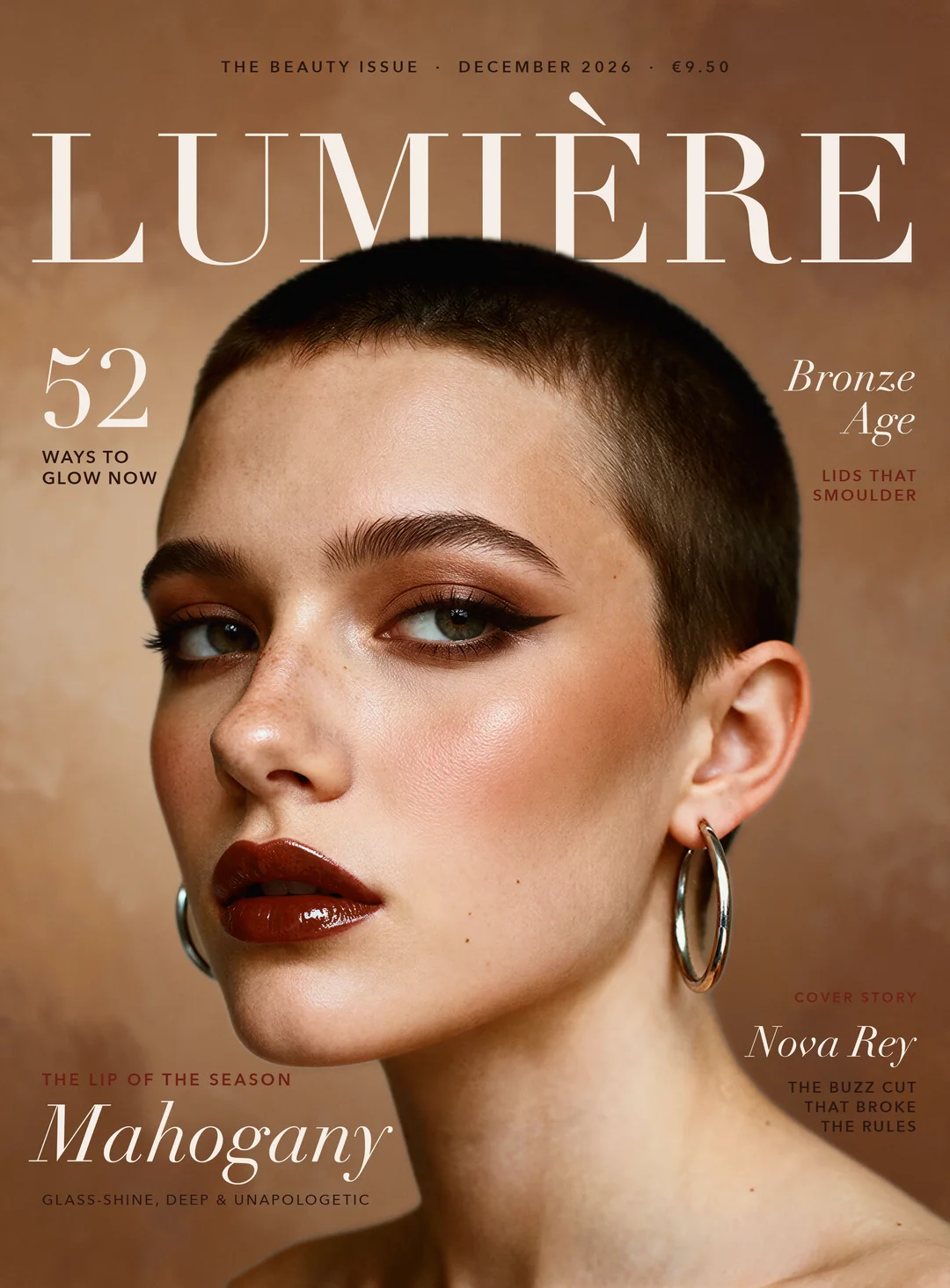
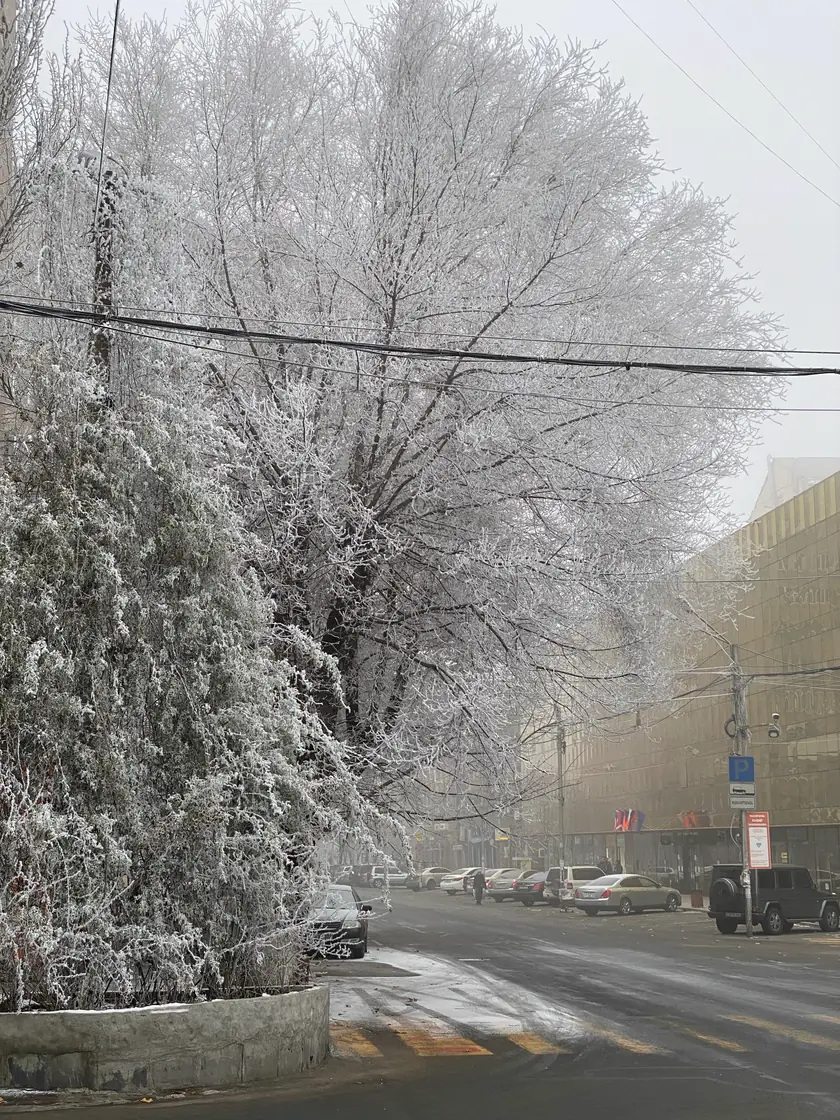
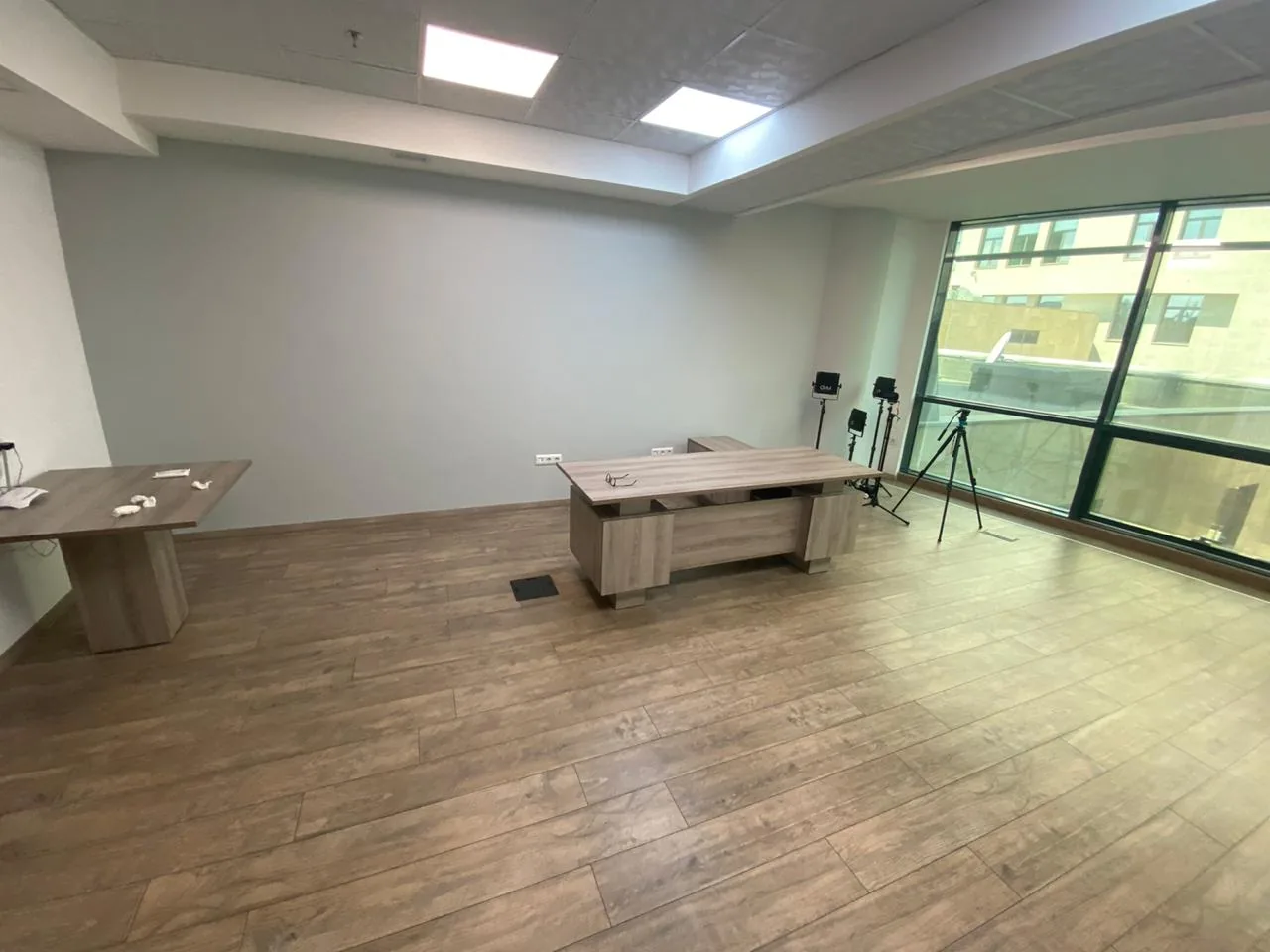
Edits like these use Radbin's AI models, which cost credits, along with Photoshop's own tools. Office and street photos: Pouya Eti. The starting portrait is an AI image, Designed by Magnific.
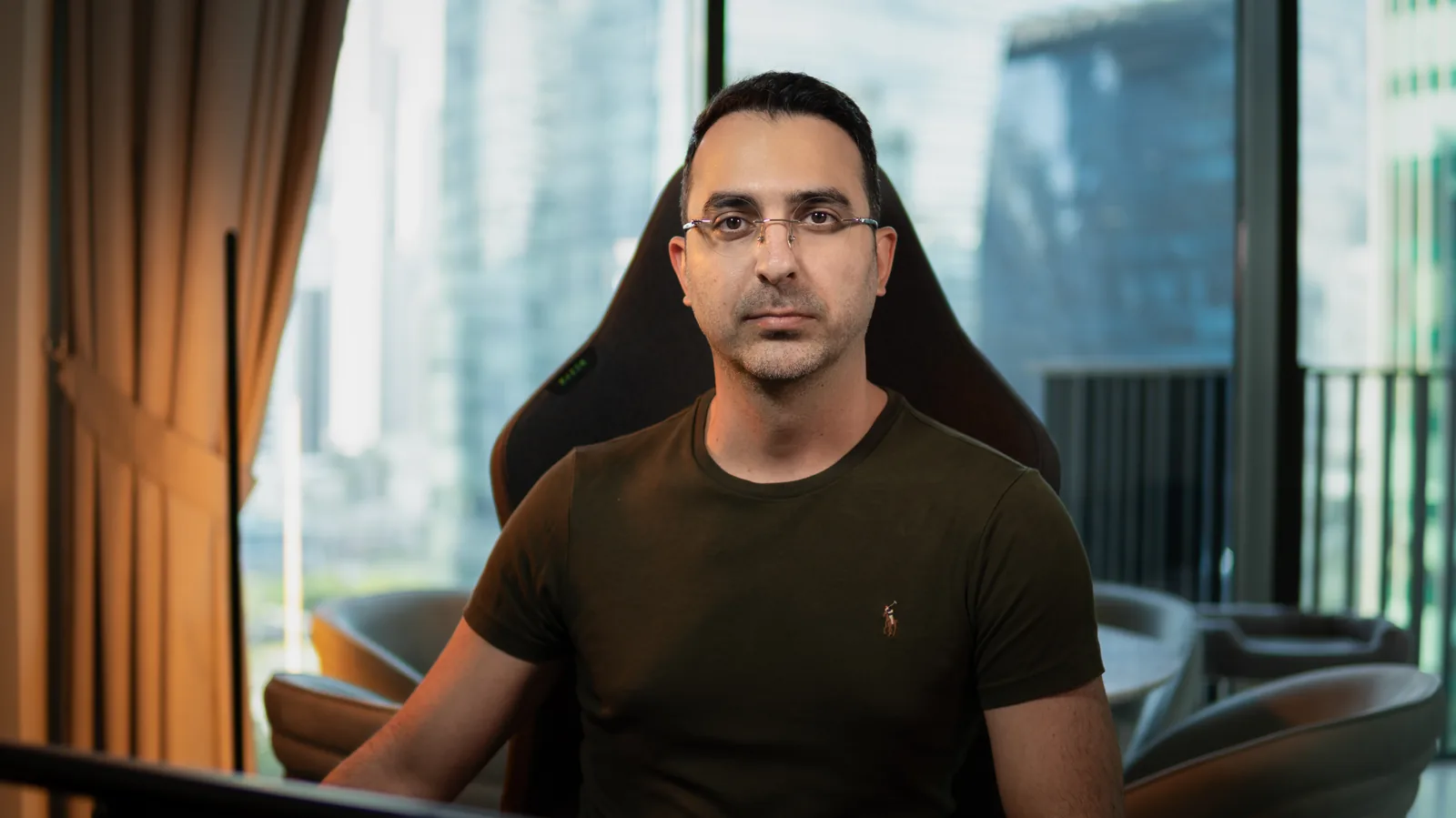
A raw file, developed by Claude. No AI model. No credits.
A portrait shot at f/1.4 against a bright window, under a warm lamp. Claude measured what was wrong first, then fixed it with Photoshop's own tools through Radbin.
Every step is a layer.
Adjustment layers, masks and an editable Camera Raw filter, each named for what it does, in one group you can switch off. Photoshop's History shows each step as “Claude ·”, and undo takes it back.
- 1Measures before it touches anything
- 2Never paints on your own layers
- 3Pores, stubble and glasses checked at 100%
- Claude · portrait development
- Curves · final contrast, brightness only
- Hue/Saturation · irises lifted a little
- Light · a pool of light on his face
- Background · the window brought back
- Hue/Saturation · skin from red to warm
- Dodge · under-eyes, at 50%
- Skin retouch · 27 blemishes healed
- Camera Raw · the raw developed
- DSC01940 · the raw, untouched
Photo: Pouya Eti, Sony a6700 at f/1.4. Edited on 21 November 2026 by Claude with Radbin.
Connect once. Then just ask.
- 1Install RadbinOne free file for Mac and Windows. Creative Cloud installs it.
- 2Start freeIn Photoshop: Plugins › Radbin. Your name, your email and the code we send.
- 3Connect your AIRadbin's MCP tab: press Claude, ChatGPT, Cursor or VS Code, then Allow.
- 4AskIn plain words, in your AI app. It works in the photo open in Photoshop.
 Claude
 ChatGPT
 Cursor
 VS CodeAny MCP app
Say it the way you'd say it to a retoucher.
Your AI reads Radbin's playbooks for each kind of job: portraits, products, landscapes, architecture, old photos, thumbnails and posters.
Retouch this portrait like a professional. Keep it natural.Free: Photoshop tools
Develop this raw. The window behind him is blown out.Free: Photoshop tools
Make her lips a lighter red, like the reference.Free: Photoshop tools
Blend these three bracketed exposures into one.Free: Photoshop tools
Make a YouTube thumbnail from this photo, with the title “I tried it”.Free: Photoshop tools
Make it a fashion magazine cover.Free: Photoshop tools
Restore this old family photo.Uses Radbin credits
Remove the people in the background.Uses Radbin credits
Upscale it to 4K.Uses Radbin credits
It looks after every step.
After each change your AI gets the picture and its numbers back: brightness, clipping, colour casts and skin tone. It looks at skin, eyes and edges at 100%, and sees in red exactly where a mask or a change landed, so a spill onto the cheek gets fixed before you see it.
Photoshop's tools: free. 40 credits to try the AI.
Every Photoshop tool Radbin gives your AI: adjustment layers, masks and selections (lips, eyes, teeth, skin and clothes by name), Camera Raw, the skin retouch, text and layouts, raw files and exports.
Radbin's AI models: Cherry skin retouch, Ultra upscale, Restore photo, relighting, removing and the image models. A free account starts with 40 credits, for 30 days.
Your AI app runs on its own plan with its maker. One free start per person and per computer. Radbin's content rules apply whatever AI you use.
You see every step. You can stop it any time.
Only Radbin's tools
Your AI works in the document open in Photoshop, through Radbin's tools, and nothing else on your computer. Turn the Connect switch off and it stops.
Nothing flat, nothing lost
New layers and masks, never paint on yours, and every step undoable from Photoshop's History.
Clear content rules
No nudity or sexual content, whatever AI you use. We never train AI on your photos and never sell them.