 Radbin
The short answer: start with what Photoshop already has, because you pay for it anyway. Add Topaz if upscaling and noise are most of your work, Retouch4me or Portraiture if you retouch portraits all day, and a plugin that brings other AI models and one-click tools into Photoshop, like Radbin, Magnific or Higgsfield, when Firefly isn't enough.
Full disclosure: I make two of the plugins on this list, Radbin and Eti Image, and I say so where they appear. Every entry is judged on the same five things, and every price was checked on the maker's own page on 17 November 2026.
How I judged them
- It works inside Photoshop and hands the result back as a layer, instead of sending you off to another app.
- The results on real photos, where I've tested it myself.
- What a result really costs, whether you see the price before you click, and whether unused credits expire.
- It works when you need it: what failed when I tested it, with the date.
- Lock-in: a one-time price or a subscription, your own API keys or not, and which versions of Photoshop it supports.
There's no single winner: each one is best at something, so each entry says what.
The 10 at a glance
| Plugin | Best for | How you pay | From |
|---|---|---|---|
| Photoshop's own AI | Fill, expand, remove, upscale | Your plan, plus generative credits | In your plan |
| Topaz Photo and Gigapixel | Upscaling and noise | Subscription | $29 a month |
| Radbin (mine) | One-click photo tools and 12 models, no prompts | Monthly credits | $9.97 a month |
| Retouch4me | Portrait retouching in volume | Lifetime licence or subscription | $169 a year |
| Magnific | Generating and upscaling | Subscription credits | €12 a month, yearly |
| Eti Image (mine) | Many models at the providers' prices | One-time, plus your own API keys | $19 once |
| Higgsfield | Ready-made creative tools | Free plugin, Higgsfield plan | $15 a month |
| Luminar Neo | Skies, light and erasing | One-time licence | See Skylum |
| Portraiture 5 | Classic skin smoothing | One-time | $249.95 |
| SD-PPP | Your own ComfyUI workflows | Free, open source | Free |
1. Photoshop's own AI: the place to start
Before you buy anything, use what you already pay for. Photoshop 2027 has Generative Fill and Expand, the Remove tool with Remove related elements, Generative Upscale with Firefly Upscaler 2 and two Topaz models, Relight, and partner models from Google and Black Forest Labs inside Generative Fill.
How you pay: generative credits from your Creative Cloud plan. Adobe lists 1 credit a generation with the standard Firefly model and 10 to 40 with partner models. A single Photoshop plan bought since June 2025 includes 25 a month, and they don't roll over.
Weak spot: 25 credits go fast: one 4K fill with Nano Banana 2 is listed at 30. My test of every new feature, with costs: Photoshop 2027 new features.
2. Topaz Photo and Gigapixel: best for upscaling and noise
Topaz has been the specialist for enlarging, sharpening and denoising for years, and its models run on your own computer. From Photoshop you send the image to the Topaz app (Gigapixel, for example, is under File › Automate) and the result comes back when you're done.
How you pay: by subscription only, since October 2025. Topaz Photo is $199 a year or $39 a month, and Gigapixel $149 a year or $29 a month, with lower Black Friday prices when I checked.
Weak spot: it's a round trip to a separate app, and there's no one-time licence any more. Worth knowing: Adobe agreed in June 2026 to buy Topaz Labs, and Topaz models already power two options in Photoshop's Generative Upscale.
3. Radbin (mine): one-click photo tools without prompts
Radbin is the plugin I make, so weigh this entry accordingly. It puts 15 one-click tools on one panel: restoring old photos, rebuilding small portraits at 4K, relighting, a live light studio, moving the focus after the shot, skin retouching that keeps the texture, and three upscalers. Its Create tab adds twelve image models, among them GPT Image 2.6, Nano Banana 2.1 and FLUX 3, and every result lands as a named, masked layer.
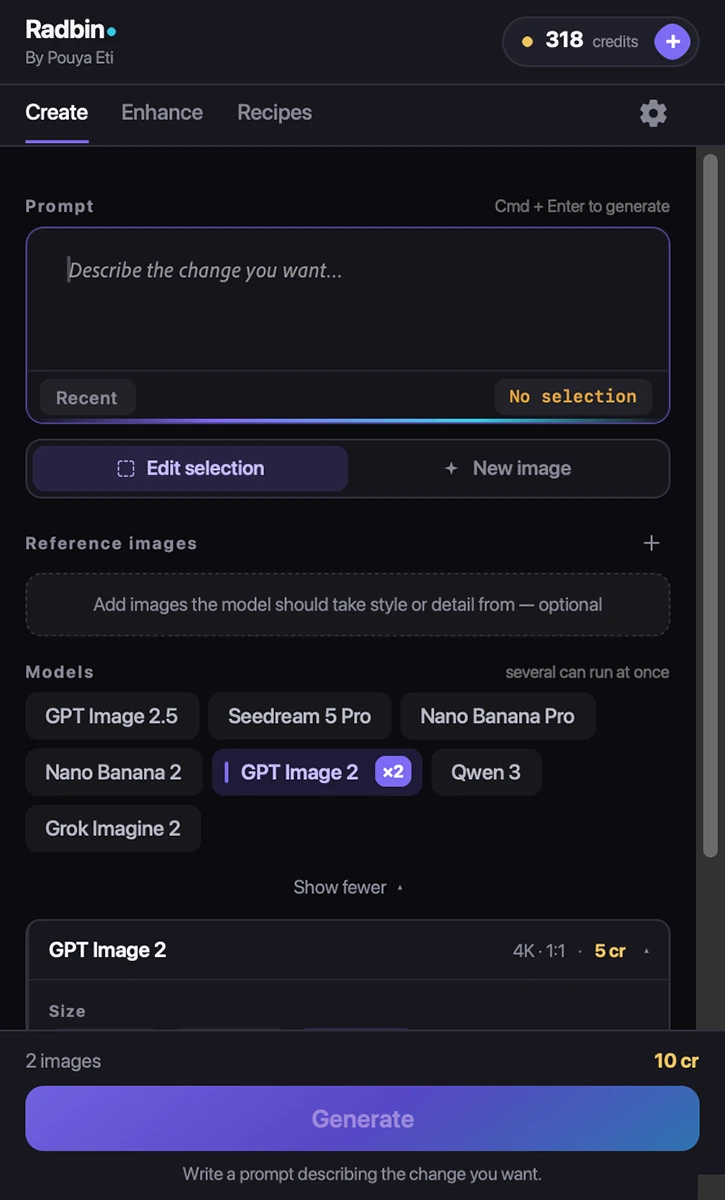
How you pay: credits, from $9.97 a month for 200, and a typical 2K result costs 4 to 5. There are no API keys, the price is on the button before you click, and a failed job gives its credits back. The same plan works in Premiere Pro.
Weak spot: there's no one-time option, and a month's credits reset at each bill.
4. Retouch4me: best for portrait retouching in volume
Retouch4me sells a separate AI plugin for each retouching job, such as Heal for skin and Dodge & Burn for light, and runs them from a panel in Photoshop. Wedding and portrait retouchers use them to get through hundreds of photos.
How you pay: a lifetime licence per plugin, or a subscription from $169 a year.
Weak spot: the separate plugins add up if you need several.
5. Magnific: best if you already use it
Magnific's Photoshop plugin generates images, upscales, relights and removes backgrounds, with its stock library in the same panel.
How you pay: a subscription with credits: €12, €27 or €66 a month, billed yearly, before VAT.
Weak spot: by its own documentation, you can't choose the model inside the plugin yet, and there's no cost preview before a job runs.
6. Eti Image (mine): many models at the providers' own prices
Eti Image is my older Photoshop plugin, so the same caveat applies. It runs many image models side by side, and instead of buying credits you connect your own API keys and pay the AI providers directly, from about a cent to 30 cents an image by model.
How you pay: once, $19 for Core or $39 for Pro, plus what you spend with the providers.
Weak spot: you set up API keys and get separate bills. If that sounds like a chore, Radbin is the same idea without the keys.
7. Higgsfield: best for ready-made creative tools
Higgsfield's free Photoshop plugin brings its web tools into a panel: Mockup Studio, Angles, Expand, Relight, background removal and realtime styles. You sign in through a browser and spend Higgsfield credits.
How you pay: a Higgsfield plan: $15 a month for 200 credits, $49 for 1,000 or $129 for 3,000, according to its own blog. A 4K Nano Banana Pro image is 4 credits, about 30 cents on the smallest plan.
Weak spot: when I tested it in July 2026, four of its tools (upscale, decompose, face swap and rotate) failed on my photos, and its realtime previews spent credits. It may well have improved since.
8. Luminar Neo: best one-time buy for skies and light
Luminar Neo works as a Photoshop plugin: you send the image over, use its one-click sky replacement, relighting, erasing and expanding, and it sends the result back.
How you pay: a one-time licence, with the generative tools included for the first year. Skylum's page showed only a Black Friday discount when I checked, so look there for today's price.
Weak spot: the round trip to another app, and generative tools that are time-limited.
9. Portraiture 5: classic skin smoothing
Imagenomic's Portraiture has smoothed skin inside Photoshop for many years, with automatic skin masks and fine control. It smooths what's there rather than generating anything new.
How you pay: $249.95 for the Photoshop version.
Weak spot: a lot to pay for one job, and heavy settings still look smoothed. Every skin method, compared: how to retouch skin without losing the texture.
10. SD-PPP: free, for ComfyUI users
SD-PPP is a free, open source bridge between Photoshop and ComfyUI. If you already build ComfyUI workflows, it runs them on your Photoshop document, with any open model you like.
How you pay: nothing for the plugin; you pay for your own graphics card or a hosted ComfyUI. Version 2.0 is a beta and needs Photoshop 2025 or newer.
Weak spot: real setup work, beta software, and help only from the community.
What does one AI image cost in each?
Prices are hard to compare, because each tool sells its own credits. Here is one job in three of them: a 4K image from one of Google's Nano Banana models. The model versions differ a little, so treat it as a guide.
| Where | Model | Cost |
|---|---|---|
| Photoshop Generative Fill | Nano Banana 2 | 30 generative credits |
| Higgsfield | Nano Banana Pro | 4 credits: about $0.17 to $0.30 |
| Radbin | Nano Banana 2.1 | 5 credits: about $0.17 to $0.25 |
A single Photoshop plan's 25 monthly credits don't cover one such fill. In the plugins that sell credits, the range depends on the plan you're on.
Every Radbin tool in 9 minutes, if you want to see one of these in action.
Try the plugin I make
Radbin puts 15 one-click photo tools and twelve image models on one Photoshop panel. No API keys, every result lands as a layer, and a failed job refunds itself.
Watch Radbin on YouTube
Real tests and tutorials, inside Photoshop and Premiere. See the whole channel.
 21:44Photoshop 2027 new features vs Radbin
 19:57Claude Opus 5.5 edits my video in Premiere Pro
 16:20GPT Image 2.6 in Photoshop: images, vectors and GIFs
 7:37Upscale a low res portrait to 4K in Photoshop
 19:25Relight any photo in Photoshop with AI
 20:03Nano Banana 2.1 vs GPT Image 2 and FLUX 3: ten tests
 14:31Photoshop Relight vs Radbin Lightsmith
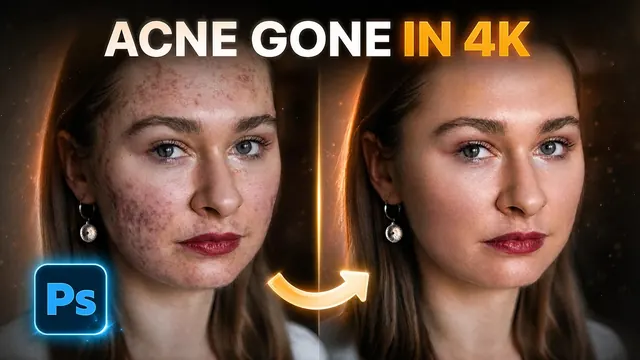 10:24Retouch skin without losing the texture
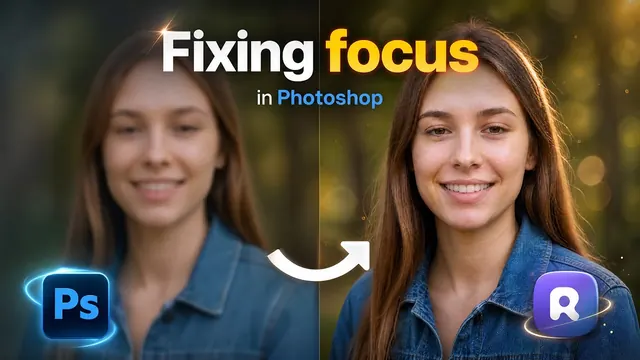 9:50Fix the focus of any photo after it was taken
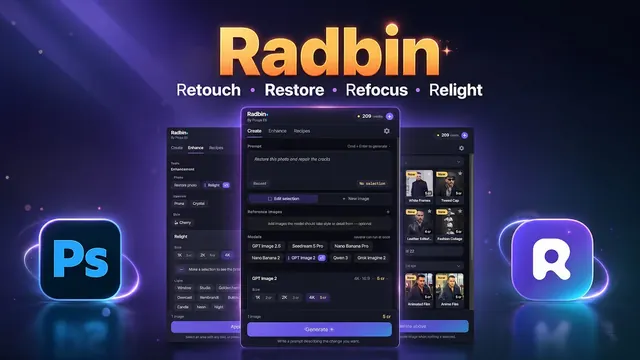 1:43Radbin changes only what you ask