 Radbin
Nano Banana 2.1 is Google's newest fast image model, out since 6 October 2026. I covered what changed and what it costs in its own post. This one is about the work: what it is actually good at, judged from real results.
1. Product ads with real, readable labels
This is where Nano Banana 2.1 surprised me most. Text used to give AI product shots away: a label that almost says something. Here every word reads, down to the small print, like “Pressed · Never From Concentrate · 350ml” on the juice and “150g · No Added Sugar” on the yogurt.
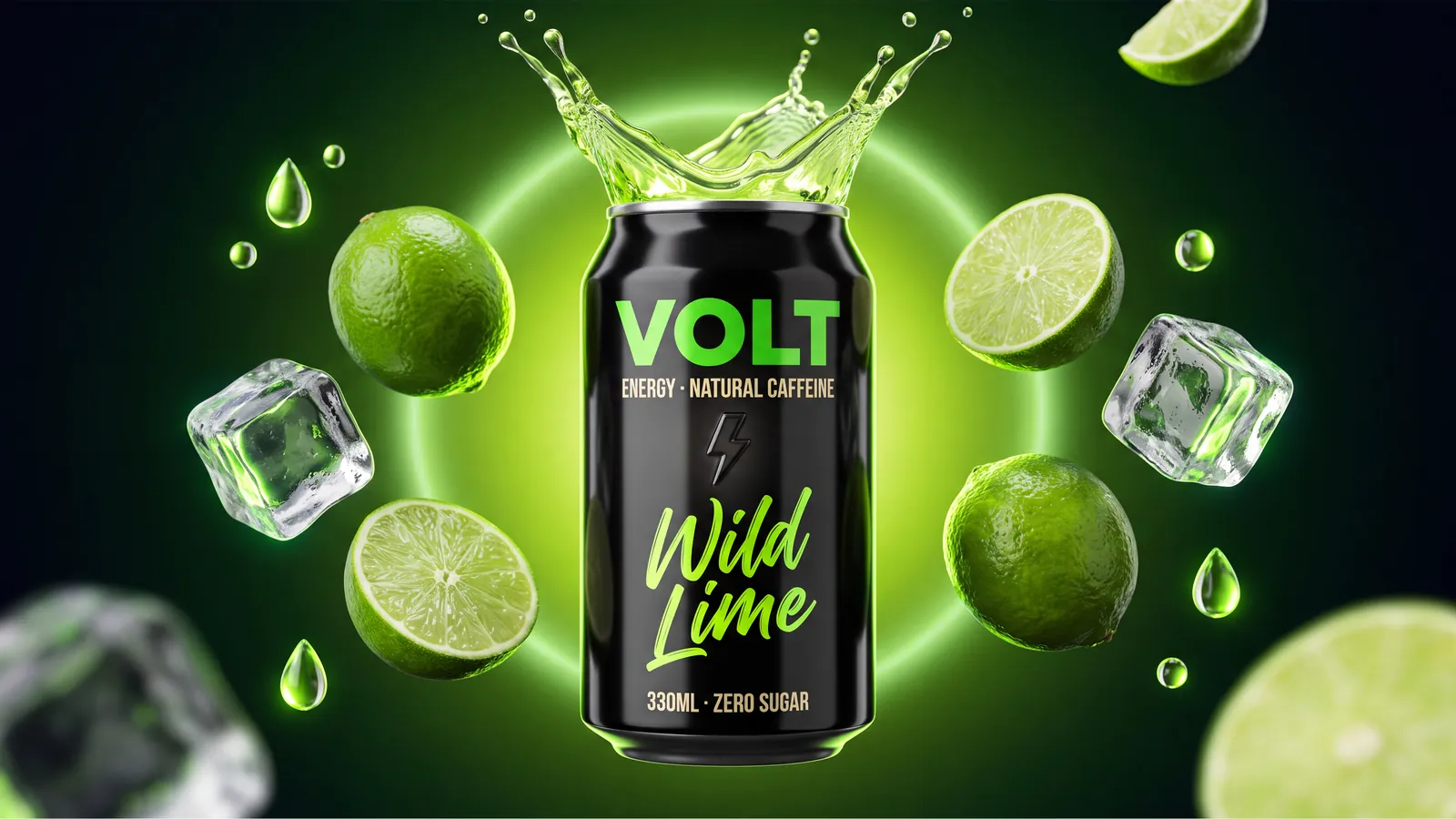
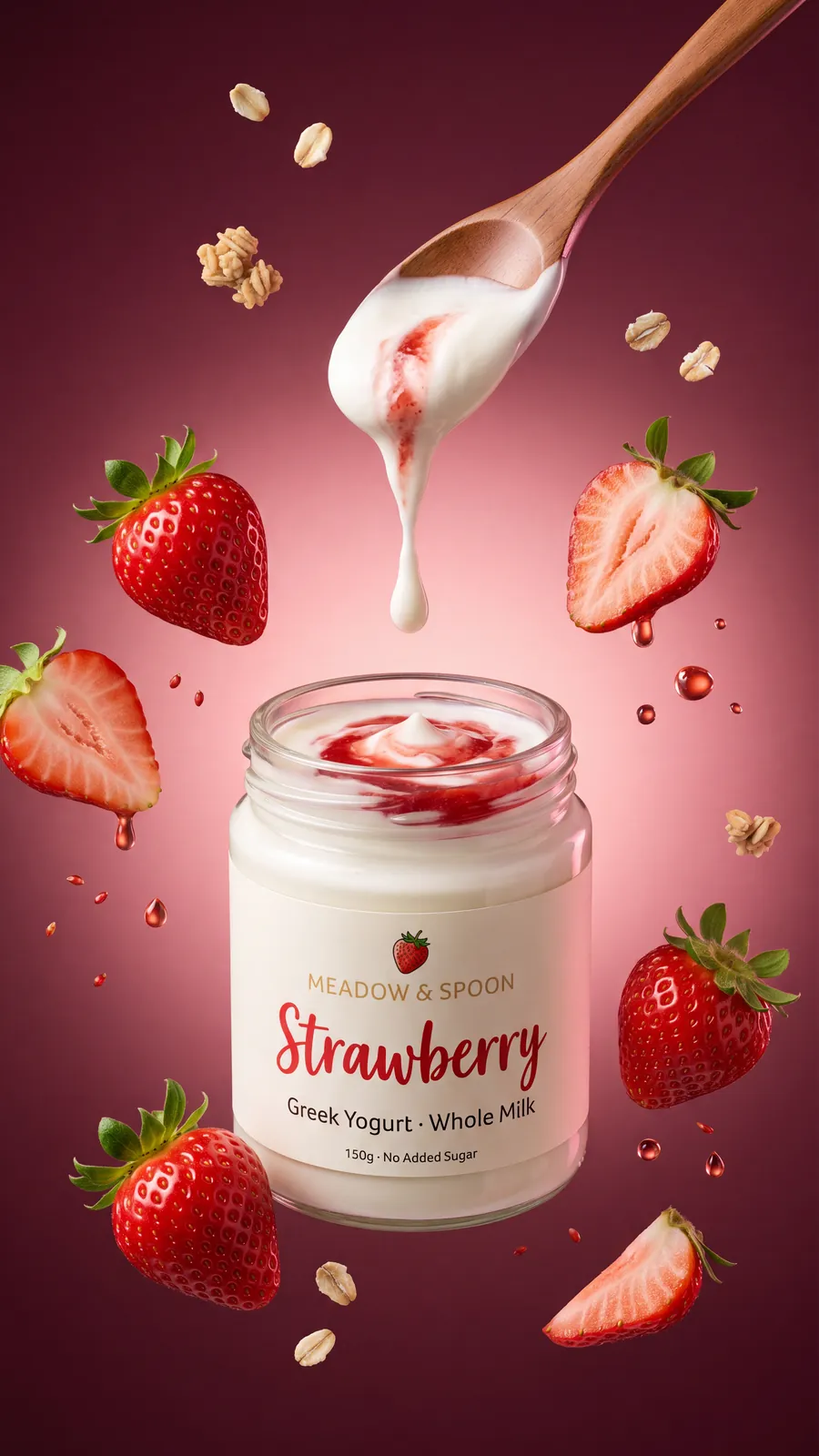
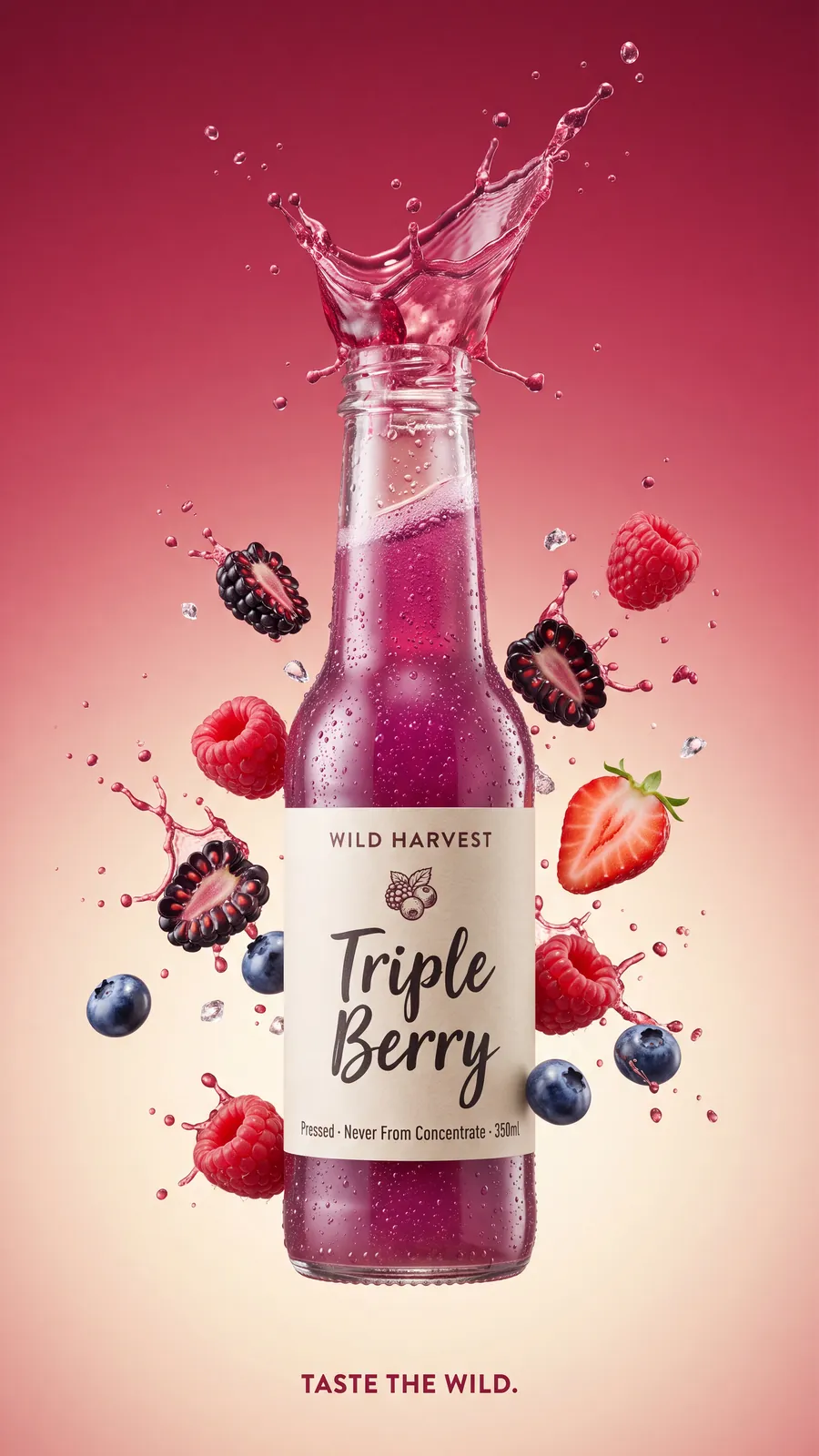
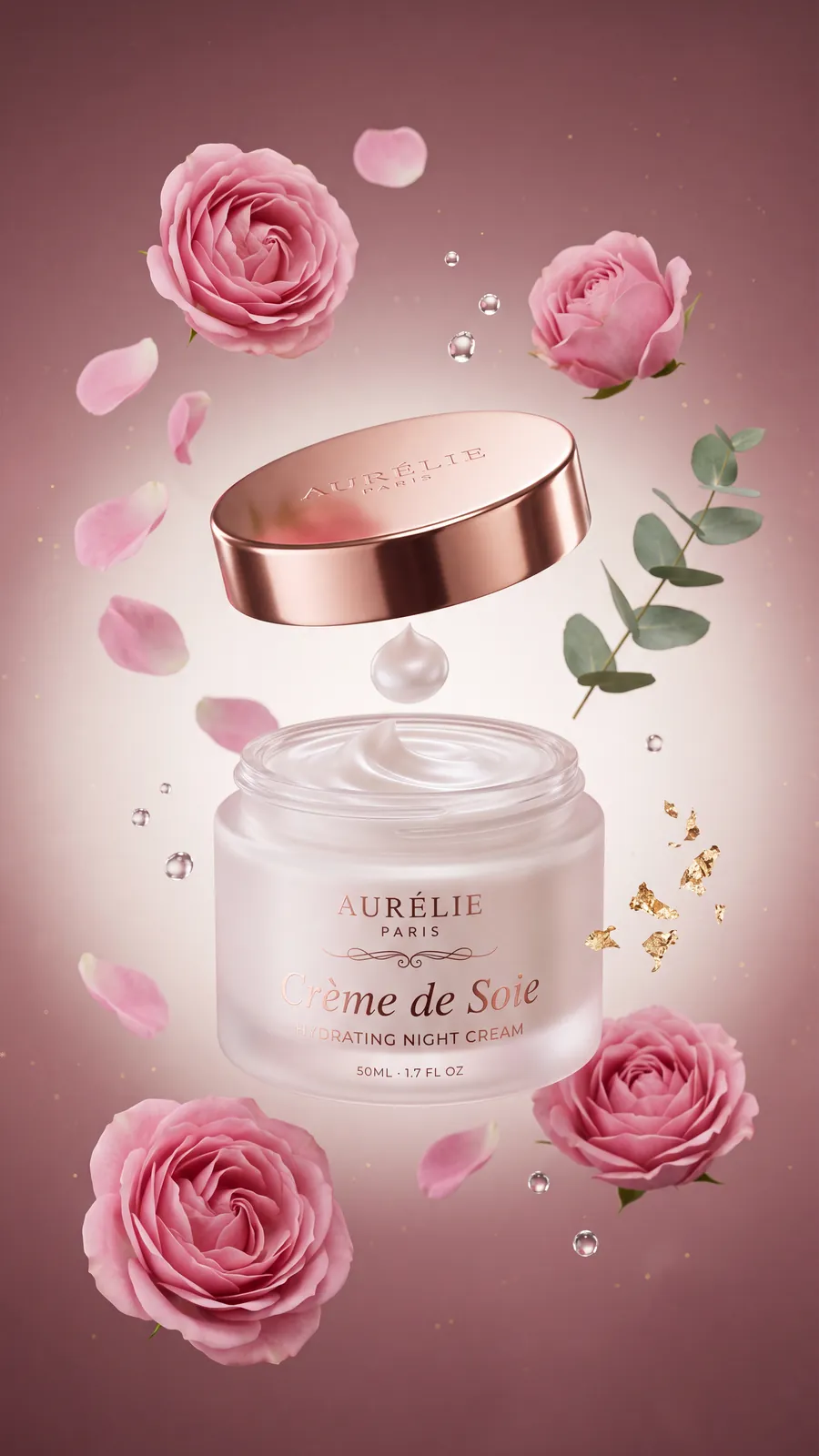
One thing to check: on the face cream jar, the first letters of “Crème de Soie” fade where the glass curves. It reads as a reflection, but for a client I would look closely at every label before it goes out.
To get this kind of result, write the label text in quotes, say what kind of shot it is (a floating product, a splash, a studio backdrop), and name the colours. Pick 16:9 or 21:9 for banners, and 9:16 for stories and reels.
Make ads like these inside Photoshop: 7 credits each at 4K.
Get Radbin2. Food ads that look shot, not drawn
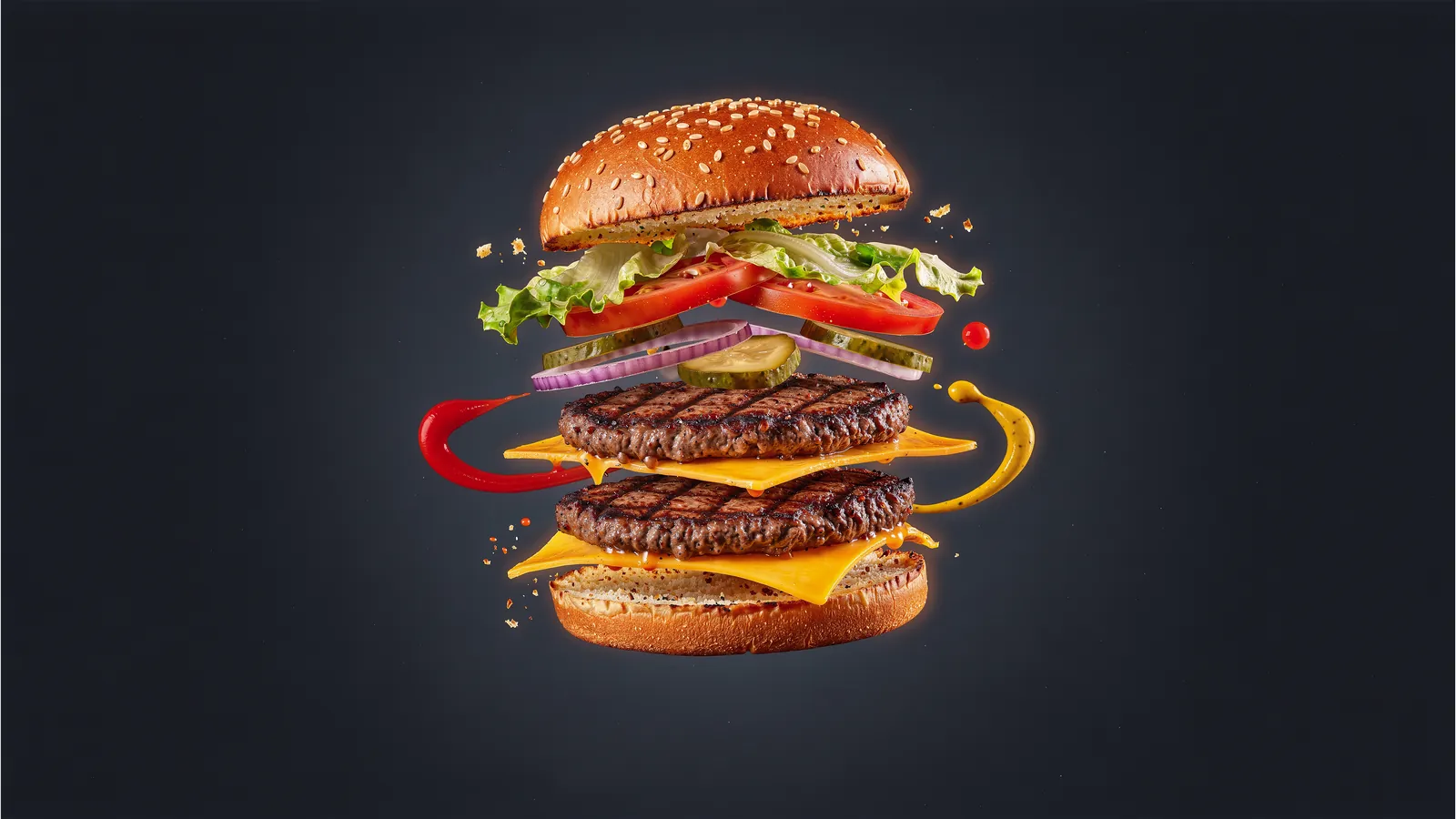
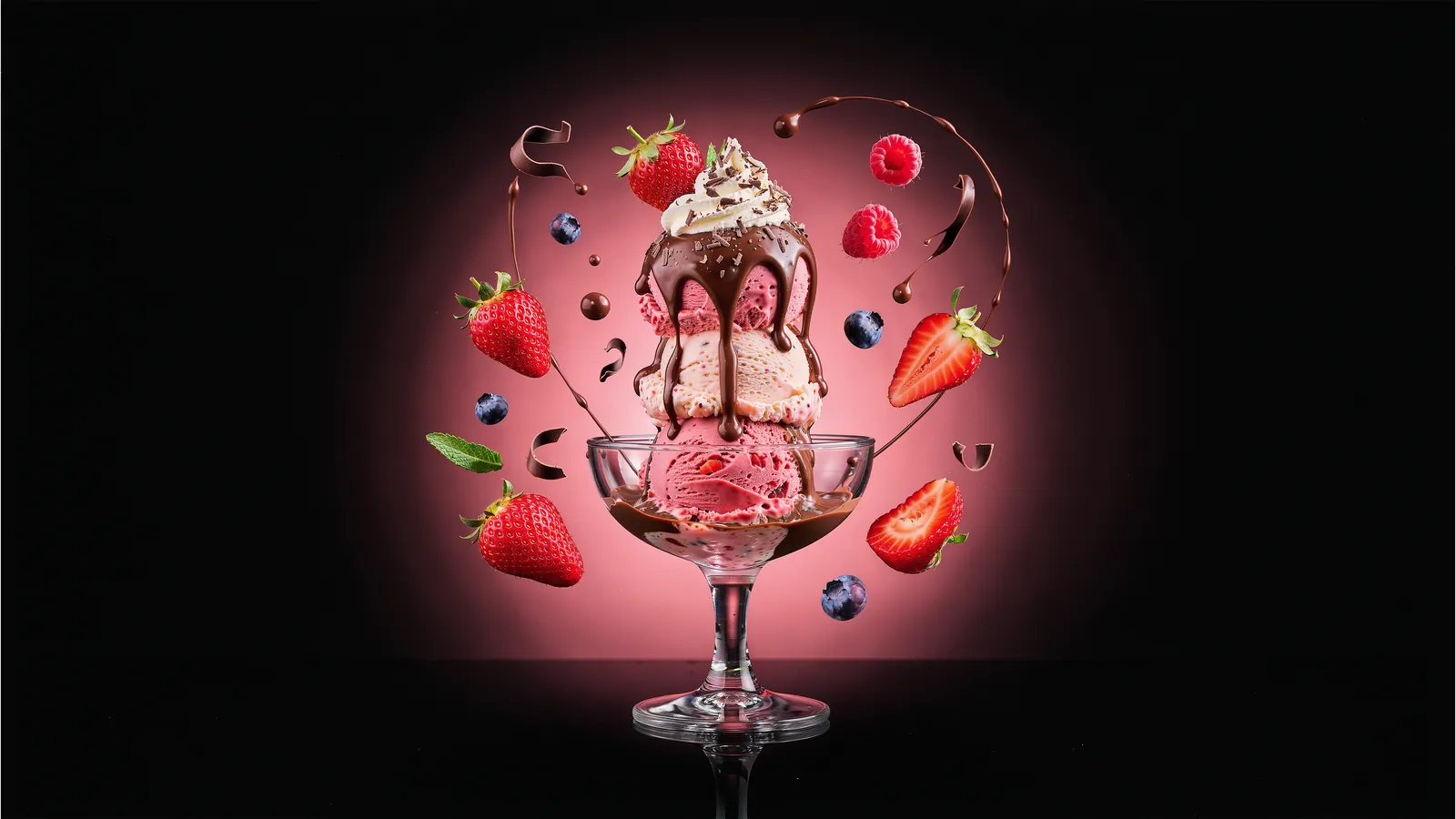
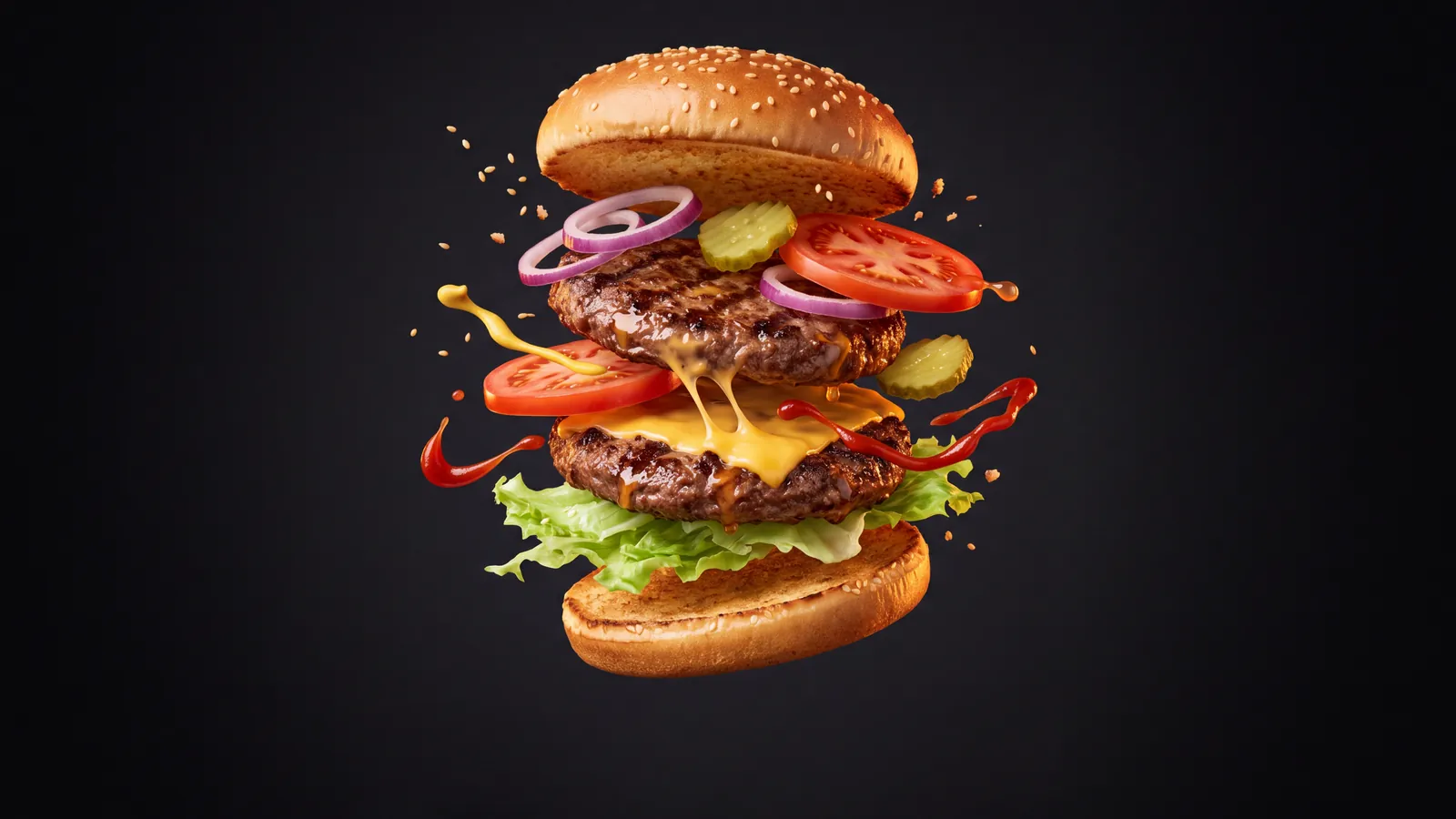
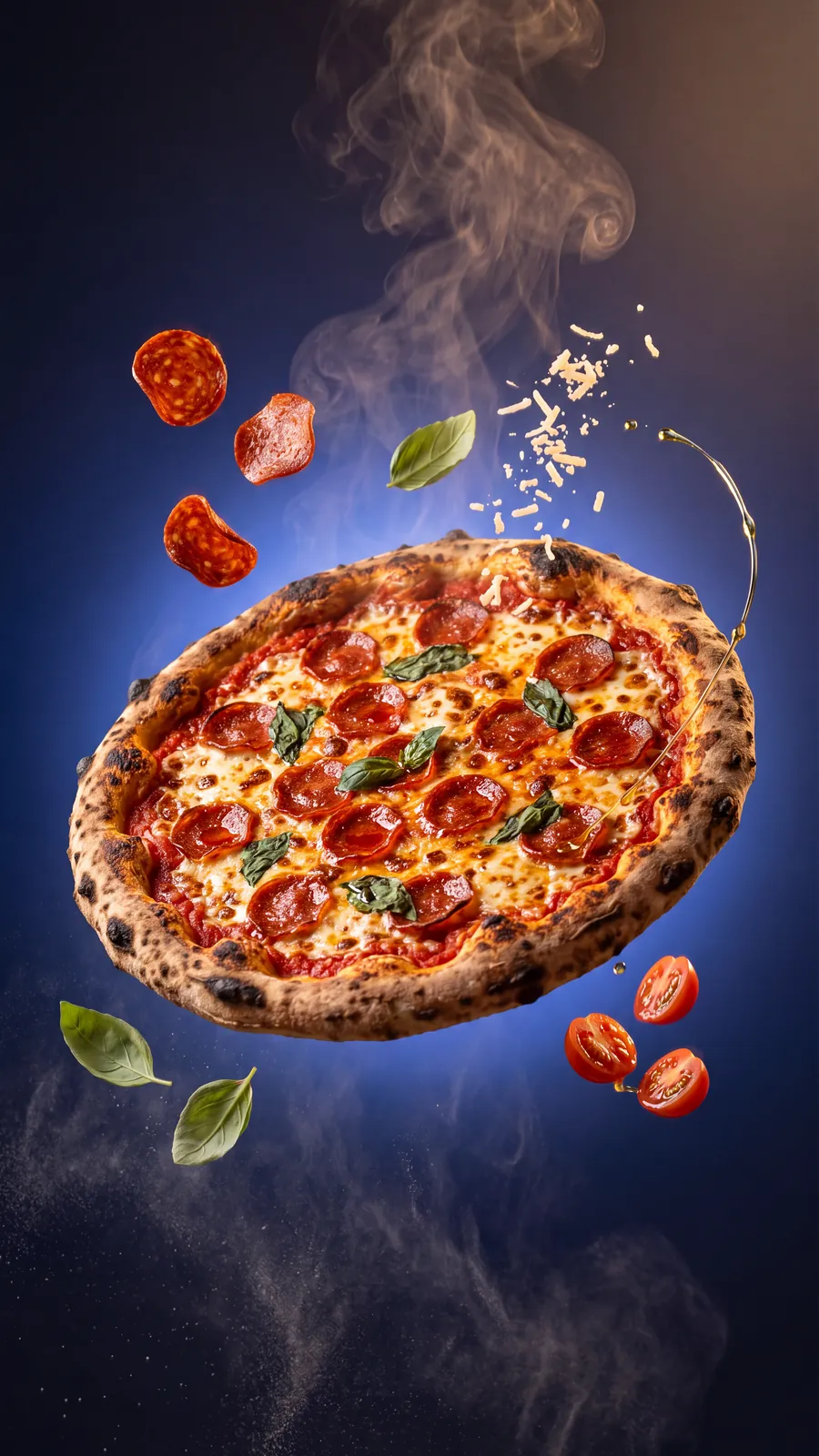
A burger with the cheese mid-melt, sauce flying through the air, a pizza with its toppings scattered in smoke. These are hard to shoot for real and easy to get wrong with AI: too shiny, too clean, too plastic. Nano Banana 2.1 gets the textures and the light right more often than any other model I have used.
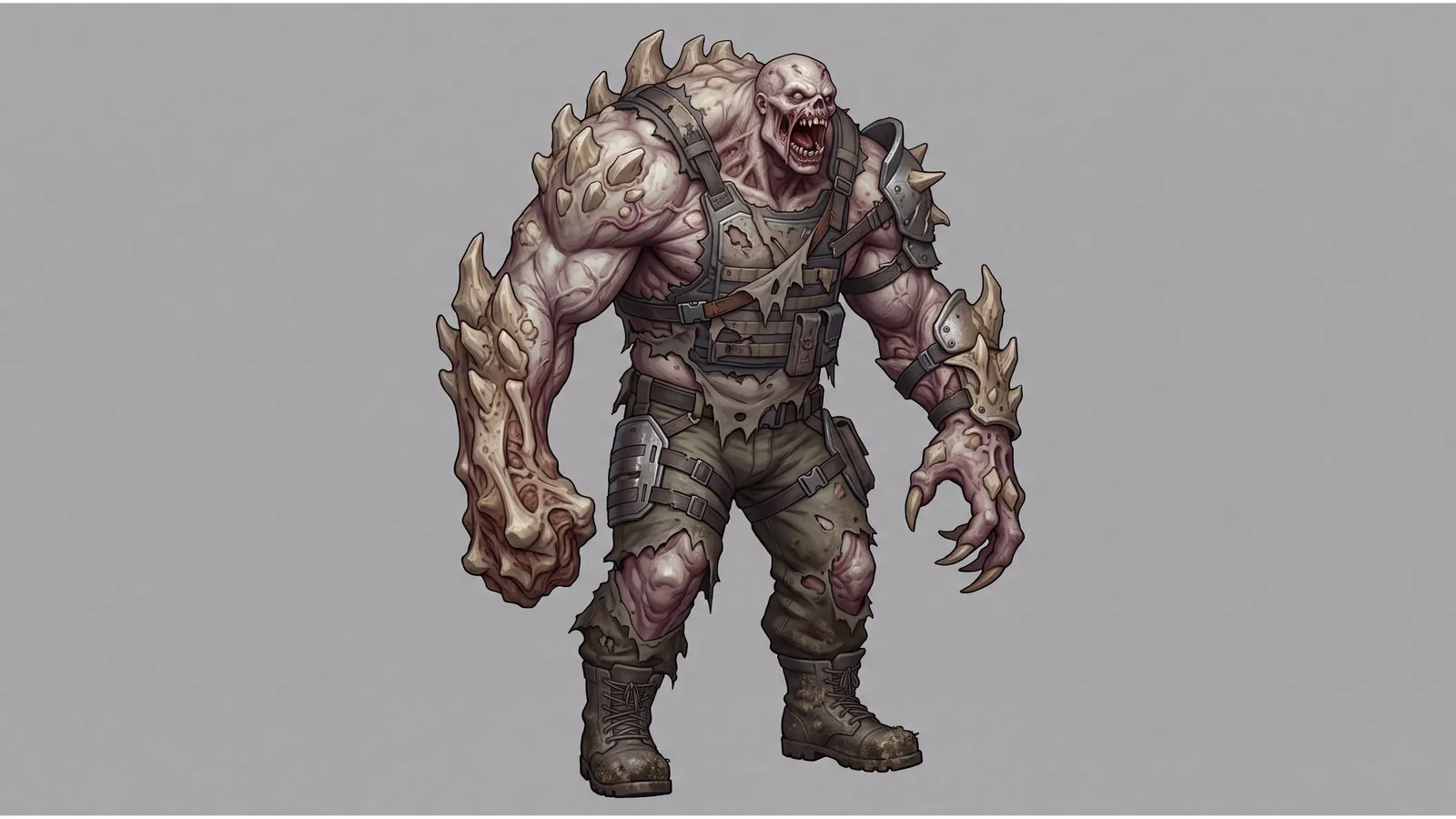
3. Game characters and monsters
In my tests Nano Banana 2.1 was the most precise model for game art. A weapon came out with every part where it belonged and nothing extra, and its monster was the best of the three models I compared. It does not make 3D models, but as concept art or a 2D sprite it is ready to work with.
4. Character sheets for games and animation
One character, five poses, one sheet. The cap, the shirt, the jeans and the face stay the same in every pose, which is the hard part. The labels are not perfect: the second pose has none, and “BACK/ACTION 3” sits under a pose seen from the front. That is easy to fix in Photoshop, but read the text before you use it.
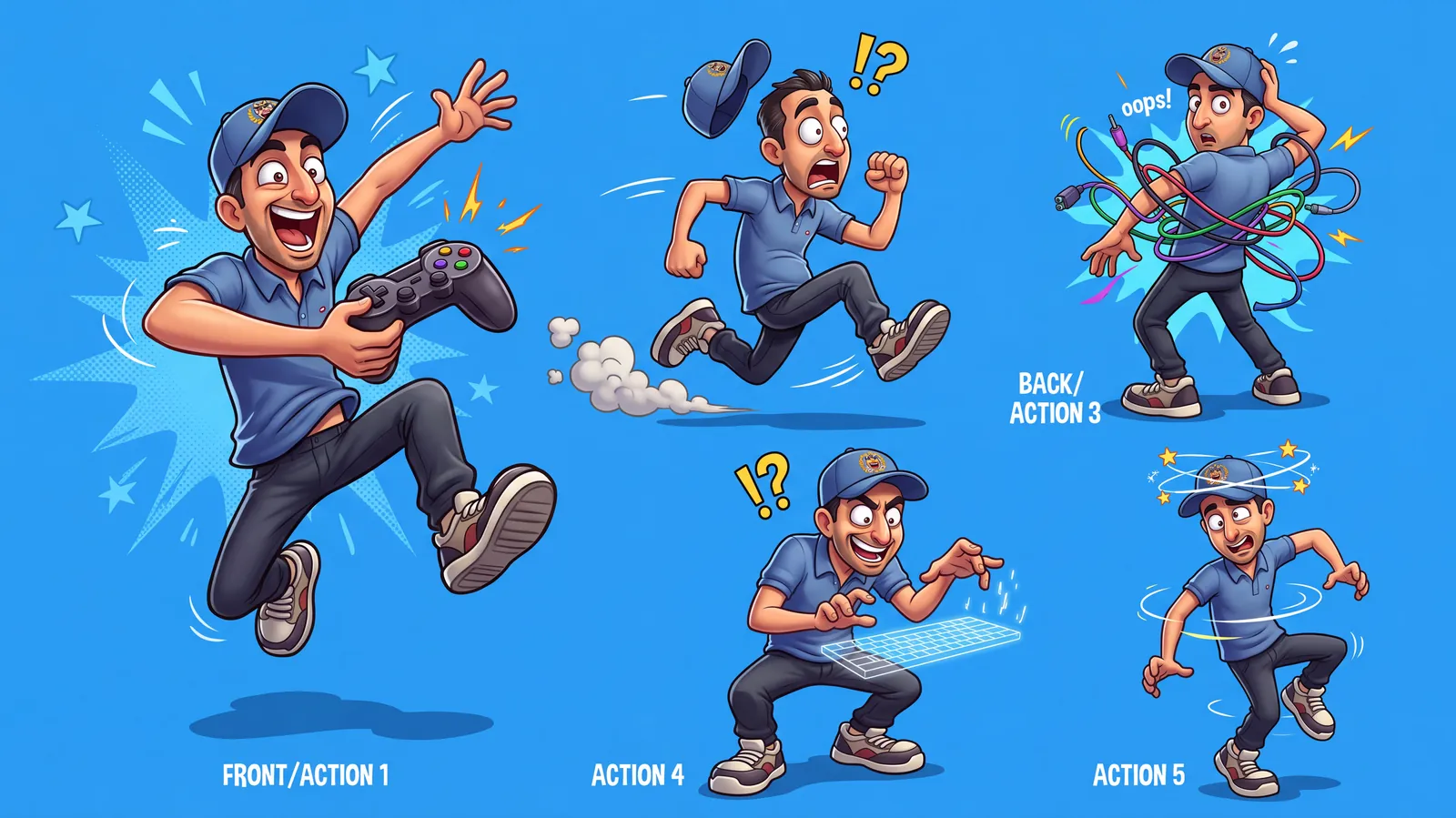
When you need the same character across separate images, Nano Banana 2.1 takes up to 14 reference images, which Google built for exactly this: keeping characters and products consistent.
5. App screens and UI mockups
I asked three models for the same mobile app design. Nano Banana 2.1's had no mistakes at all, with every element sized and placed correctly. FLUX 3 was nearly as good, and GPT Image 2 left gaps and got sizes wrong. For a mockup in a pitch deck or a portfolio, it is a fast start. See the app test in the video.
6. Explainers and science visuals
The physics test, light passing through a prism, was the one Nano Banana 2.1 won most clearly: the colours split in the right order, red at the top and violet at the bottom. Google also says 2.1 lays out infographics more accurately than Nano Banana 2, and it can check facts with Google Search, which suits diagrams and explainers. Watch the prism test.
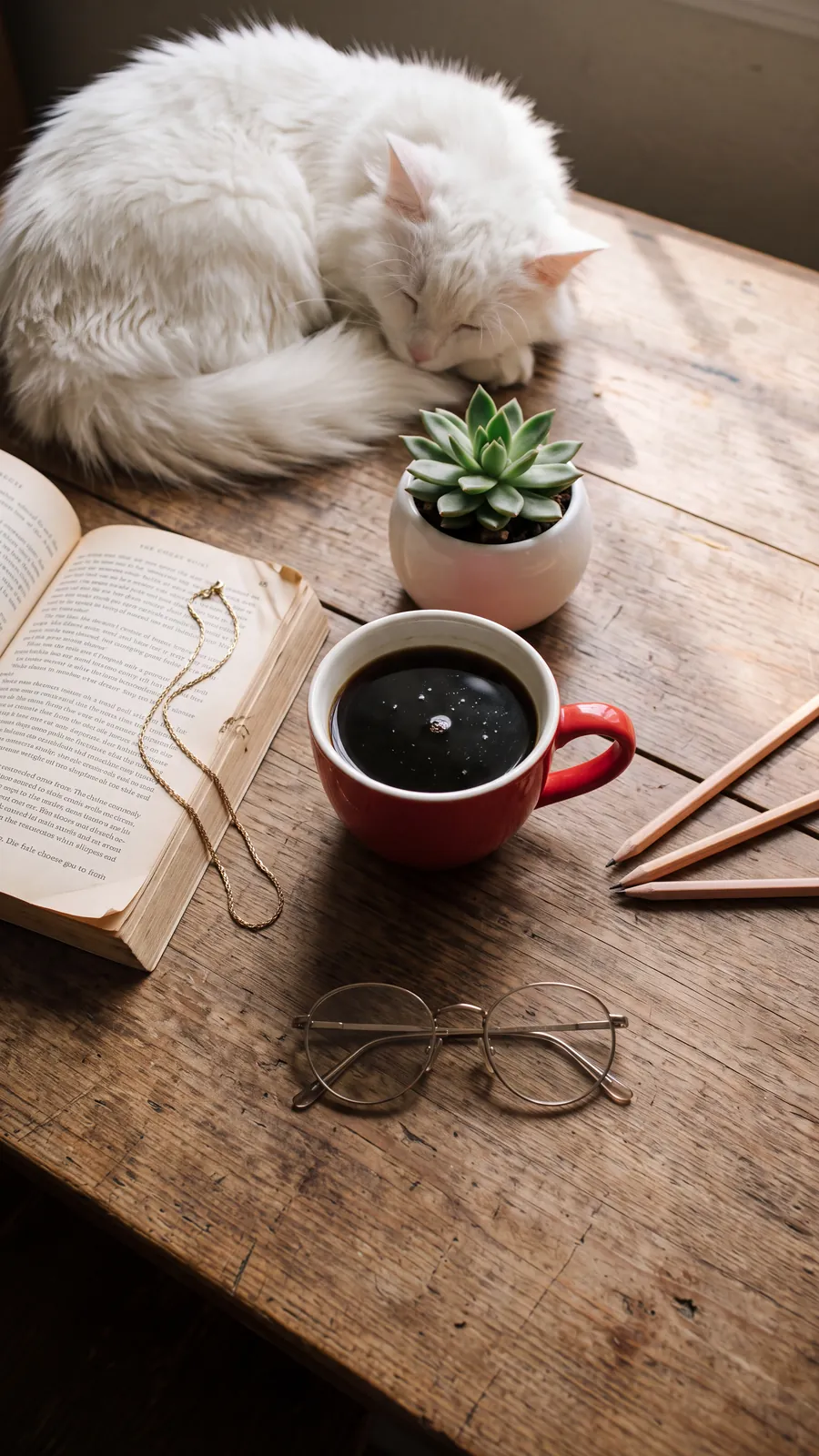
7. Cosy lifestyle shots for social media
A sleeping cat, a book, a cup of coffee and window light on an old table. Quiet scenes like this fill a lot of Instagram feeds, and AI usually makes them look staged. Here the light, the wood grain and the fur all hold up at 9:16 and 4K.
Two jobs I would give to another model
Edits that must not move a person
When I asked it to change only an outfit, Nano Banana 2.1 got the clothes right and moved the person, every time. For a client portrait that is not acceptable. Test Nano Banana Pro on the same selection, and say clearly in the prompt what must stay the same.
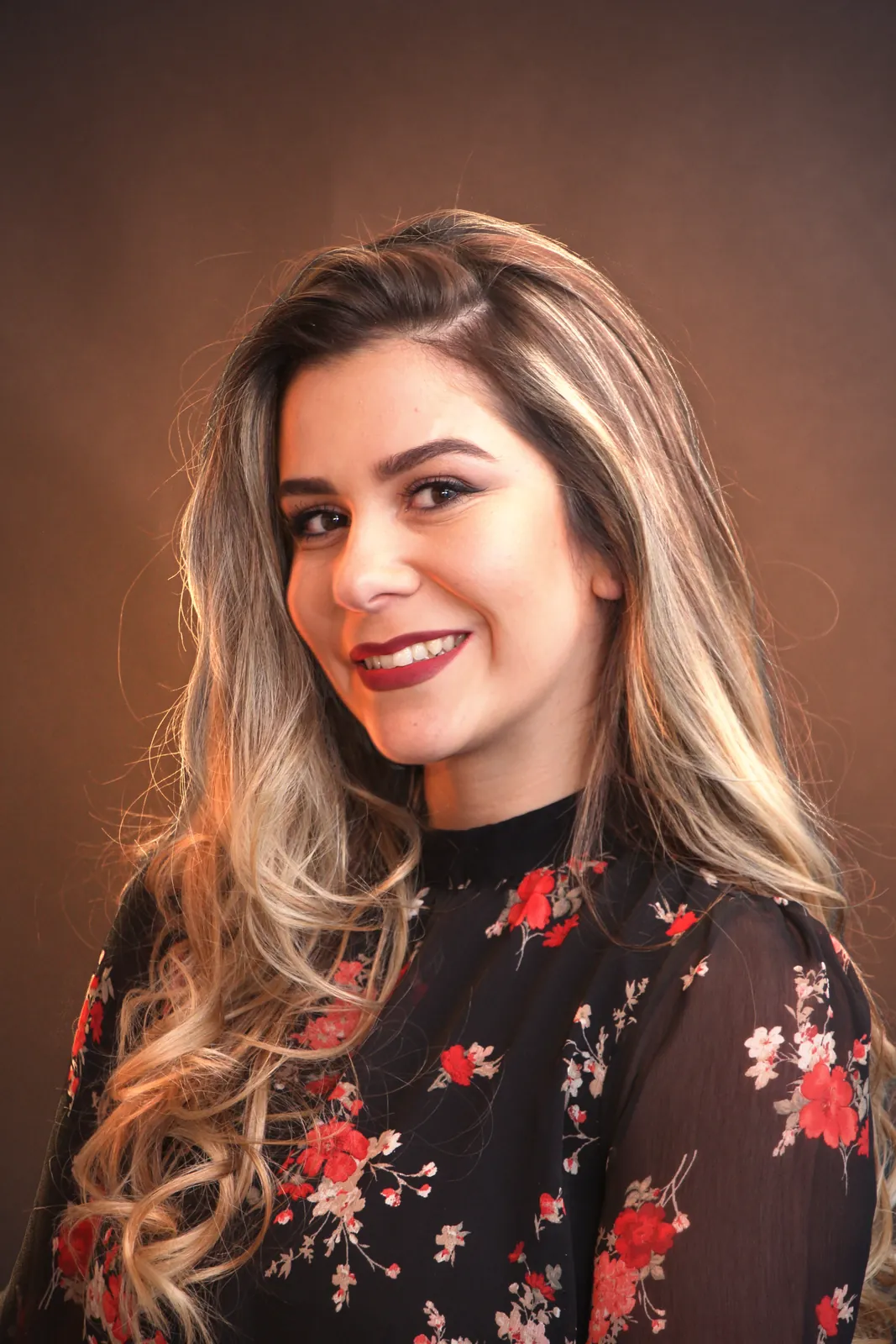
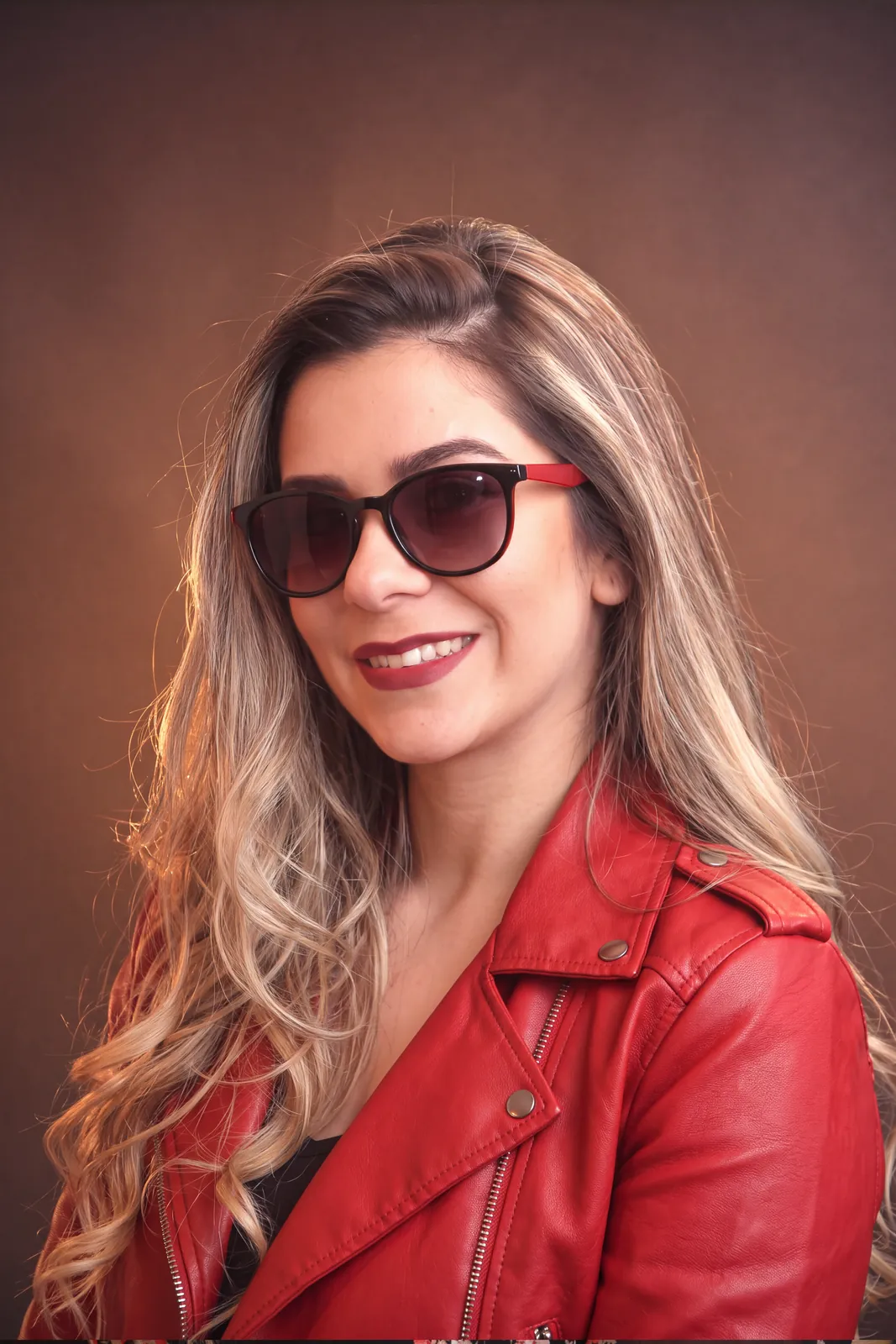
Restoring old photos
Nano Banana 2.1 restored a damaged photo sharply, but it changed the lips and made the photo look painted. Seedream 5 Pro kept the person and the photographic feel. In Radbin, Restore photo does this job with a tick list instead of a prompt.
How to try these yourself
You can run all of this inside Photoshop with Radbin: open the Create tab, pick Nano Banana 2.1, and describe the shot. The step-by-step guide shows every setting, and the full comparison shows how the same prompts did on GPT Image 2 and FLUX 3.
Use Nano Banana 2.1 inside Photoshop
It is the first model on Radbin's Create tab, next to FLUX 3, GPT Image 2.5 and seven more. No API key, and every result lands as a layer.
Watch Radbin on YouTube
Real tests and tutorials, all inside Photoshop. See the whole channel.
 20:03Nano Banana 2.1 vs GPT Image 2 and FLUX 3: ten tests
 14:31Photoshop Relight vs Radbin Lightsmith
 10:24Retouch skin without losing the texture
 9:28Every Radbin tool in 9 minutes
 9:50Fix the focus of any photo after it was taken
 1:43Radbin changes only what you ask