 Radbin
The verdict. Nano Banana 2.1 won four of the ten tests outright, tied FLUX 3 on a fifth, and made the fewest mistakes overall. FLUX 3 often had a little more fine detail. GPT Image 2 had the boldest ideas and the weakest image quality. Nano Banana 2.1 fell short twice: it moved a person during an outfit edit, and Seedream 5 Pro beat every model at restoring an old photo.
How I tested
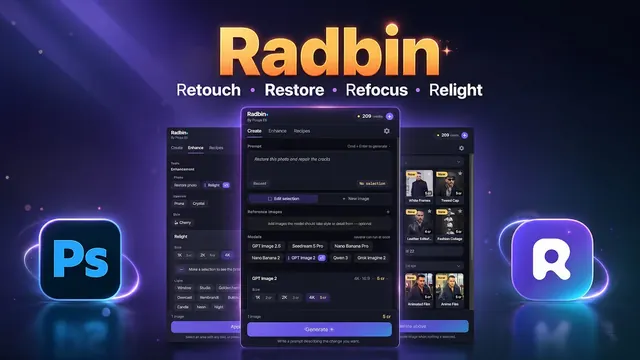
I ran every test inside Photoshop with the Radbin plugin, which has all three models on one panel. Each model got exactly the same prompt, and most tests ran at 4K. I recorded the whole thing a few hours after Nano Banana 2.1 came out.
Why GPT Image 2 and not GPT Image 2.5? In most of my tests GPT Image 2 still does better than 2.5, so it is the fairer opponent.
The full ten tests. Each test below links to its moment in the video.
The scorecard
| Test | Result |
|---|---|
| 1. Change an outfit, keep the person | Nano Banana 2.1 moved the person |
| 2. An exact number of cups and bowls | All three right; FLUX 3 a touch more detail |
| 3. A weapon for a video game | Nano Banana 2.1, the most accurate |
| 4. An ice cream ad | Nano Banana 2.1 |
| 5. A burger ad | Tie: Nano Banana 2.1 and FLUX 3 |
| 6. A video game monster | Nano Banana 2.1 |
| 7. A creative game or website asset | GPT Image 2 for ideas, Nano Banana 2.1 for detail |
| 8. Physics: light through a prism | Nano Banana 2.1 |
| 9. A mobile app design | Nano Banana 2.1, FLUX 3 close |
| 10. Restoring an old photo | Seedream 5 Pro |
Run all three on your own photos, inside Photoshop, with one prompt.
Get RadbinThe ten tests
1. Change an outfit without moving the person
I asked for a red leather jacket and sunglasses, and nothing else. Nano Banana 2.1 got the outfit right, but it moved the person a little, every single time I ran it. It is clearly the same woman, but her head turned and her pose shifted. For a client edit, that is a problem. Watch test 1 (2:57)

2. An exact number of cups and bowls
A wooden table with a set number of cups and bowls, placed a certain way. All three models followed the prompt exactly. Zoomed in, Nano Banana 2.1 was sharper than GPT Image 2, and FLUX 3 had a little more detail than both. Watch test 2 (4:00)
3. A weapon for a video game
Nano Banana 2.1 drew a precise, detailed weapon with every part where it belonged and nothing extra, although it looked less like a finished 3D asset than the others. GPT Image 2 had better materials, but over several runs it kept adding parts that made no sense. FLUX 3 looked great and added one part that had no business being there. Watch test 3 (5:11)
4. An ice cream ad
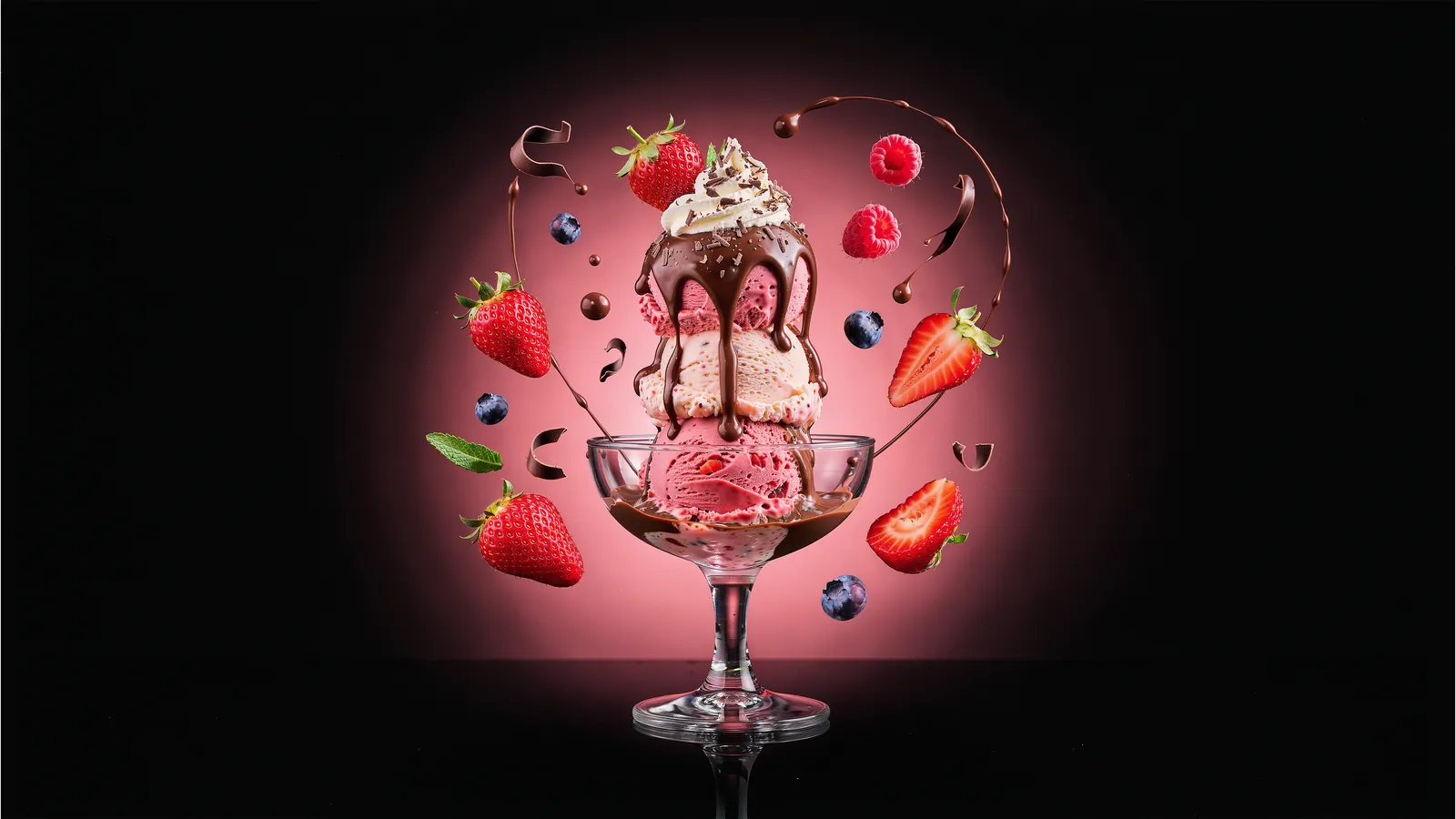
Against GPT Image 2 this was not close. Nano Banana 2.1's strawberries, chocolate and glass were crisp at 4K, and GPT Image 2's version was noticeably softer. FLUX 3 had slightly finer detail in places, but it drew one strawberry that looked wrong. Watch test 4 (6:43)
5. A burger ad
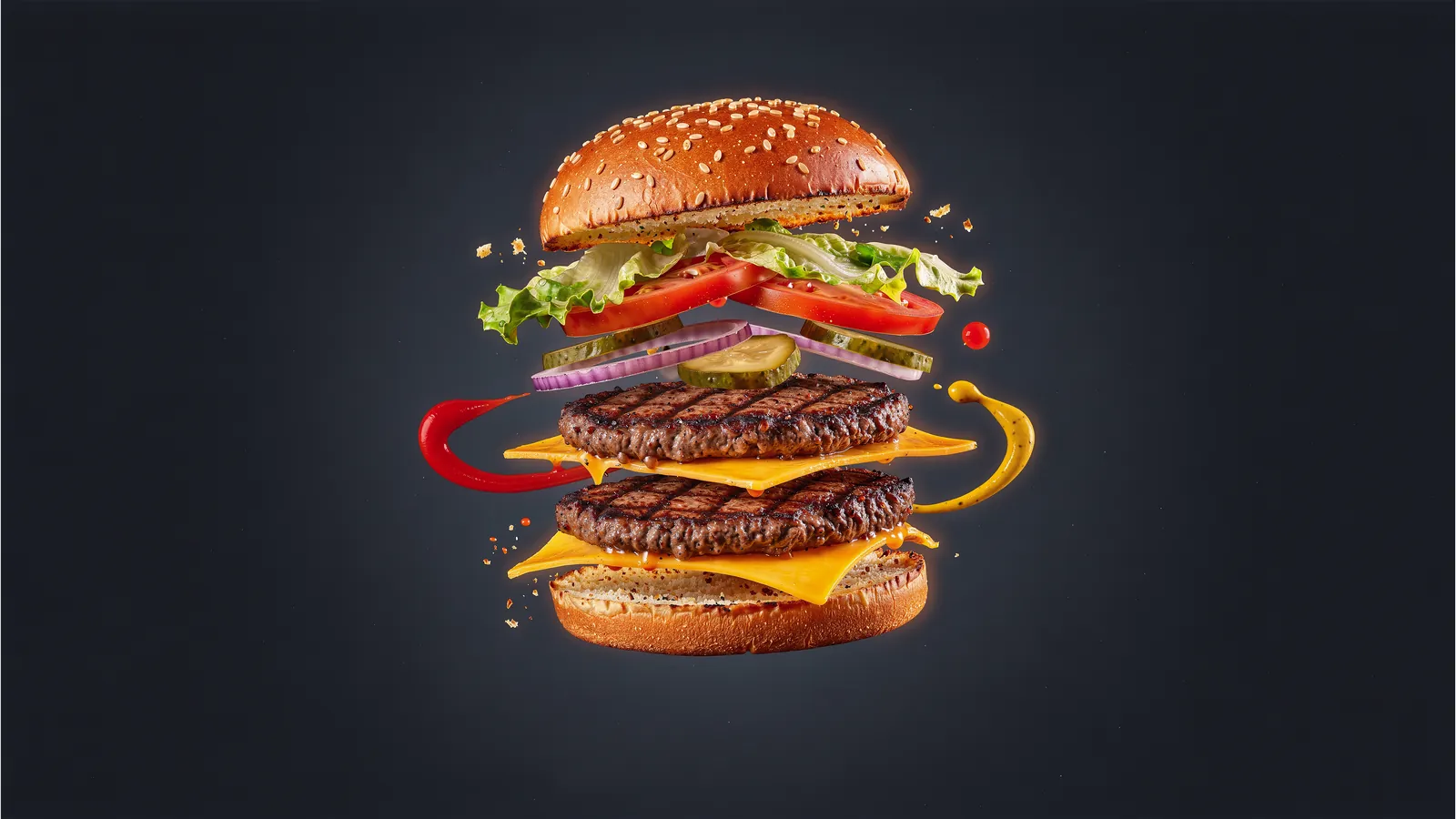
Melted cheese, ketchup and mustard floating in the air under studio light. Nano Banana 2.1 nailed the lighting, the materials and the feel of the shot. FLUX 3 was right there with it, with a touch more detail in the bread. GPT Image 2 came out dark and soft. I called it a tie between the first two. Watch test 5 (8:39)
6. A video game monster
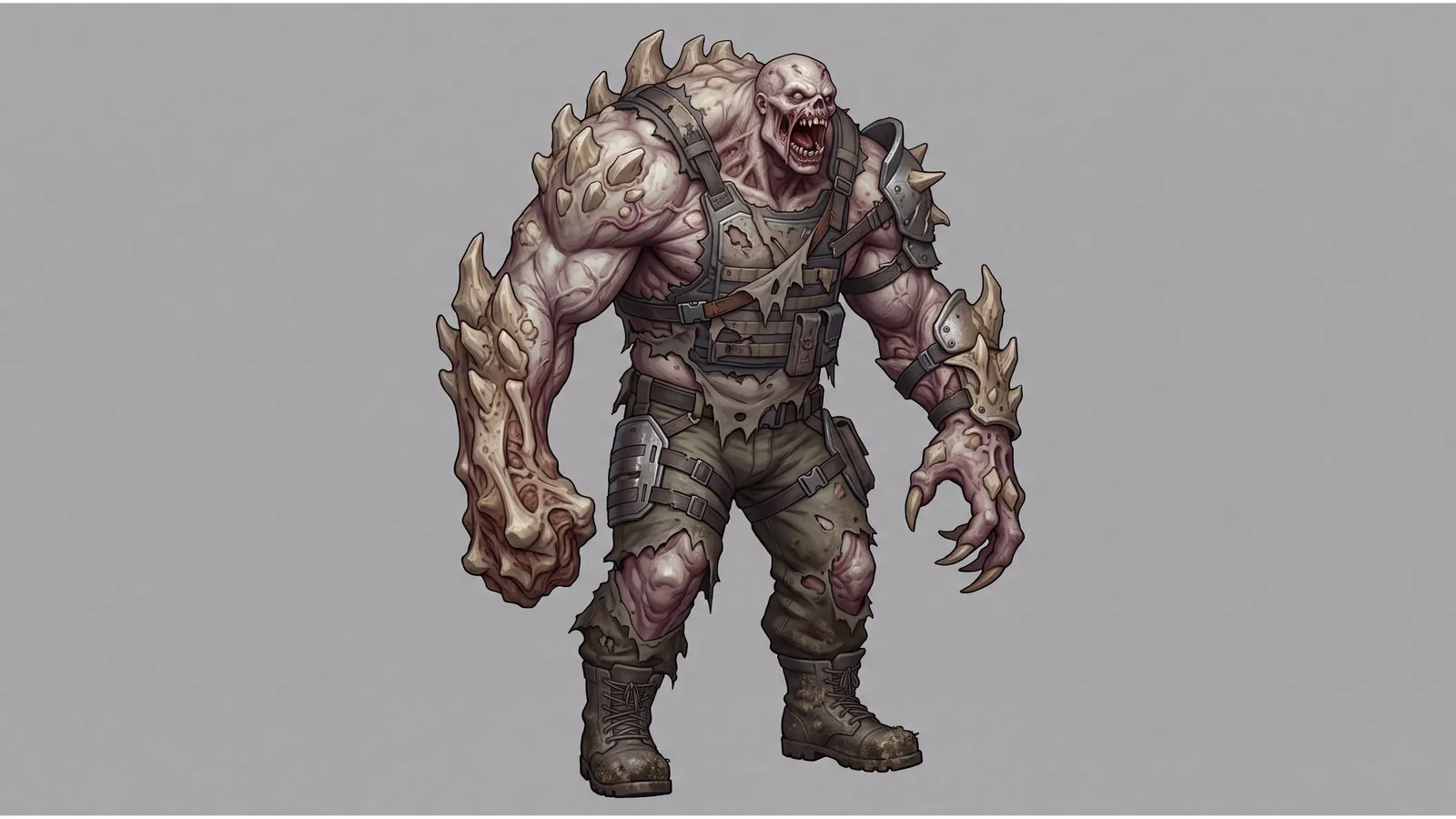
This one tested imagination. GPT Image 2 had a decent idea and poor resolution. FLUX 3 was fine. Nano Banana 2.1 was clearly the best of the three. Watch test 6 (10:14)
7. A creative asset for a game or a website
GPT Image 2 had the most interesting design here, and the quality let it down. FLUX 3 had the quality and a weaker design: the grass looked painted on at random, and one object seemed dropped in from somewhere else. Nano Banana 2.1 had the best detail and a solid design. For ideas I would start with GPT Image 2; for something I could actually use, Nano Banana 2.1. Watch test 7 (10:54)
8. Physics: light through a prism
Light enters a glass prism from the left and splits into a rainbow, red at the top and violet at the bottom. Nano Banana 2.1 got the physics right; only the prism's position was off. GPT Image 2 drew a beautiful prism and then threw the colours onto the wall the wrong way. FLUX 3 turned the beam into a wide wash of light. A clear win for Nano Banana 2.1. Watch test 8 (12:33)
9. A mobile app design
Nano Banana 2.1 laid out the app screen with no mistakes at all. FLUX 3 was almost as good. GPT Image 2 struggled: wrong sizes, uneven spacing and an empty slot where an item should have been. I liked Nano Banana 2.1's a little more than FLUX 3's. Watch test 9 (14:23)
10. Restoring an old photo
None of the three won this one. I ran a damaged old photo through several models, and Seedream 5 Pro was the best by a distance: clean, true to the original, with every detail of the clothes intact. Nano Banana 2.1 was sharp, but it changed the person's lips and looked more like a painting than a photograph. FLUX 3 and GPT Image 2 did badly. For old photos I use Radbin's Restore photo, which can run Seedream 5 Pro. Watch test 10 (15:29)
Which one should you use?
- Ads, product shots and anything with text: Nano Banana 2.1.
- App screens and UI mockups: Nano Banana 2.1, with FLUX 3 a close second.
- The most fine detail in a photoreal shot: FLUX 3, but check it for small oddities.
- Bold ideas and concepts: GPT Image 2, then remake the one you like in a sharper model.
- Old photos: Seedream 5 Pro.
- Edits that must keep a person in place: test Nano Banana Pro next to 2.1 before you trust either.
My verdict
Nano Banana 2.1 is the best all-rounder of the three right now. It made the fewest mistakes, it handled text and physics better than the others, and Google cut its price in half. FLUX 3 is still the one to beat on pure detail. GPT Image 2 is great for ideas and let down by its quality.
The good part is that you don't have to choose. In Radbin I turn on two models, run one prompt and keep the better layer. Here is how to set that up. And if you want the background on the new model, start with my Nano Banana 2.1 review.
Use Nano Banana 2.1 inside Photoshop
It is the first model on Radbin's Create tab, next to FLUX 3, GPT Image 2.5 and seven more. No API key, and every result lands as a layer.
Watch Radbin on YouTube
Real tests and tutorials, all inside Photoshop. See the whole channel.
 14:31Photoshop Relight vs Radbin Lightsmith
 10:24Retouch skin without losing the texture
 9:28Every Radbin tool in 9 minutes
 9:50Fix the focus of any photo after it was taken
 1:43Radbin changes only what you ask