 Radbin
The short version. Nano Banana 2.1 is Google's updated fast image model. It is sharper than Nano Banana 2, far better at text on labels and signs, and half the price per image through Google's API. In my tests it beat GPT Image 2 on quality almost every time and went head to head with FLUX 3. Its weak spot: edits where a person has to stay exactly where they are.
What is Nano Banana 2.1?
Nano Banana is the nickname Google gives its Gemini image models. Nano Banana 2.1 is the update to Nano Banana 2, the fast and cheap one, and its official name in Google's API is gemini-nano-banana-2.1.
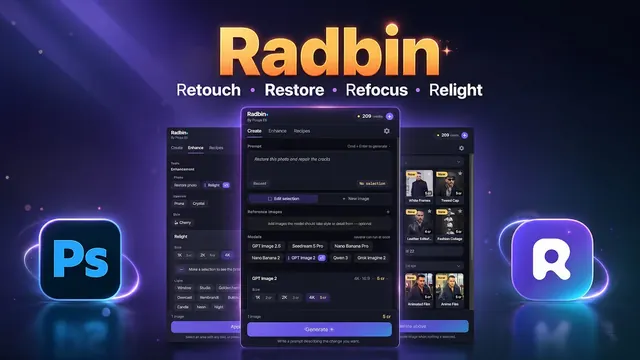
It does two jobs. It makes new images from a text prompt, and it edits images you give it, following instructions written in plain language. You can reach it through Google's own tools, or inside Photoshop with a plugin like Radbin, which is where I tested it.
What's new compared with Nano Banana 2
Google's model page lists four improvements:
- Better image quality and realism at all three sizes: 1K, 2K and 4K.
- Cleaner text and infographic layouts. Words on packaging, signs and diagrams come out right far more often.
- Up to 14 reference images in one request, to keep a character or a product consistent.
- No more tiling artefacts on very wide or very tall images at 2K and 4K, with new extreme shapes: 4:1, 1:4, 8:1 and 1:8.
It keeps what Nano Banana 2 already had, including Google Search grounding for images that need real facts, and a thinking setting that trades a little speed for more careful results.
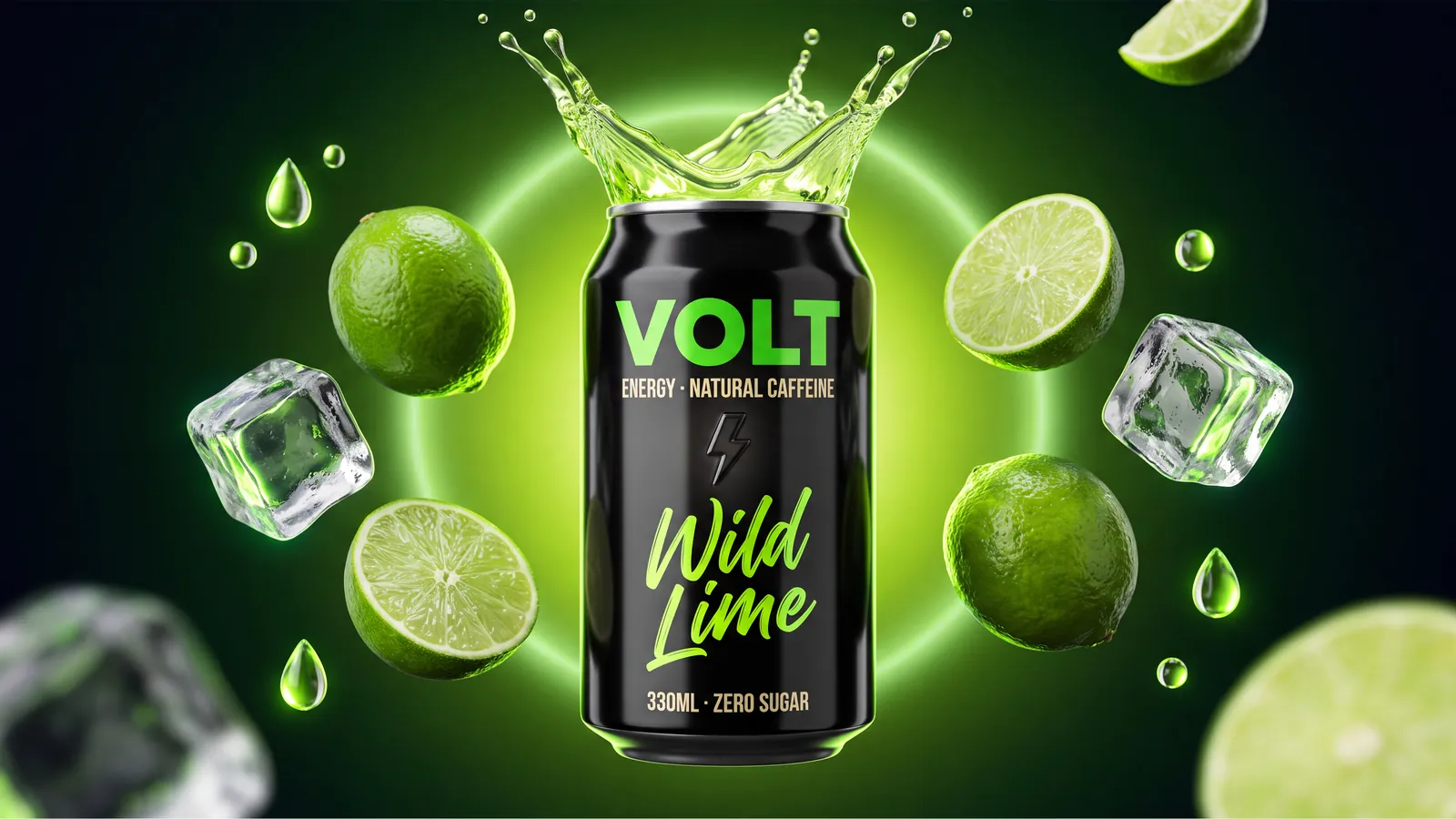
The text change is the one I noticed first. On this energy drink ad, every word on the can is right, down to the small print.
How much does Nano Banana 2.1 cost?
Through Google's API you pay per image. These are Google's standard prices on the day it launched, next to the two Nano Banana models people compare it with:
| Price per image | 1K | 2K | 4K |
|---|---|---|---|
| Nano Banana 2.1 | $0.0336 | $0.0504 | $0.0756 |
| Nano Banana 2 | $0.067 | $0.101 | $0.151 |
| Nano Banana Pro | $0.134 | $0.134 | $0.24 |
So Nano Banana 2.1 costs half as much per image as Nano Banana 2, and Google's batch mode halves it again for jobs that can wait. One catch: Google also tripled the input price, the part you pay for the text and images you send in, so edits with lots of reference images save a little less than the table suggests.
In Radbin you skip all of that. Nano Banana 2.1 costs 2, 3 or 7 credits at 1K, 2K or 4K, with no API key and no Google billing account, and plans start at $9.97 a month. Every model's price is here.
Nano Banana 2.1 is on Radbin's Create tab now: 2 credits at 1K, no API key.
Get RadbinWhere can you use Nano Banana 2.1?
- Google AI Studio and the Gemini API. It is in AI Studio's image models, but you need an API key with billing set up, so it is not a free playground. This is the route for developers.
- Inside Photoshop, with Radbin. It is the first model on Radbin's Create tab. Select an area to edit it, or make a new image, and the result lands as a layer. Here is the step-by-step guide.
- Photoshop's own Generative Fill. Adobe offers Google's earlier Nano Banana models there as partner models. Nano Banana 2.1 is brand new, so check whether your version lists it yet.
How it did in my tests
I gave Nano Banana 2.1, GPT Image 2 and FLUX 3 the same ten prompts, inside Photoshop, mostly at 4K. Here is the scorecard in five lines:
- Won: the physics test (light through a prism), the video game monster, the ice cream ad and the mobile app design.
- Tied with FLUX 3: the burger ad.
- Most accurate: a weapon for a video game, with no broken or extra parts.
- Lost: old photo restoration, where Seedream 5 Pro did better.
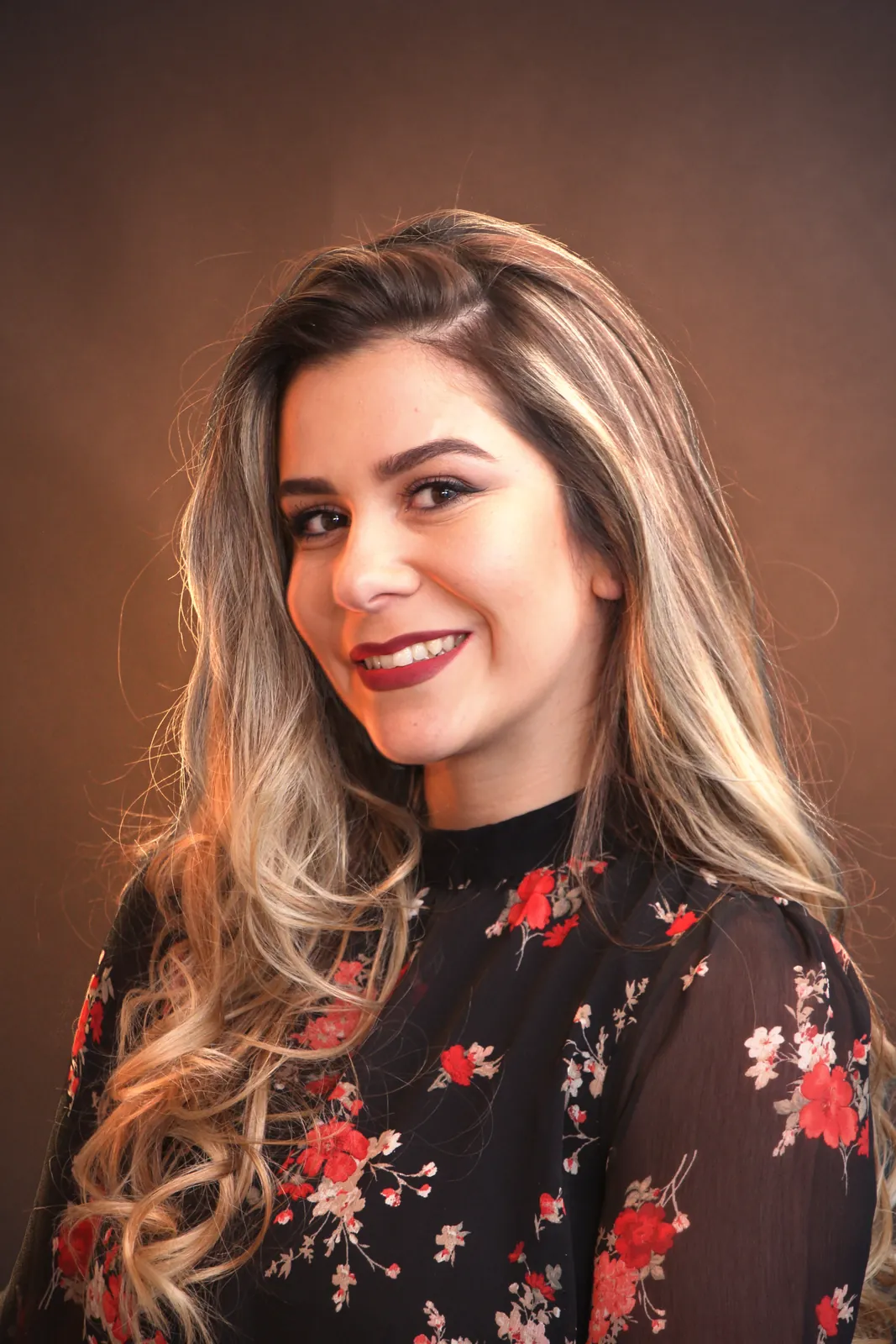
- Let me down: changing an outfit. It moved the person a little, every time.
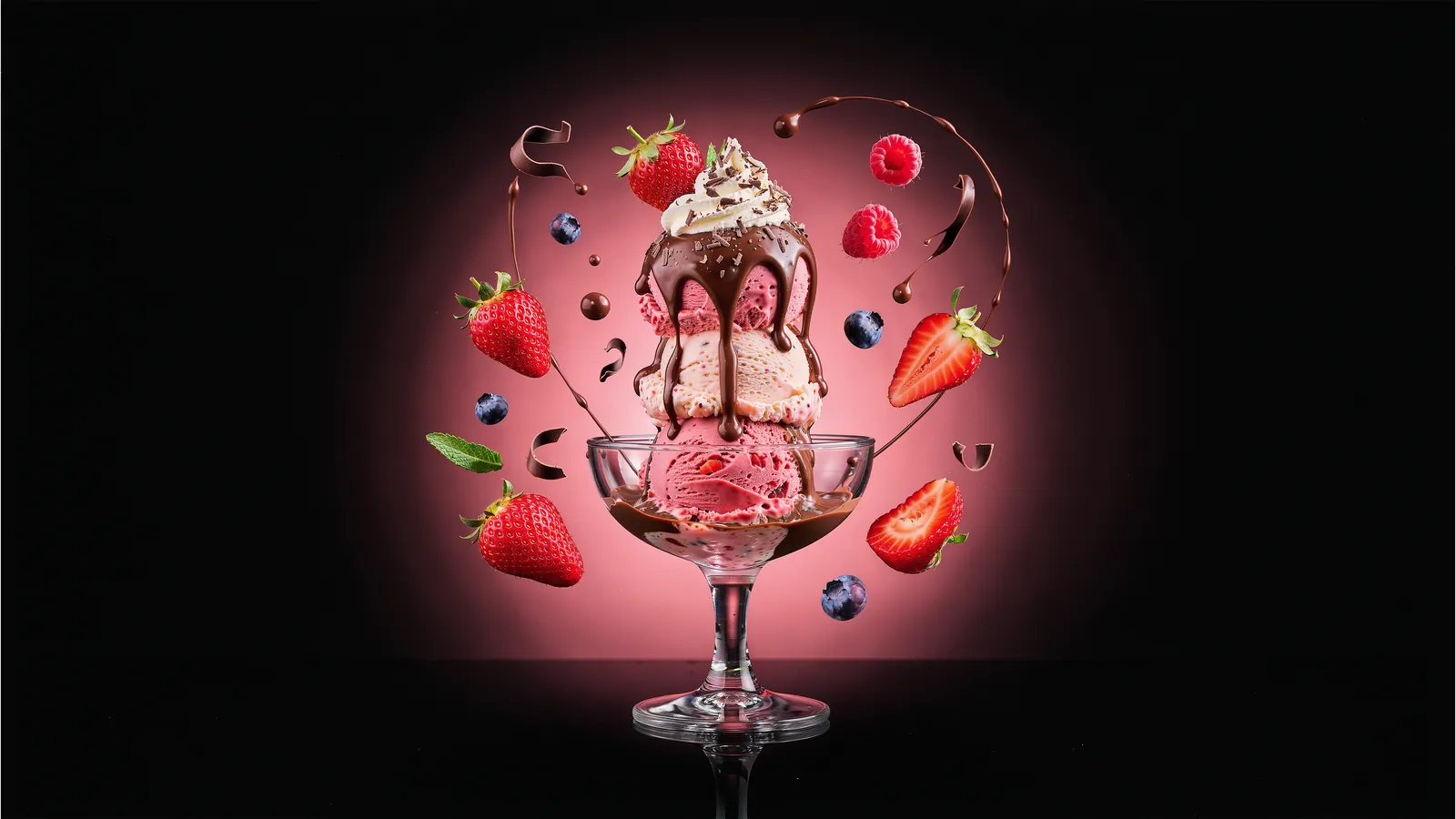
The full breakdown is in Nano Banana 2.1 vs GPT Image 2 vs FLUX 3, and you can watch all ten tests on YouTube.
Nano Banana 2.1 vs Nano Banana 2 and Pro: which one?
If you use Nano Banana 2, switch. 2.1 is sharper, handles text better and costs half as much per image through the API.
Nano Banana Pro is a different question. It costs four times as much per image at 1K, and for most new images I no longer think it is worth it. But when an edit has to keep a real person exactly as they are, test Pro next to 2.1 before you trust either. This is what 2.1 did when I asked it to change only the clothes:

My verdict
Nano Banana 2.1 is the model I would start with today for ads, product shots, game art and anything with words in it. It is quick, it made fewer mistakes than the other models I tested, and the price cut is real. Just don't trust it blindly with edits that must leave a person untouched, and use Seedream 5 Pro for old photos.
Want to see where it does its best work? Here are seven uses I tested, with the results.
Use Nano Banana 2.1 inside Photoshop
It is the first model on Radbin's Create tab, next to FLUX 3, GPT Image 2.5 and seven more. No API key, and every result lands as a layer.
Watch Radbin on YouTube
Real tests and tutorials, all inside Photoshop. See the whole channel.
 20:03Nano Banana 2.1 vs GPT Image 2 and FLUX 3: ten tests
 14:31Photoshop Relight vs Radbin Lightsmith
 10:24Retouch skin without losing the texture
 9:28Every Radbin tool in 9 minutes
 9:50Fix the focus of any photo after it was taken
 1:43Radbin changes only what you ask