Radbin for Photoshop · Studio portrait

A low-res portrait in. A 4K studio portrait out.

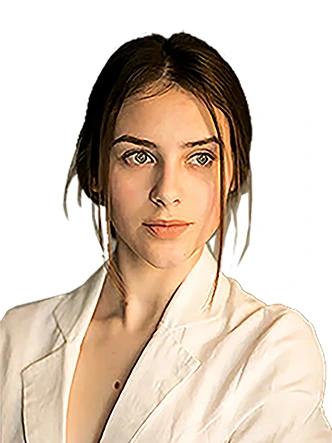
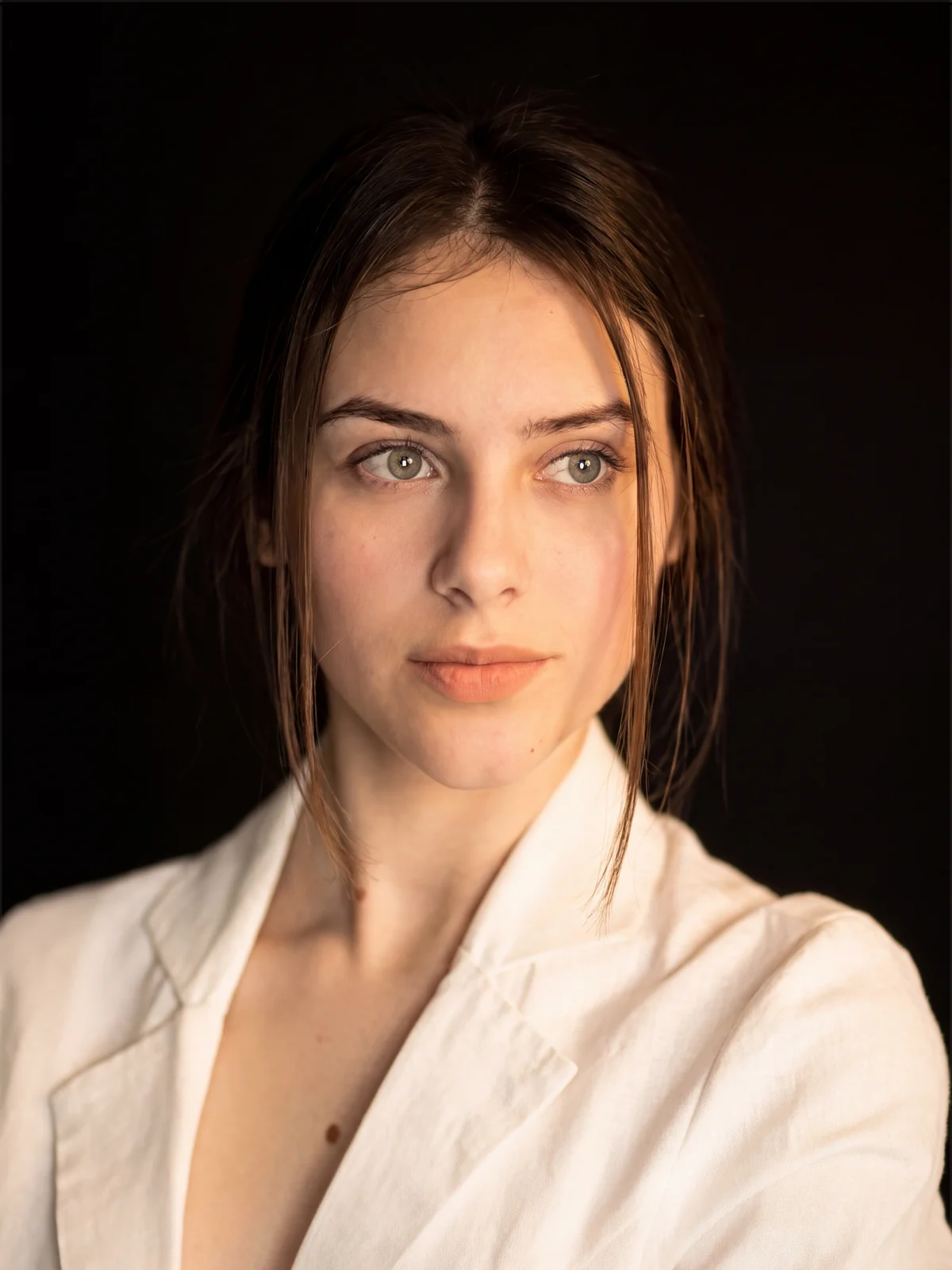
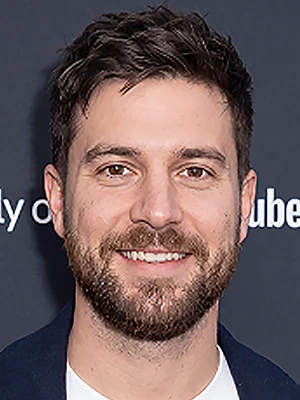
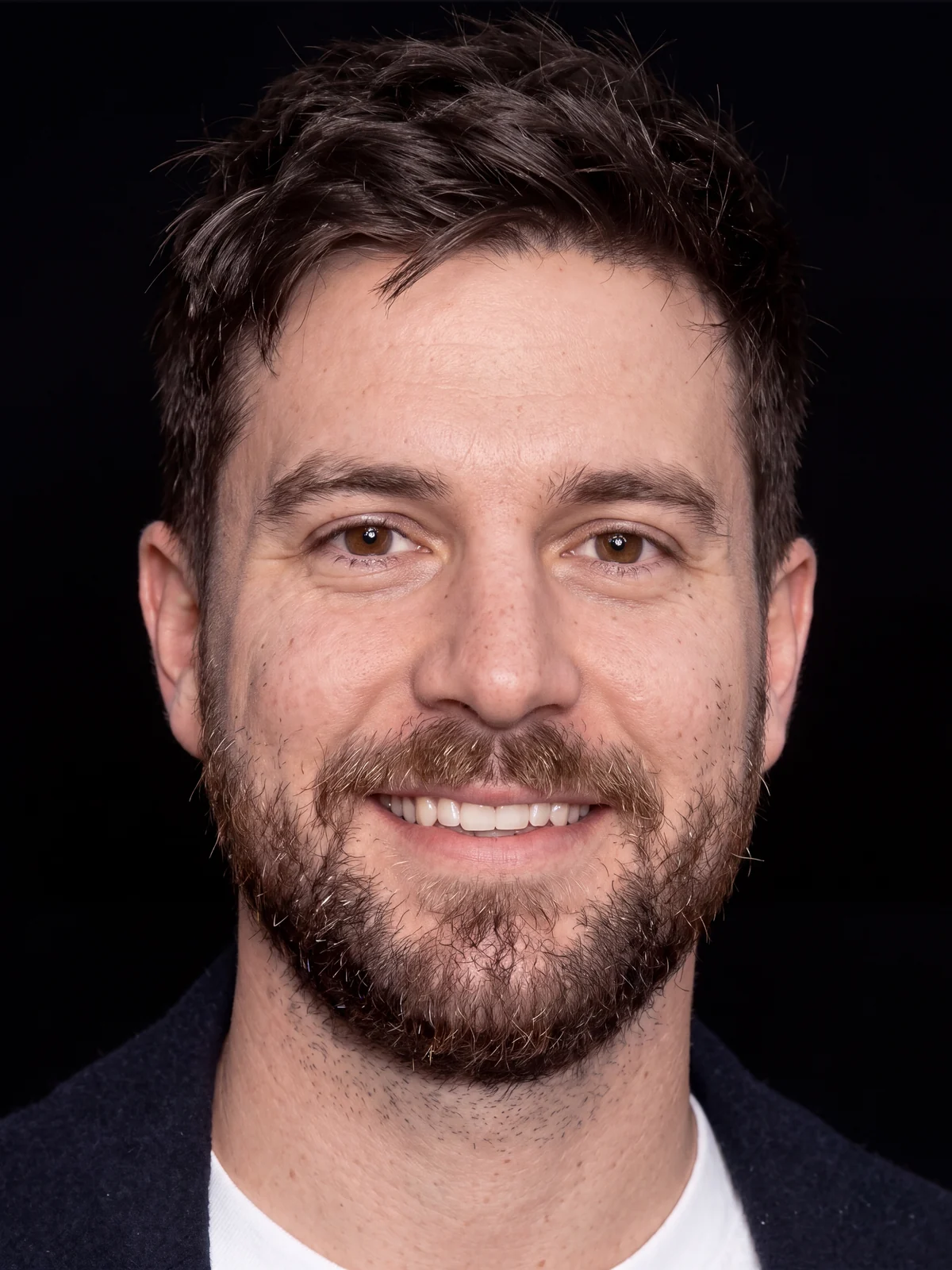
Select a portrait, pick a background and click Apply. Radbin rebuilds it at 4K under soft studio light, keeps the face as it is, and places it as a new layer.

4K, 7 creditsThe face keptSeven backgroundsLands as a layer

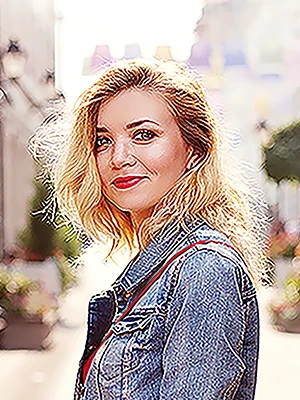
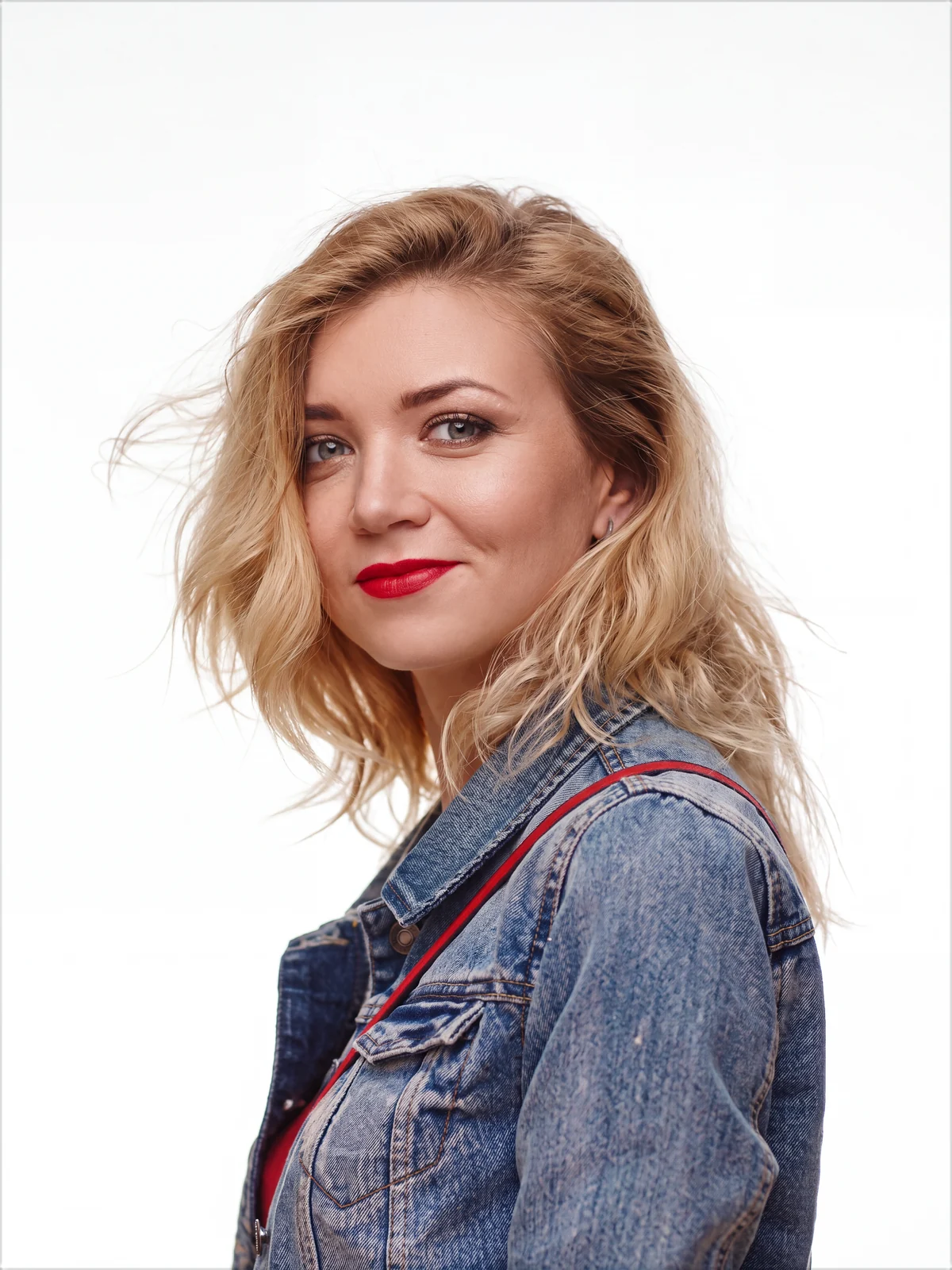
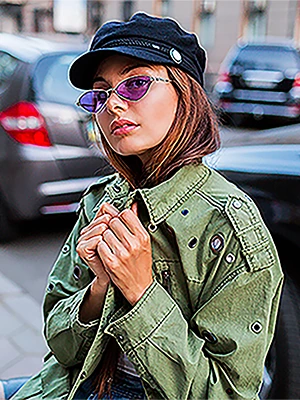
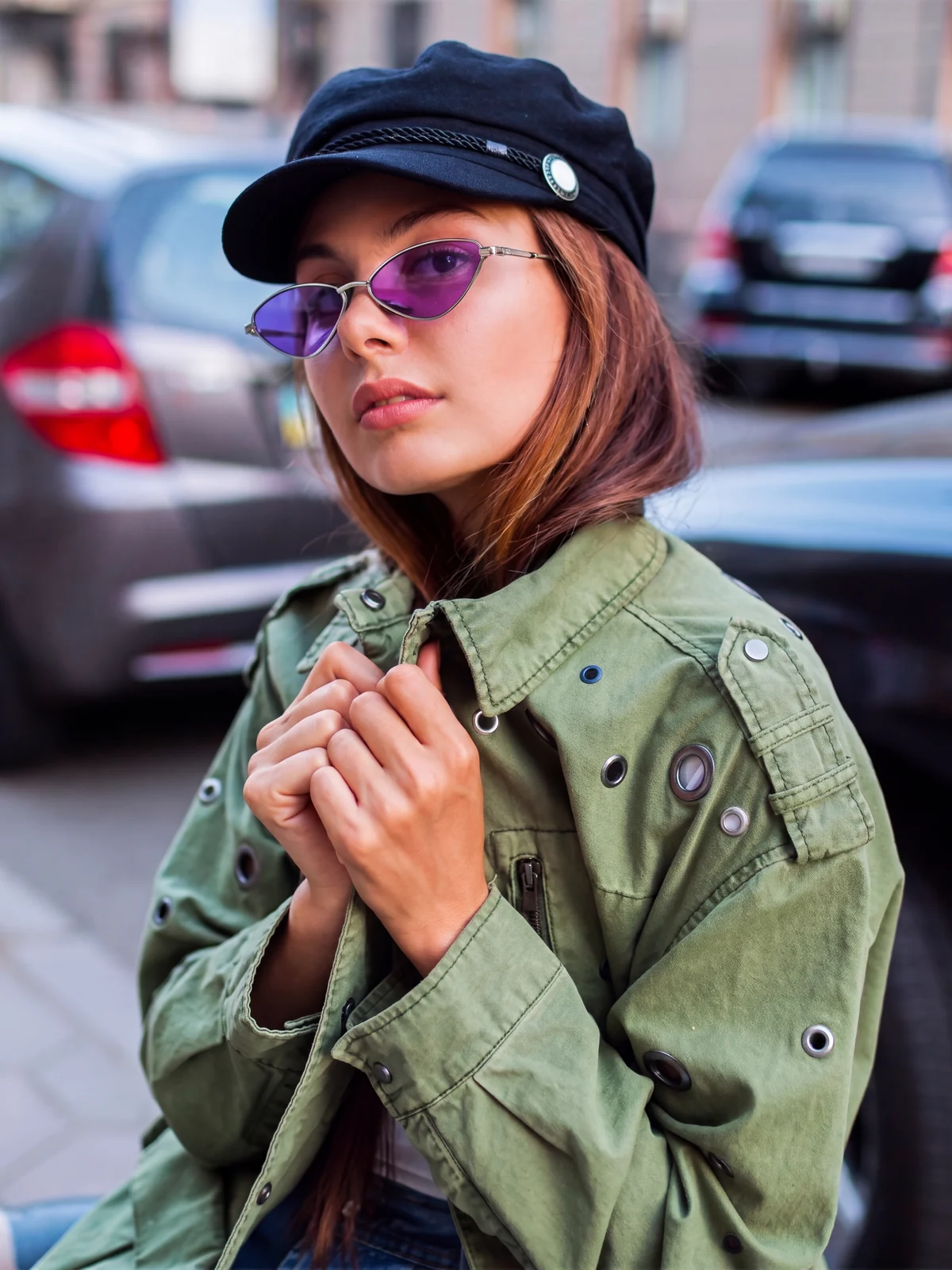
Real results, 7 credits each. Drag any handle. Watch all four in the video (7:37)

What Studio portrait does

Studio portrait is Radbin's portrait upscaler for Adobe Photoshop. It takes a small, blurry or badly cut portrait and rebuilds it at 4K: skin texture, hair and eyes come back, and the parts that were out of focus stay soft. It is built to keep the face, the expression and the pose as they are, and to retouch only lightly: even skin tone, clean detail, real pores. You choose the background: the photo's own (Original), black, white, or a soft gray, blue, green or brown gradient that is lighter behind the person and darker toward the edges. A Document option either grows your file to fit the 4K result or keeps its size, with the result on a smart object you can enlarge later without losing detail. Every portrait costs 7 credits.

How it works

  1. 1Open the portrait in Photoshop and select the person, or select nothing to use the whole photo
  2. 2On the Enhance tab choose Studio portrait, pick a background, then Resize to match or Keep size
  3. 3Click Apply. It reads the photo, rebuilds the portrait in 4K and places it as a new layer named after the background

What it costs

SizeCredits
4K7 cr

One credit is one credit on every tool. A failed job refunds itself, and the exact cost shows on the button before you click. How credits work.

Get Radbin · from $9.97/mo Every tool on every plan · Cancel anytime
Questions

Studio portrait, answered.

Is the result generated?
Yes. An image model draws the portrait again at 4K, which is why the skin, hair and eyes come back sharp where an upscaler would only make the blur bigger. It runs with instructions that put the face, the expression and the pose above everything else, and that skip any change that would alter the face. Drag the handles on this page and judge for yourself.
Which backgrounds can I choose?
Seven. Original keeps the photo's own background. Then black, white, and four gradients, gray, blue, green and brown, lighter behind the person and darker toward the edges, like a studio backdrop lit from behind. Black is the default.
What is the difference between Resize to match and Keep size?
Resize to match grows your whole document to fit the 4K result. Keep size leaves the document as it was and places the 4K result as a smart object scaled to fit. The smart object keeps every 4K pixel, so you can enlarge the document later with Image Size and the portrait stays sharp.
Does it work on a photo that is already sharp?
Yes. Then it is a quick way to cut a portrait out and put it on clean white or black, with the light on the person matched to the new background.
Will it change the person's face?
It is built not to. The less there is to go on, the more it has to rebuild, so with a very small or blurred face, compare the result with the original before you use it.
How is it different from Upscale?
Upscale enlarges any photo up to ten times: Pruna stays faithful to the original and Crystal adds detail. Studio portrait is made for people: it rebuilds a small or damaged portrait at 4K and can put it on a new background. For a portrait that is already good and only needs to be bigger, use Pruna.

Updated 3 November 2026 · By Pouya Eti

Not open yet

Radbin opens Monday 28 September.

At 11:00 New York time. Leave your email and get the link 5 minutes early.

You will also get our launch emails. Unsubscribe anytime.