 Radbin
Most of us have a portrait we would love to use but can't: a crop from a group photo, a picture from an old phone, a profile photo someone sent at 300 pixels. Studio portrait is for that one. You select the person, pick a background and click Apply, and it rebuilds the portrait at 4K under soft studio light.
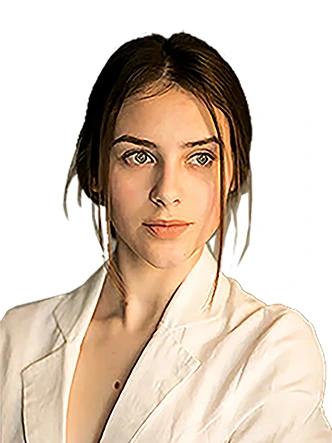
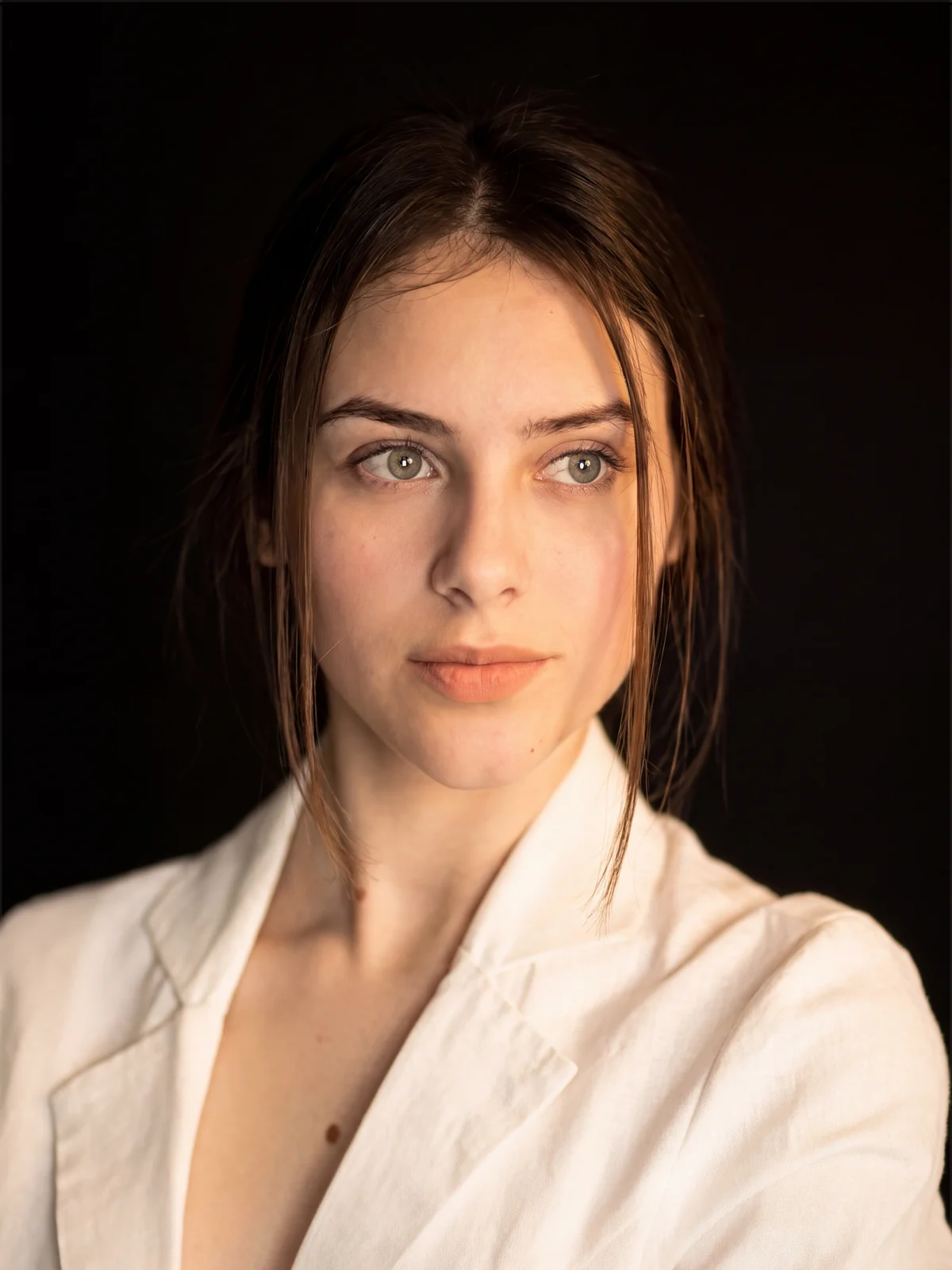 Before4K
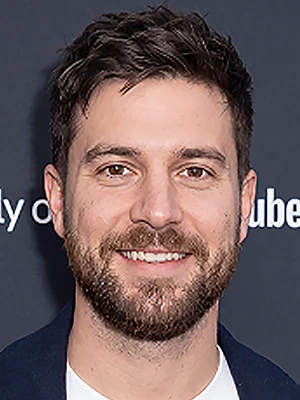
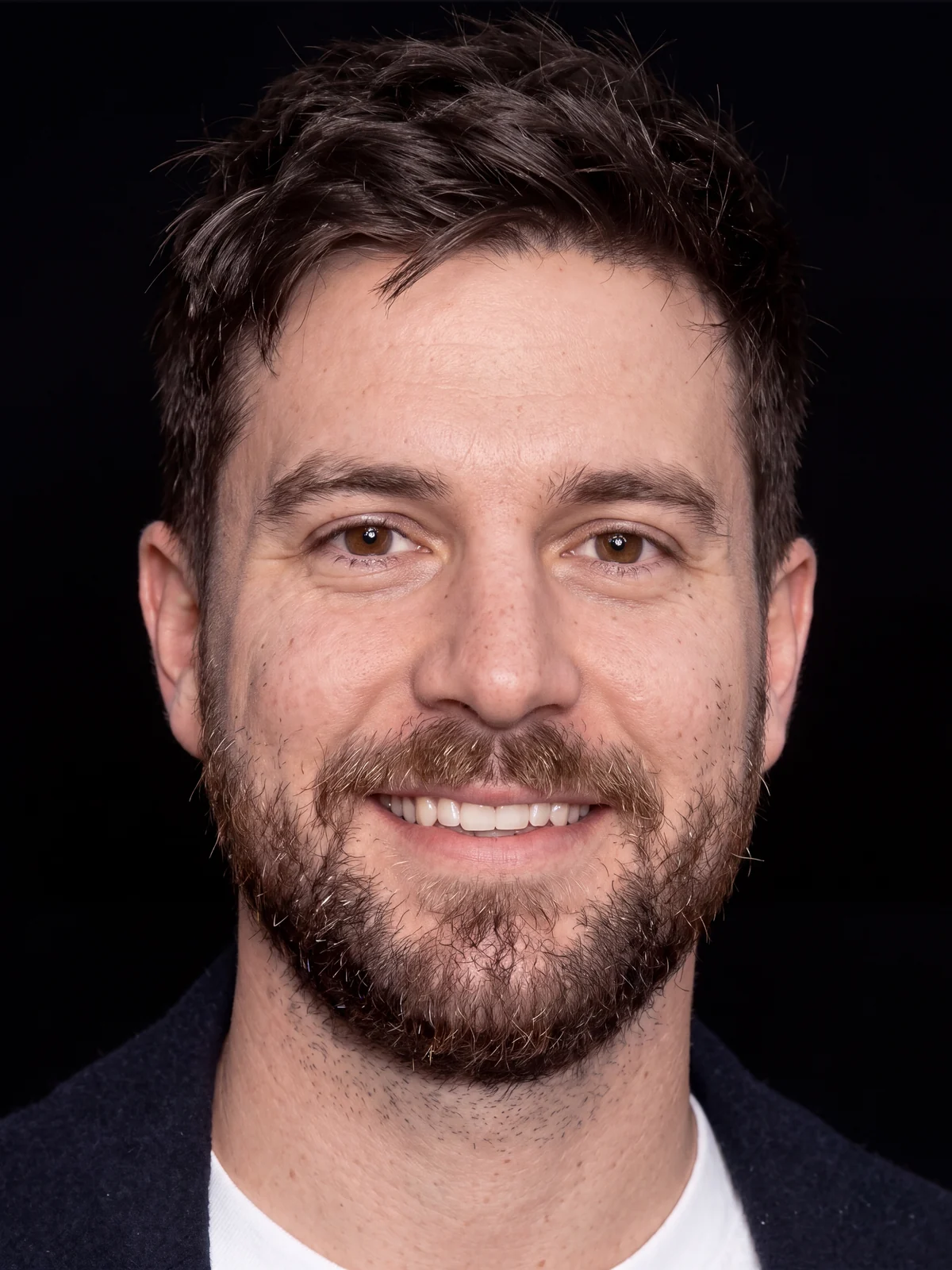 Before4K
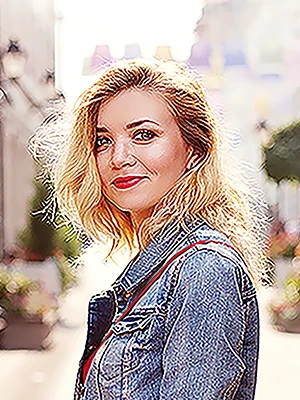
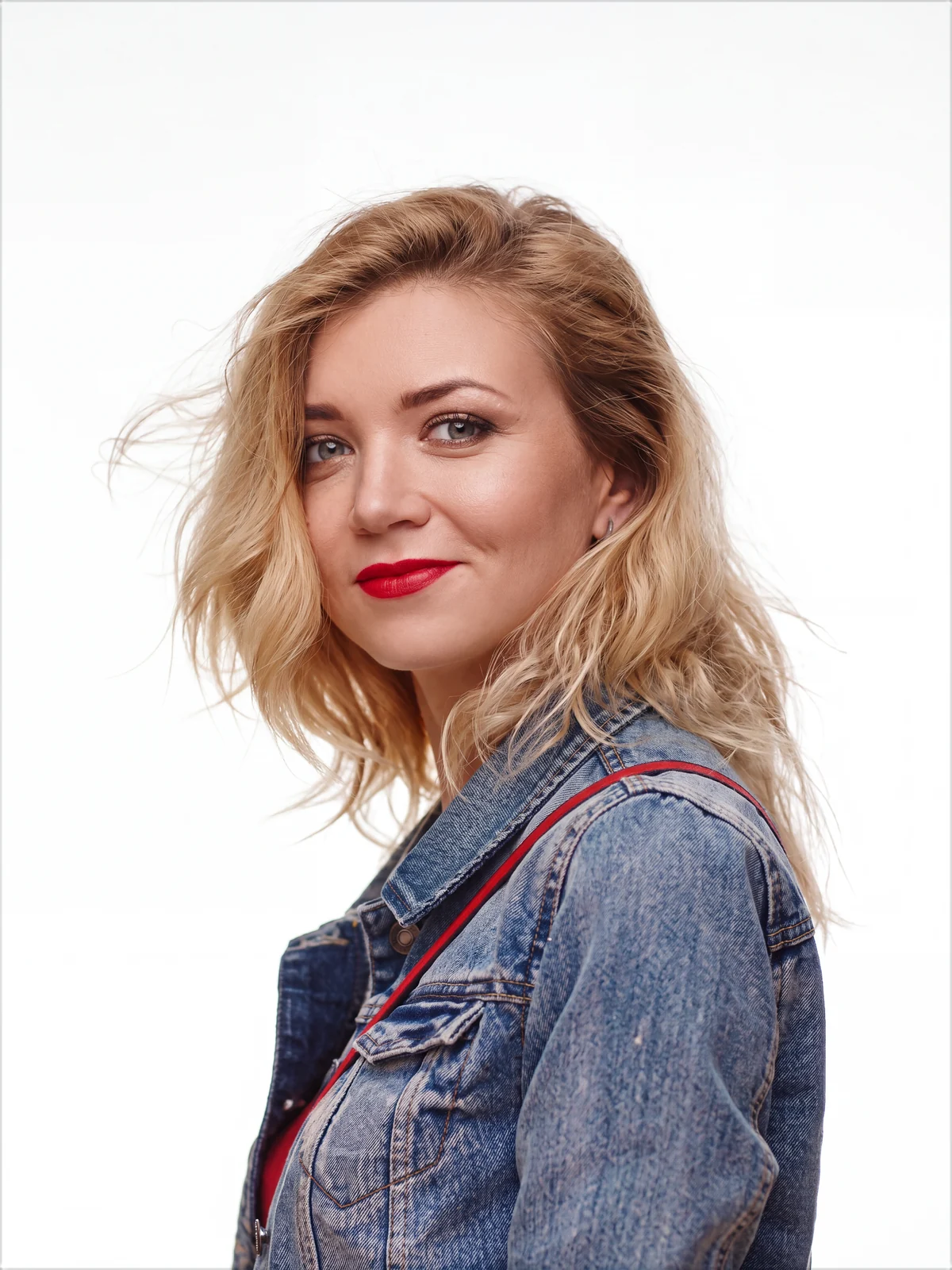 Before4K
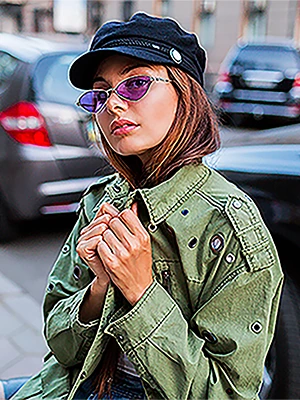
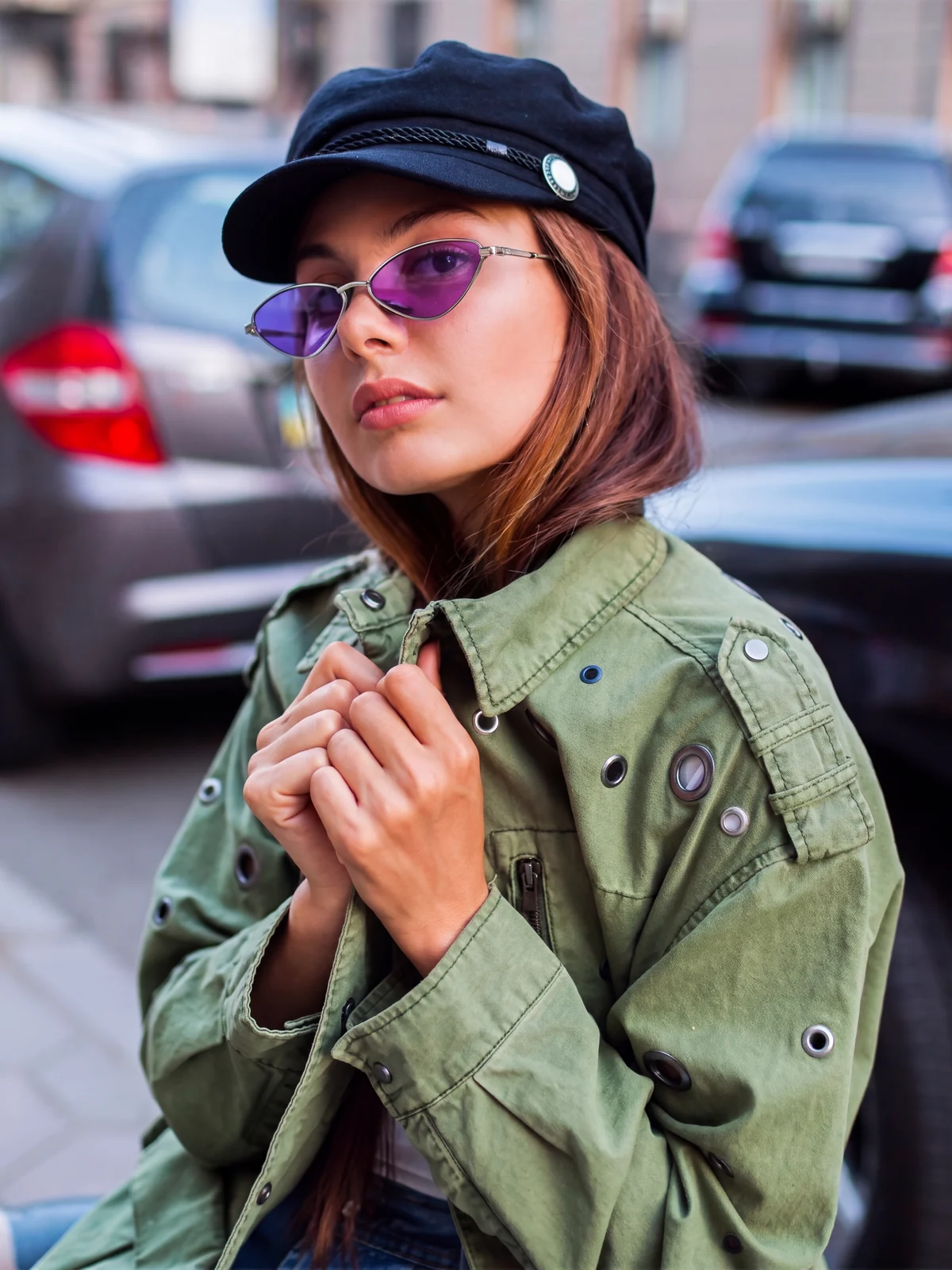 Before4K
Real results, 7 credits each. Drag any handle.
What it does
- It rebuilds the portrait at 4K. Skin texture, hair and eyes come back, and the parts that were out of focus stay soft.
- It keeps the person. It is built to keep the face, the expression and the pose as they are, and to retouch only lightly: even skin tone, real pores.
- You pick the background. The photo's own, black, white, or a soft gray, blue, green or brown gradient, and the light on the person is matched to it.
- It lands as a layer. Named after the background, above your original. Your file can grow to fit the 4K result, or keep its size with the result on a smart object.
What it costs
7 credits per portrait, at 4K, on every plan. A failed job refunds itself, and the price is on the button before you click.
How to get it
It is already in your panel: open Radbin, go to Enhance, and it is under Photo, marked New. Tools arrive on our side, so you need no update for it.
There is an update anyway. Radbin 1.2.3 for Photoshop downloads big results, like 4K images, in small parts, so when a connection stalls only that part is fetched again, not the whole image. It also shows Studio portrait's backgrounds as colour squares. Click Update on the bar in the panel when it shows.
The tutorial: all four examples, 7 minutes.
The step by step tutorial walks through each example, and the guide explains every setting.
Rebuild your own portraits in 4K, inside Photoshop
Studio portrait is on Radbin's Enhance tab, next to 14 other tools and eleven image models. Each portrait costs 7 credits, and a failed job refunds itself.
Watch Radbin on YouTube
Real tests and tutorials, all inside Photoshop. See the whole channel.
 19:25Relight any photo in Photoshop with AI
 20:03Nano Banana 2.1 vs GPT Image 2 and FLUX 3: ten tests
 14:31Photoshop Relight vs Radbin Lightsmith
 10:24Retouch skin without losing the texture
 9:28Every Radbin tool in 9 minutes
 9:50Fix the focus of any photo after it was taken
 1:43Radbin changes only what you ask