 Radbin
FreeThe PDF from my YouTube video
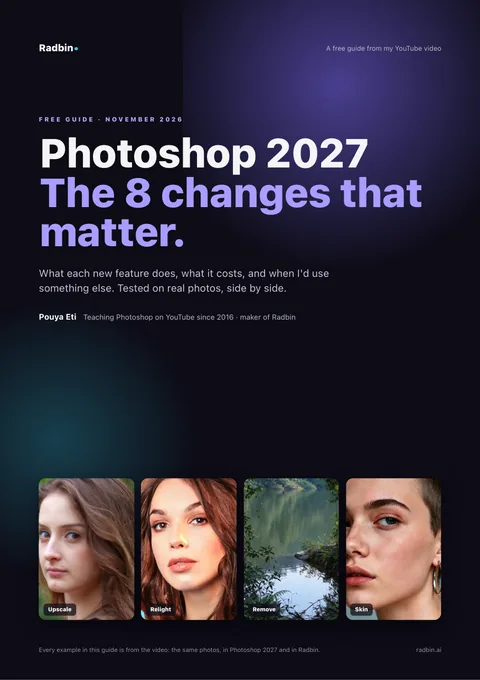
Photoshop 2027:
Photoshop 2027:
the 8 changes that matter.
What each new feature does, what it costs, and, for five of them, the tool I'd use instead.
What's inside
Eight changes, tested.
15 pages, one change at a time, with the real results from my video.
01
A new look
Rounded tabs, and tool menus that open as you hover.
02
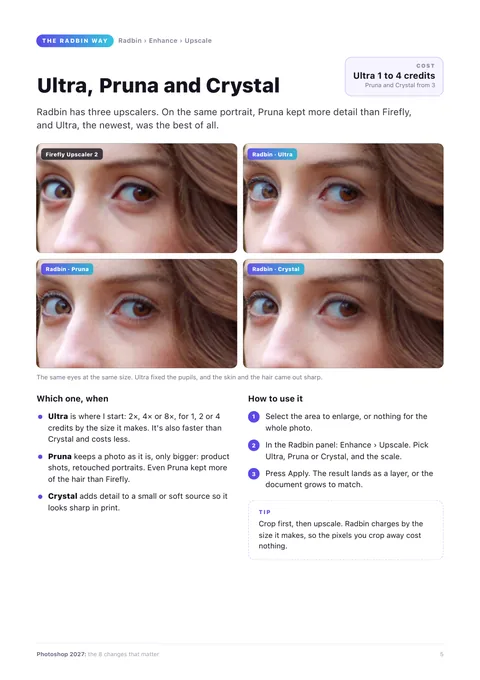
Generative Upscale
Firefly Upscaler 2, what it costs, and the upscaler I'd start with.
03
Your own placeholder text
Swap “Lorem ipsum” for your own words, in any language.
04
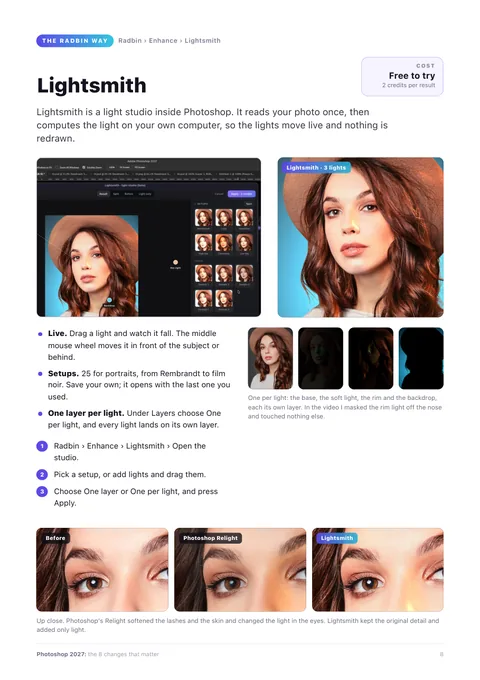
Relight
Lights you drag onto any photo, and when a live studio does better.
05
Remove related elements
An object goes, and its reflection goes with it.
06
Denoise for any photo
Not only raw files any more, and no credits spent.
07
Quick Compare
Your edit against the photo as you opened it.
08
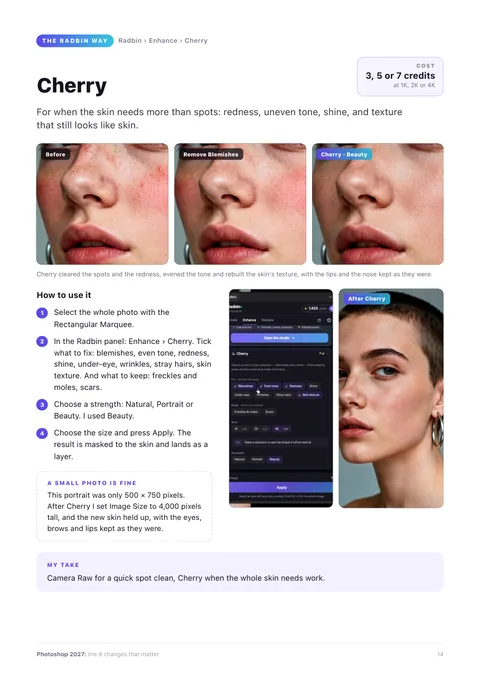
Remove Blemishes
Spots cleared in Camera Raw, and a retouch that rebuilds the skin.
Questions
Good to know.
Is it free?
Yes. Enter your email and the PDF arrives in about 5 minutes. Nothing to pay, nothing to install.
The email didn't arrive.
It comes about 5 minutes after you ask, from Pouya Eti. Look in spam and promotions, and check the address is spelled right. Still nothing? Write to support@pouyaeti.com.
Do I need Photoshop 2027?
To try the eight changes, yes. The Radbin tools in the guide work in Photoshop 23.3 and newer, and Lightsmith in Photoshop 2025 (26.0) and newer.
Who is it from?
Pouya Eti. I have taught Photoshop on YouTube since 2016, and I make Radbin, the AI plugin for Photoshop that the guide suggests for five of the changes.
Free
Get the guide.
Enter your email. The PDF arrives in about 5 minutes.