 Radbin
For two years I have watched the same thing happen to good photographers and retouchers. They know AI can restore the photo, relight the scene, or fix the skin. They have seen it done. And then they spend an afternoon between five websites, three API dashboards and one prompt that refuses to listen, and the result, when it finally arrives, does not fit the file they were working on.
Radbin is my answer to that afternoon.
A panel, not a website
Radbin lives inside Photoshop. You select an area, click a named tool, and the result comes back as a new layer: masked to your selection, named after what you chose, undoable with Cmd+Z. There is no prompt box on the tools, because the prompt is our job. There are no API keys, because the models run on our side and you pay in credits.
What is in 1.0
- Restore photo. Tick what is wrong with it: tears, fading, colour, grain, faces.
- Relight. Golden hour, studio, candle, night. The scene is lit again; everything in it stays put.
- Refocus. Set a focus point, pick a lens and an aperture, keep your subject's own pixels.
- Cherry. Skin retouching that keeps texture, masked to skin by itself.
- Upscale. Pruna for faithful, Crystal for detail.
- Create. Seven models for when you do want to type: GPT Image, Nano Banana, Seedream, Qwen, Grok.
- 48 recipes. One-click looks for portraits, styles, stickers and thumbnails. New ones every month, added on our side, no update needed.
Why credits
Every result costs real compute, and I would rather charge for results than for seats. So a failed job refunds itself, the exact cost shows before you click, and every plan has every tool. The only thing you choose is how much you make.
Founding members
Founding Pro members get 1,125 credits a month instead of 750, for as long as they stay. The reason is simple: the first members will tell me what to build next, and that is worth more than the credits. The seats are here.
Read next: what each of the six tools does and costs, the plans, and the two-minute install guide.
Thank you for reading this far. Go restore something.
Pouya
Every tool in this post, inside Photoshop
Eleven image models and 14 one-click tools on one panel. No API keys, every result lands as a layer, and a failed job refunds itself.
Watch Radbin on YouTube
Real tests and tutorials, all inside Photoshop. See the whole channel.
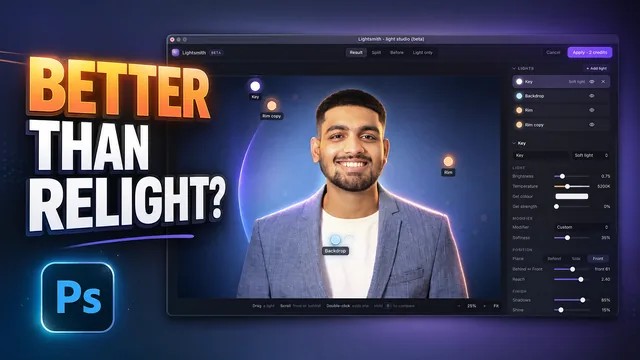 19:25Relight any photo in Photoshop with AI
 20:03Nano Banana 2.1 vs GPT Image 2 and FLUX 3: ten tests
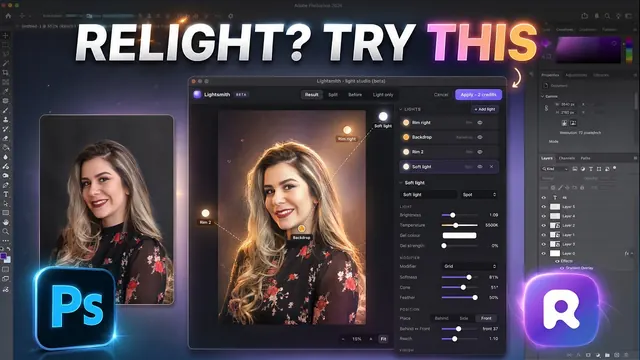 14:31Photoshop Relight vs Radbin Lightsmith
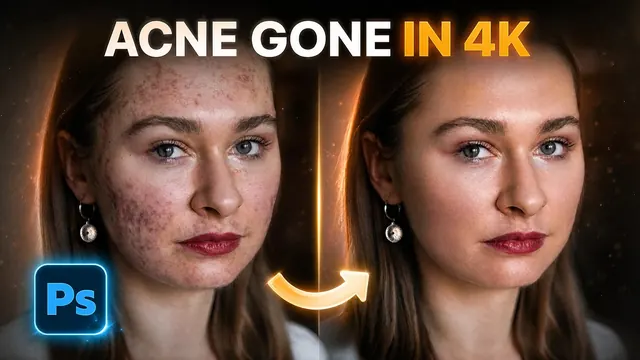 10:24Retouch skin without losing the texture
 9:28Every Radbin tool in 9 minutes
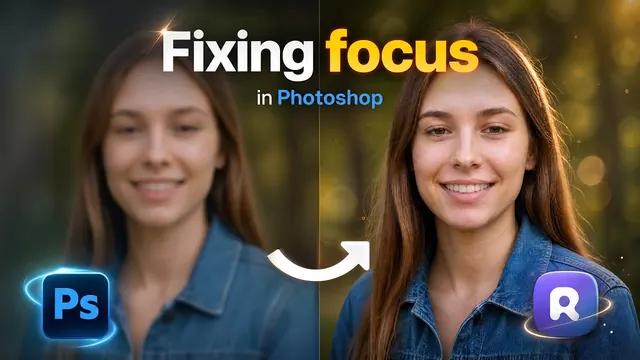 9:50Fix the focus of any photo after it was taken
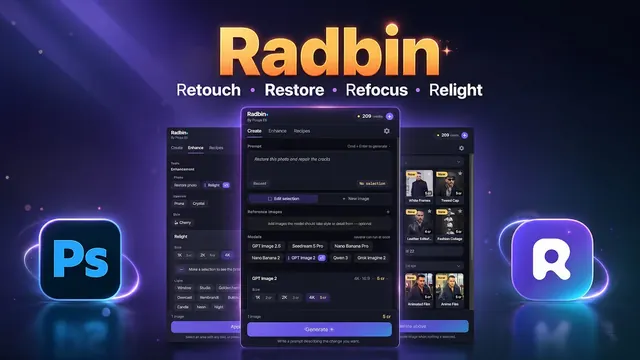 1:43Radbin changes only what you ask